
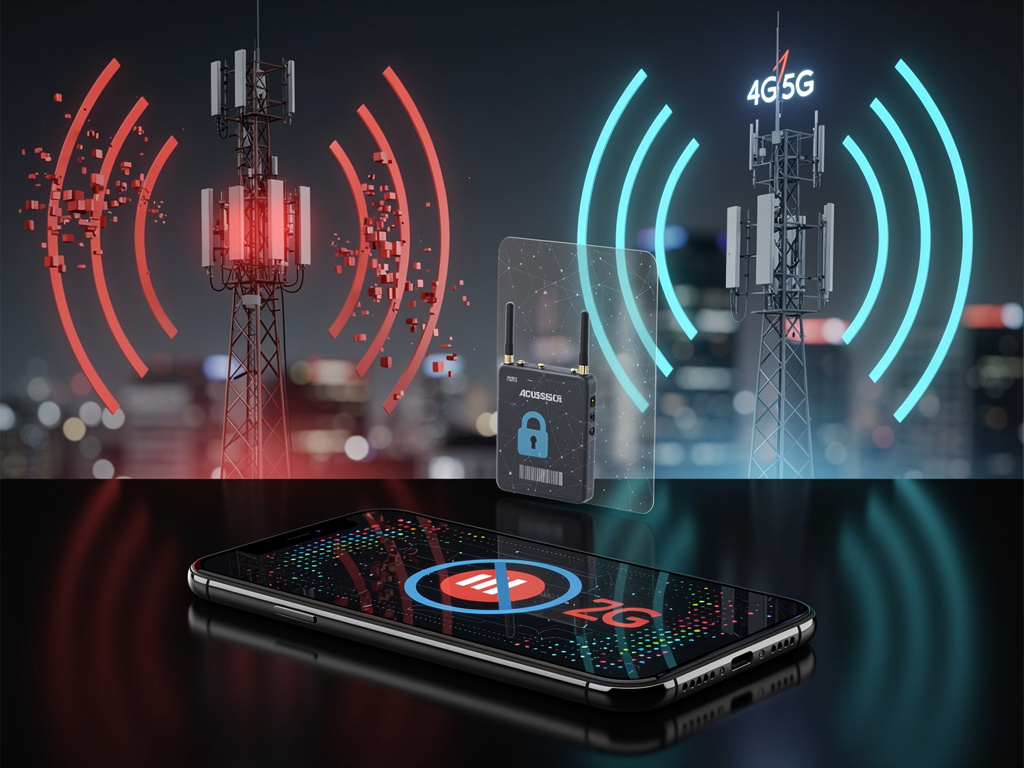

Android 17 lets mobile carriers switch off 2G connectivity by default for their users, a change aimed at “SMS blaster” attacks that push phones onto the old network to deliver scam texts. Users have been able to flip that switch themselves since Android 12.
The weakness is old. On 2G, a phone has to prove its identity to the tower, but the tower never has to prove itself to the phone. That isn’t the case on 3G, 4G or 5G, as MakeUseOf explained. An SMS blaster is essentially a portable fake cell tower: attackers set one up near a crowd, it broadcasts a signal that pushes nearby phones down to 2G, and because 2G is enabled by default on most Android phones, they connect to it.
What Android 17 adds
Google’s recap of Android 17 network security, summarized by 9to5Google, describes attacks that “force nearby smartphones to drop their LTE or 5G connections and downgrade to less secure, legacy 2G networks,” after which phishing texts arrive. Carrier-level defaults put the 2G block in place without waiting for each user to find the setting. The same release adds Encrypted Client Hello to hide the domain names users visit and requires apps to ask permission before scanning the local network.
A newer route to 2G: malicious SIMs
Fake towers aren’t the only way to force a downgrade. University of Birmingham researchers presented work at the USENIX WOOT conference in August showing that a malicious SIM card can send commands to some phones and modems, The Register reported. They tested 26 devices and found nine exposed an AT command interface to the SIM. On an Oppo Reno14 F 5G, SIM-issued commands pushed the phone back onto 2G, and toggling airplane mode, disabling the SIM and changing network settings all failed to reverse it. The attack requires control of the SIM itself, through compromised SIM software, physical tampering, a malicious or breached operator, or the supply chain.
How to turn 2G off
On recent Android versions, the setting is usually under Settings > Network & internet > SIMs, labeled “Allow 2G” or something similar. Wording varies by manufacturer. The trade-off is coverage: in remote areas where 2G is the only network available, a phone with 2G disabled may have no service.


 WebProNews is an iEntry Publication