

Updated Oct. 26, 2026, 6:48 a.m. ET: Developer verification enforcement has since taken effect in Brazil, Indonesia, Singapore and Thailand, GSMArena reports.
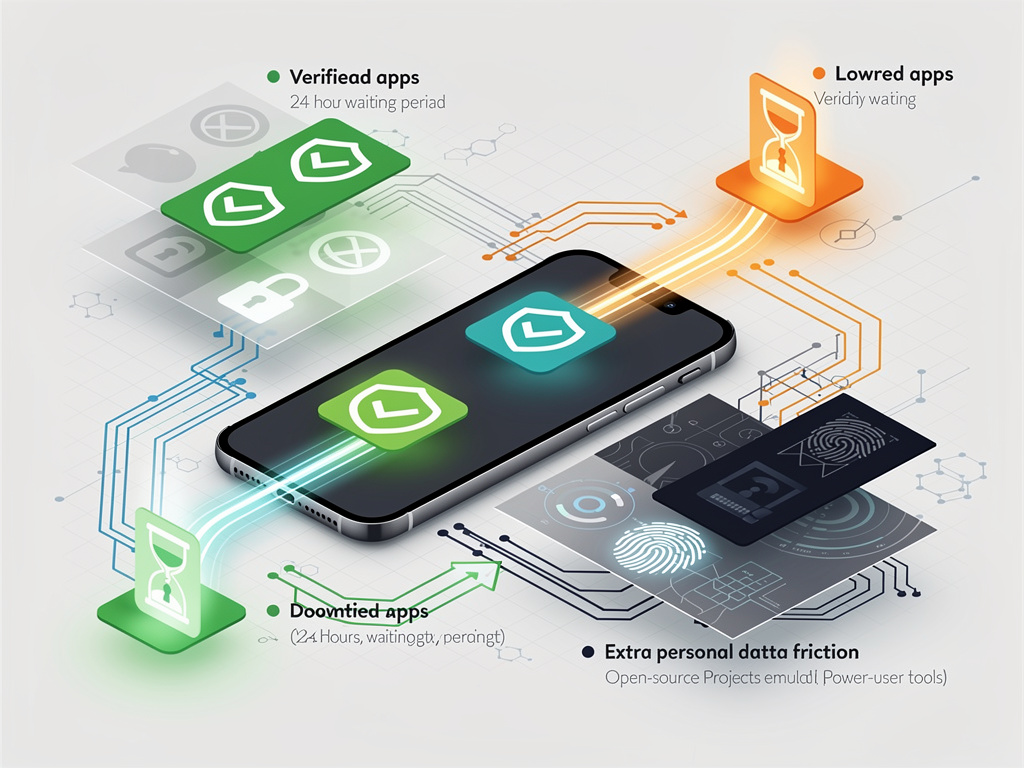
Installing an Android app from outside the Play Store is about to come with a waiting period. Ahead of developer verification requirements that take effect in September, Google is making available the “advanced flow,” a one-time process that lets power users keep sideloading apps from unverified developers, but not in a hurry.
The rules
Under Google’s verification program, first announced last August, apps installed on certified Android devices must come from developers who have registered their identity. Enforcement starts in September in Brazil, Indonesia, Singapore and Thailand, with a global rollout planned for 2027 and beyond, according to the original announcement. Google justified it with its own analysis, which found “over 50 times more malware from internet-sideloaded sources than on apps available through Google Play.”
Ars Technica reported that developers distributing outside Google Play will have to provide identification, upload a copy of their signing keys and pay a $25 fee.
How the bypass works
Google laid out the steps in a March blog post:
– Enable developer options in system settings. – Confirm that nobody is coaching you to turn off your protections. – Restart the phone and re-authenticate, which cuts off any remote access or active call a scammer might be using. – Wait one day, then confirm with a fingerprint, face unlock or PIN. – Choose to allow unverified installs for seven days or indefinitely. Each install still shows a warning with an “Install Anyway” button.
The setting doesn’t advertise itself the way the old “unknown sources” prompt did. Ars reported that it sits under Developer Options as “Allow Unverified Packages,” and that users who choose “indefinitely” only have to do it once and can turn developer options off afterward.
Why the wait
The delay targets phone scams. Google cited a 2025 Global Anti-Scam Alliance report finding that 57% of surveyed adults experienced a scam in the past year, with global losses of $442 billion. “In that 24-hour period, we think it becomes much harder for attackers to persist their attack,” Android Ecosystem President Sameer Samat told Ars. “In that time, you can probably find out that your loved one isn’t really being held in jail or that your bank account isn’t really under attack.”
Critics, including developers who distribute outside Play, see the verification requirement itself as the bigger problem, since it ties every widely distributed app to a registered identity. Google’s concession for hobbyists is a free limited-distribution account that lets students and experimenters share apps with up to 20 devices without a government ID or registration fee. Both that account type and the advanced flow were slated to arrive in August, before enforcement begins.


 WebProNews is an iEntry Publication