
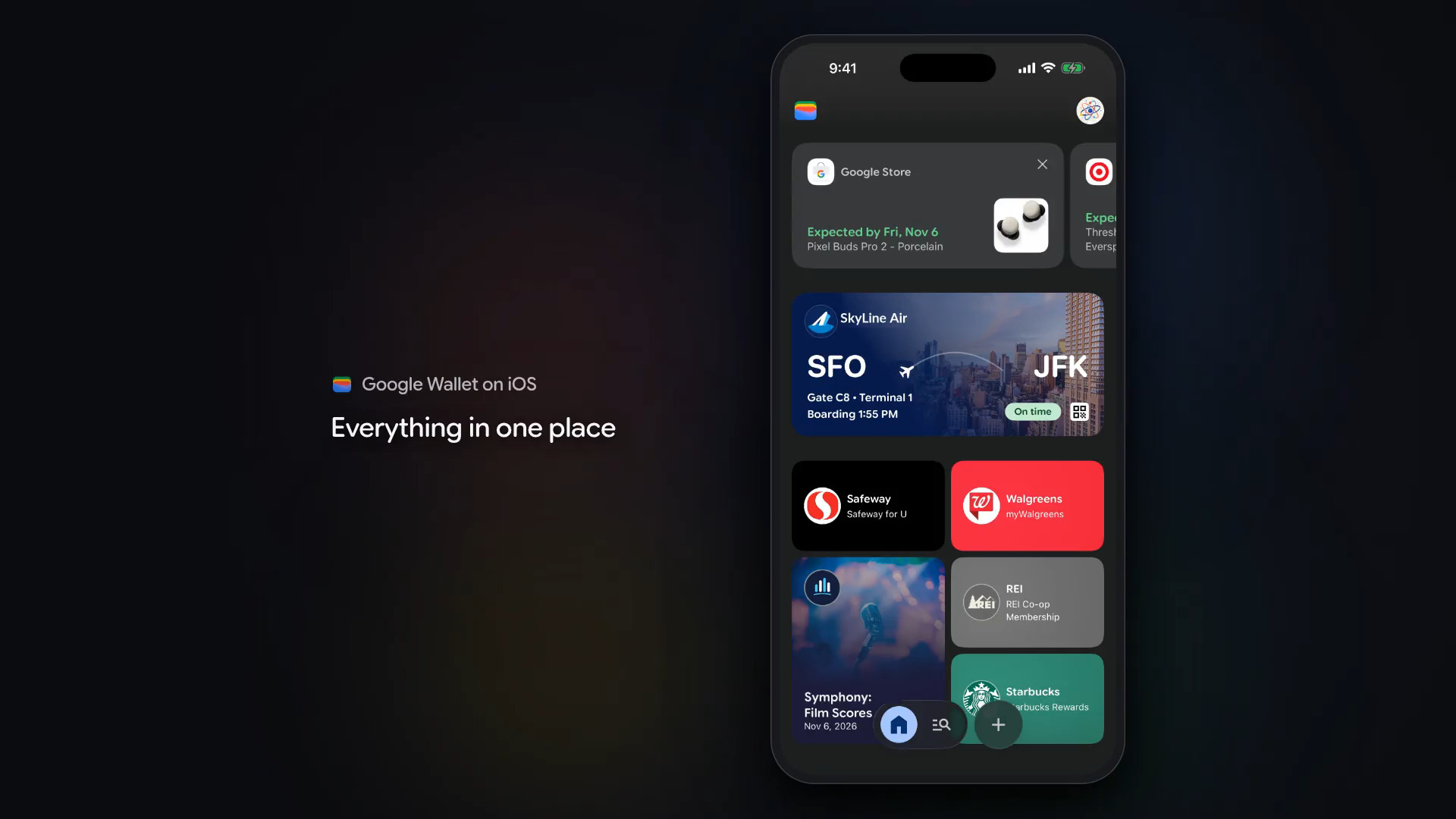

Google announced Tuesday that its popular Google Wallet application is finally available on iOS in the U.S.
Google Wallet, Samsung Wallet, and Apple Pay all compete in the same space, although each has a strong following on its own platform. For users who jump back and forth, or carry both an iOS and Android device, a cross-platform option would be a game-changer—and Google just provided it.
In a blog post, Google announced the app’s availability on iOS:
Today, we’re bringing Google Wallet to iOS users across the U.S., making it faster to get what you need and easier to organize purchases, tickets, boarding passes, and more in one easy place. As we look toward the future of shopping, Google Wallet will also be a secure hub for managing agentic purchases across Google, and today’s update expands access to more people, no matter what type of device they use.
By automatically syncing with your Gmail and other Google apps, Google Wallet keeps your package tracking, digital boarding passes, concert tickets, and receipts anywhere easily across your devices. Here’s what else you can do with Google Wallet on iOS:
- Digitize your physical cards. Quickly scan loyalty cards and gym memberships using your phone’s camera to import them into Google Wallet.
- Securely manage payment cards to check out faster online across Google and anywhere you use Google Pay.
- Stay in control of agentic purchases made across Google. Easily view and manage order confirmations, receipts, and delivery updates all in one secure place.
Unfortunately, tap-to-pay functionality is not supported on iOS at launch time.


 WebProNews is an iEntry Publication