


Google Earth Engine users can now ask Gemini to write, explain, debug and speed up their scripts without leaving the Code Editor. The new Ask panel, which sits on the right side of the editor, became available globally on Monday, Google said in a Google Cloud blog post.
There’s a catch for anyone expecting it to be free: Ask runs on the user’s own Gemini API key, created in Google AI Studio. Free-tier keys work within limits, while paid-tier keys are billed for usage under Gemini API pricing.
The assistant automatically reads the full text of the active script, any imported assets and geometries, and the current chat history, so users don’t have to paste in code or describe their datasets. At launch, users can pick Gemini 3 Flash Preview, Gemini 3.1 Pro Preview or Gemini 3.5 Flash. Optional tools let it search Earth Engine’s documentation or its Data Catalog, or ground answers in Google Search, though the Search option can’t be combined with the other two.
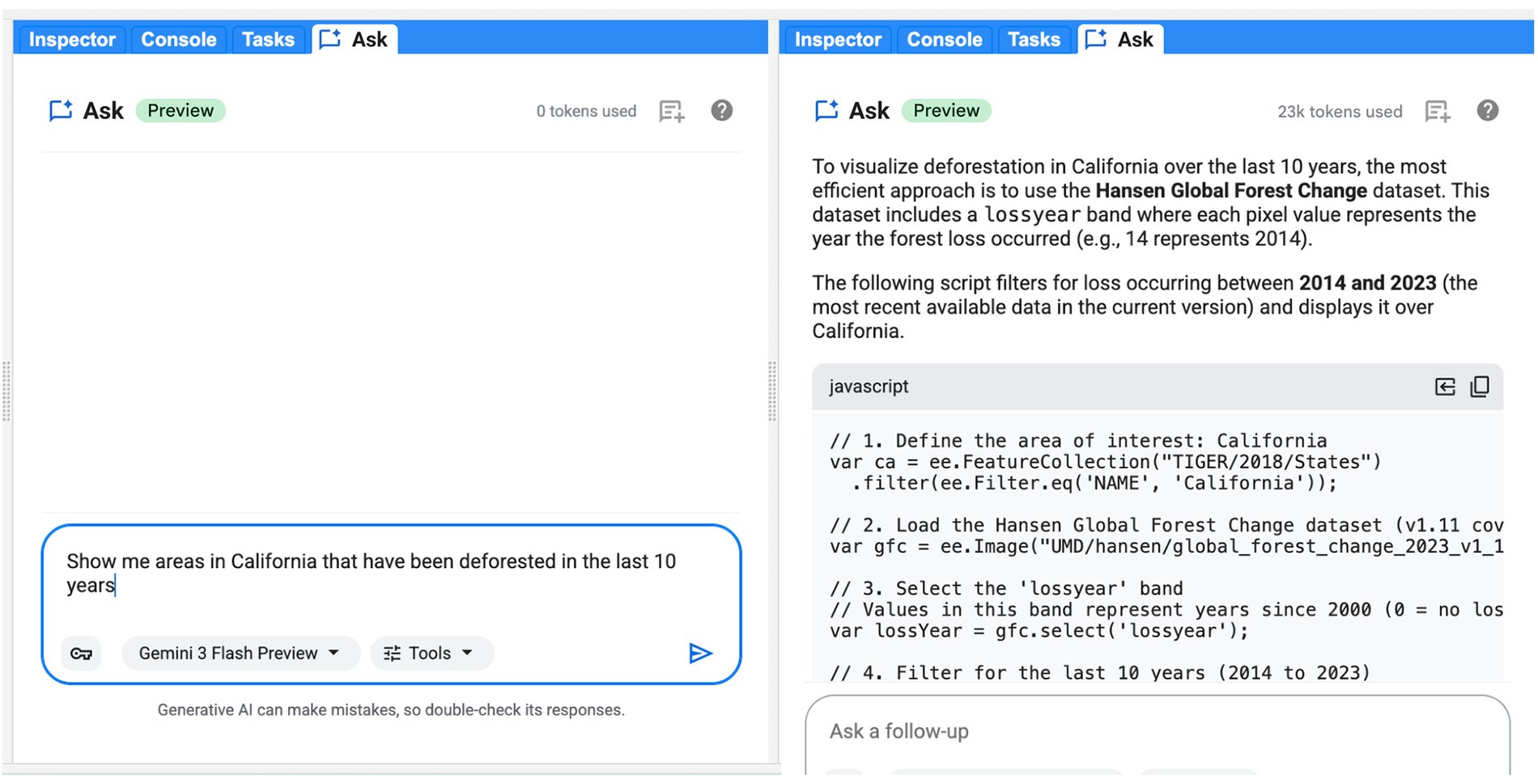
Google’s example prompt asks for a script that loads Sentinel-2 imagery for 2025 over Boulder, Colorado, applies a cloud mask, calculates NDVI and adds the median composite to the map. Generated JavaScript can be copied or inserted directly; if the script already has code, a side-by-side diff appears for review before changes are accepted.
Error messages in the Console now carry a “Troubleshoot” button that opens Ask with the error and a request to diagnose it. Users can also ask for help with scripts that run slowly or throw “computation timed out” or “too many concurrent aggregations” errors, and Gemini will suggest fixes such as filtering earlier or moving client-side loops to the server.
Google’s developer guide warns that the assistant “may occasionally provide incorrect or unexpected responses” and tells users to review and test any code before relying on it. Earth Engine is part of Google Earth AI, the company’s collection of geospatial models and datasets.


 WebProNews is an iEntry Publication