
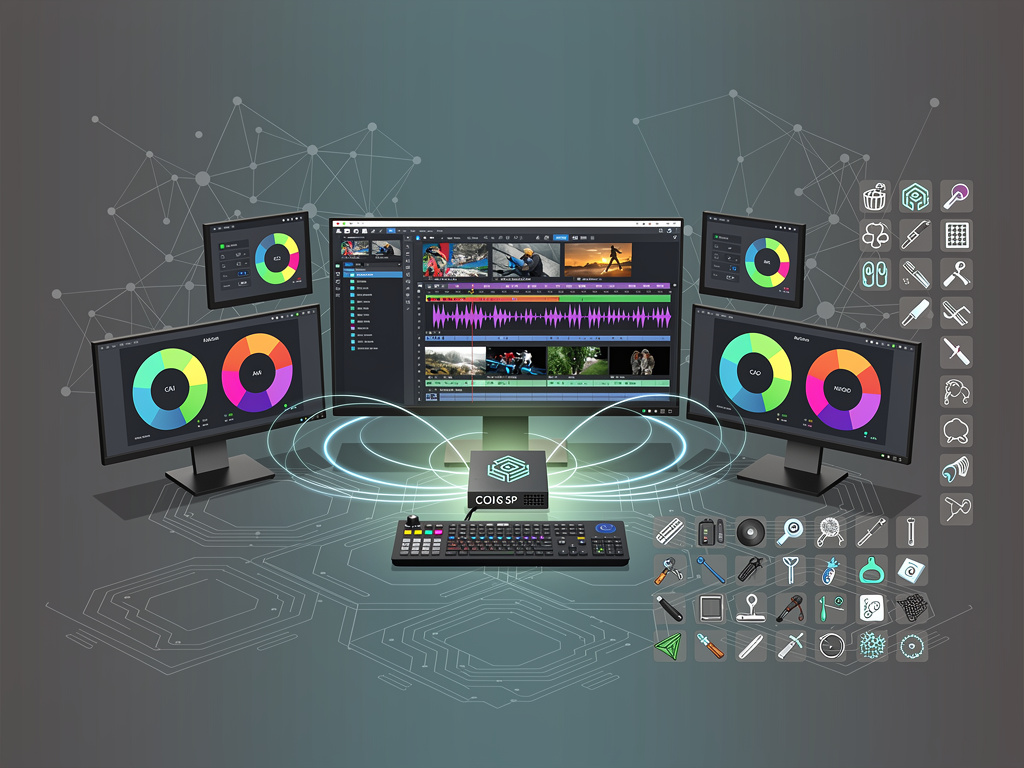

Blackmagic Design released DaVinci Resolve 21.1 on Tuesday at IBC 2026 in Amsterdam. The free update adds more than 100 new tools and controls, and its headline feature lets AI assistants drive the software through plain-language requests.
The integration works with Claude, Claude Code and ChatGPT Codex. According to Blackmagic’s announcement, users can ask an assistant to analyze projects, organize media, adjust settings and batch render. The company’s own examples include creating highlight edits from long-form video, removing unwanted clips and rendering deliverables, “so they can spend more time being creative rather than getting bogged down in repetitive tasks.”
Under the hood it is an MCP server, the connector standard AI tools use to plug into other software, CG Channel reported. The AI assistant link is part of the paid DaVinci Resolve Studio, which also gets 20 new scripting APIs with built-in console support, according to RedShark News. The assistants can only do what that scripting API allows. On Hacker News, one user who tried the connector said it couldn’t move a clip in the timeline and got the reply that “Resolve’s scripting API also has no way to reposition an existing timeline item.”
Photo page and color
The Photo page, new in Resolve 21, gets its first update. It now reads files natively from Fujifilm’s GFX and X series, Leica SL cameras and more Sony Alpha models, and photographers can adjust image settings with Blackmagic’s DaVinci Resolve color panels, including the Micro Color Panel. Sky replacement also comes to still images.
On the Color page, the MultiMaster Trim manager in Studio now supports separate passes for Dolby Vision, HDR10+ and HDR Vivid, so colorists can grade each HDR format individually. A new ResolveFX Panomap node handles spherical and hemispherical footage. New color profiles include DJI D-Gamut2 and D-Log2, Leica L-Log and GoPro Log.
Fusion gets 25 more Krokodove tools
The Krokodove motion graphics library, added to Fusion in Resolve 21.0, gets more than 25 new tools, mostly for 2D shapes and 3D forms. CG Channel singled out Connect3D, which joins vertices with networks of lines, HeightFieldCreate3D, which deforms 3D planes from bitmap images, and TubeCreate3D, which builds networks of tubes. There are also utility tools for isolating regions of a 3D scene.
VFX artists get a Fusion Division Radial calibration mode in the Lens Distort tool, imported tracks in the Camera Tracker, deep compositing updates and “up to 8x faster” hardware-accelerated deep renders. Fusion also adds support for OpenPBR material shaders, and the MultiText tool gets new layer alignment options.
The release also brings native support for NVIDIA’s RTX Spark chips, more GPU-accelerated decoding options on NVIDIA GPUs and haptic feedback on Windows. Resolve 21.1 runs on Windows 10 or later, Rocky Linux 8.6 and macOS 15 or later. The base edition stays free, and Studio costs $295 as a perpetual license, with 21.1 free to existing Studio owners.


 WebProNews is an iEntry Publication