
Unlocking Android Auto’s Secret Layers: The Overlooked Developer Tools Reshaping In-Car Tech
In the evolving realm of automotive technology, Android Auto stands as a pivotal bridge between smartphones and vehicle dashboards, offering seamless integration for navigation, media, and communication. Yet, a recent survey reveals a surprising gap in user awareness: many drivers remain oblivious to a hidden menu that unlocks advanced developer options and supports third-party apps not found on the Play Store. This oversight highlights broader trends in how consumers interact with car-infused software, where powerful features often lurk just out of sight, waiting for those savvy enough to discover them.
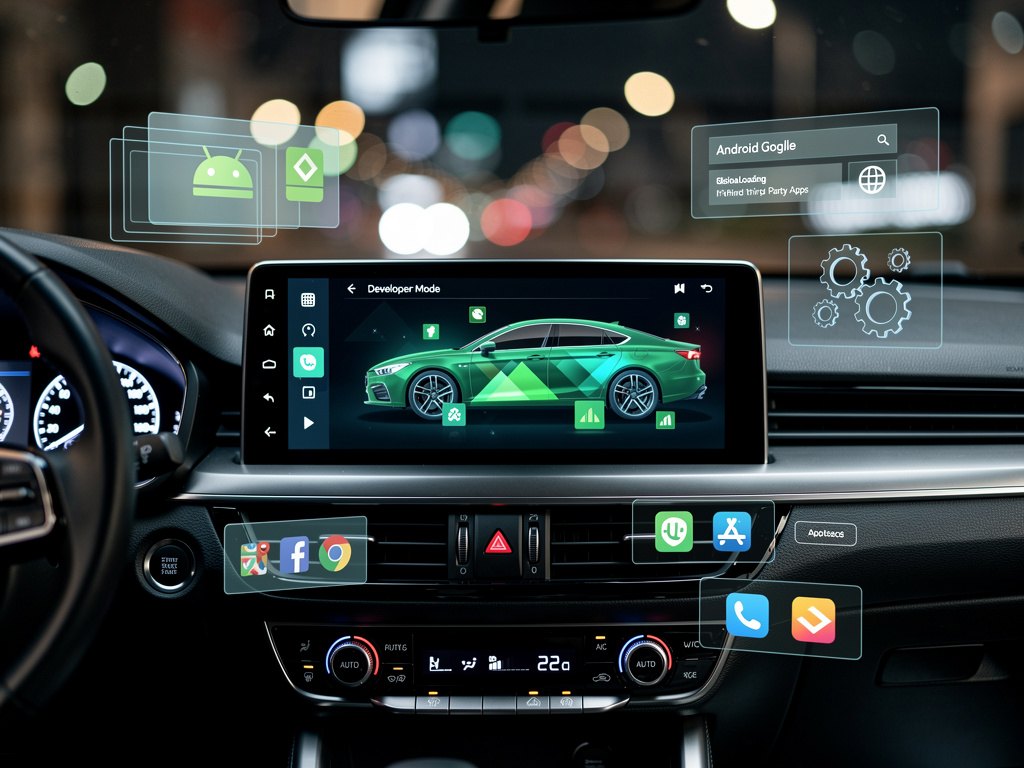
The poll, conducted by Android Authority, queried readers on their familiarity with Android Auto’s developer mode. Results showed that a significant portion—over half of respondents—had no idea this feature even existed. This mode, accessible by tapping the version number multiple times in the settings, opens up tools for app testing, customization, and integration of non-standard applications, potentially transforming the driving experience for tech enthusiasts and developers alike.
Beyond mere curiosity, this hidden menu ties into Google’s ongoing efforts to expand Android Auto’s ecosystem. Developers can leverage it to sideload apps, experiment with interfaces, and push the boundaries of what’s possible on a car’s display. As vehicles become smarter, such features underscore the tension between user-friendly design and the need for deeper customization, a balance that tech giants like Google continually navigate.
The Pulse of User Awareness
Delving deeper into the survey data, it’s clear that awareness varies widely. While some users actively engage with developer mode to tweak settings like screen resolution or enable experimental features, the majority treat Android Auto as a plug-and-play service, missing out on its full potential. This echoes findings from a related poll on Android Authority, where readers expressed surprise at the existence of such options, with many admitting they never explored beyond basic navigation and music apps.
Industry insiders point out that this lack of knowledge isn’t unique to Android Auto. Similar patterns emerge in other platforms, where advanced settings are buried to prevent accidental misuse, yet this approach can stifle innovation. For developers, the hidden menu serves as a gateway to creating apps that go beyond Google’s approved categories, such as specialized tools for electric vehicle charging or custom parking assistants, as highlighted in updates from the Android Developers Blog.
Moreover, recent news from Android Police suggests Android Auto is gaining ground over competitors like Apple’s CarPlay, partly due to its flexibility in app integration. The ability to sideload developer apps gives Android an edge, allowing for rapid prototyping and community-driven enhancements that keep the platform dynamic.
Evolving Developer Ecosystems
Google’s announcements at events like Google I/O have consistently emphasized expanding in-car experiences. The 2025 edition, detailed in the Android Developers Blog, introduced Gemini AI integration and enhanced tools for app creation, making it easier for developers to build and test on Android Auto. This push aligns with the hidden menu’s role, providing a sandbox for iterating on ideas before official release.
Posts on X from users and tech influencers reflect growing interest in these features. For instance, discussions highlight how developer mode enables tweaks that improve usability, such as customizing widget layouts or integrating niche apps, though sentiments vary on whether these should be more accessible. This buzz underscores a community eager for more control, even as Google maintains safeguards to ensure safety on the road.
In parallel, a teardown reported by Android Authority reveals upcoming changes to Android Auto’s music player, introducing a wavy progress bar for a more expressive interface. This Material 3-inspired update, spotted in an APK analysis, points to Google’s commitment to refining user interactions while developers experiment in the background.
Competitive Edges and User Adoption
Comparing Android Auto to rivals, insights from autoevolution argue that its older, more customizable framework outperforms the latest CarPlay in certain aspects, thanks to features like developer mode. Users who dive into these settings often report a more tailored experience, from adjusting display densities to enabling beta apps that enhance productivity during commutes.
Surveys like the one from FindArticles reinforce that many are unaware, with poll results showing “I didn’t know it was an option” as the top response. This gap presents an opportunity for education, as tech publications advocate for better onboarding to highlight these capabilities.
Furthermore, X posts from figures like Marques Brownlee reveal broader consumer sentiments: a poll with over 193,000 votes indicated that 58% wouldn’t buy a car without Android Auto or CarPlay support, emphasizing the importance of such ecosystems. Comments often praise Android’s openness, including its developer tools, as a deciding factor over more locked-down alternatives.
Innovations on the Horizon
Recent developments, such as the ability to install web browsers on Android Auto as noted in Lifehacker, demonstrate how developer mode facilitates unconventional uses like video watching or browsing—though with caveats for safe driving. This flexibility is part of what makes Android Auto appealing to innovators, allowing for apps that integrate with emerging tech like AI assistants.
The Android Developers Blog also announced early access to developer verification programs in November 2025, aimed at streamlining app distribution and ensuring quality. This initiative could bridge the gap between hidden features and mainstream adoption, encouraging more developers to explore the platform’s depths.
In terms of app collections, sources like Carluex curate top picks for 2025, including navigation and productivity tools that benefit from developer customizations. These apps often start in testing phases within the hidden menu, evolving based on user feedback.
Bridging Gaps in Knowledge
To address the awareness shortfall, experts suggest Google could incorporate tutorials or prompts within Android Auto to guide users toward developer options. Android Authority’s polls serve as a barometer for this, showing that once informed, many users experiment and report positive outcomes, such as smoother integrations with third-party hardware.
X conversations further illustrate this, with developers sharing tips on accessing and utilizing the mode, fostering a collaborative environment. However, caution is advised, as improper use could lead to instability, a point echoed in community discussions.
Additionally, articles from Android Authority list essential settings changes, including enabling developer mode, which can optimize the interface for individual preferences and enhance overall functionality.
Future Trajectories for In-Car Software
Looking ahead, the integration of apps like WebEx and Zoom, as announced in X posts from Android’s official account, expands Android Auto’s utility for professional use. These additions, rolled out in 2023 and beyond, rely on developer tools to ensure compatibility and safety.
The Android for Cars App Library, open since 2020 as per Android Developers’ updates, has enabled production of navigation, parking, and charging apps, many of which are tested via the hidden menu. This library’s evolution continues to empower creators, driving innovation in automotive tech.
Recent news on X about Android Auto’s split-screen alternatives, from Android Police, highlights user preferences for streamlined interfaces, often customized through developer settings. Such adaptations could define the next generation of in-car experiences.
Empowering Developers and Users Alike
As Android Auto matures, the hidden menu’s role in app development becomes increasingly vital. Insights from GSMArena on UI preferences indirectly tie into this, as custom skins and mods often stem from developer explorations.
Community feedback on X suggests a demand for more transparent access, potentially leading Google to surface these features in future updates. Meanwhile, polls continue to reveal untapped potential, urging both users and developers to delve deeper.
Ultimately, the survey from Android Authority illuminates a broader narrative: in the quest for intuitive tech, hidden depths offer riches for those who seek them, shaping the future of connected driving. With ongoing innovations, Android Auto’s developer ecosystem promises to keep evolving, blending accessibility with advanced capabilities for a more personalized road ahead.


 WebProNews is an iEntry Publication