
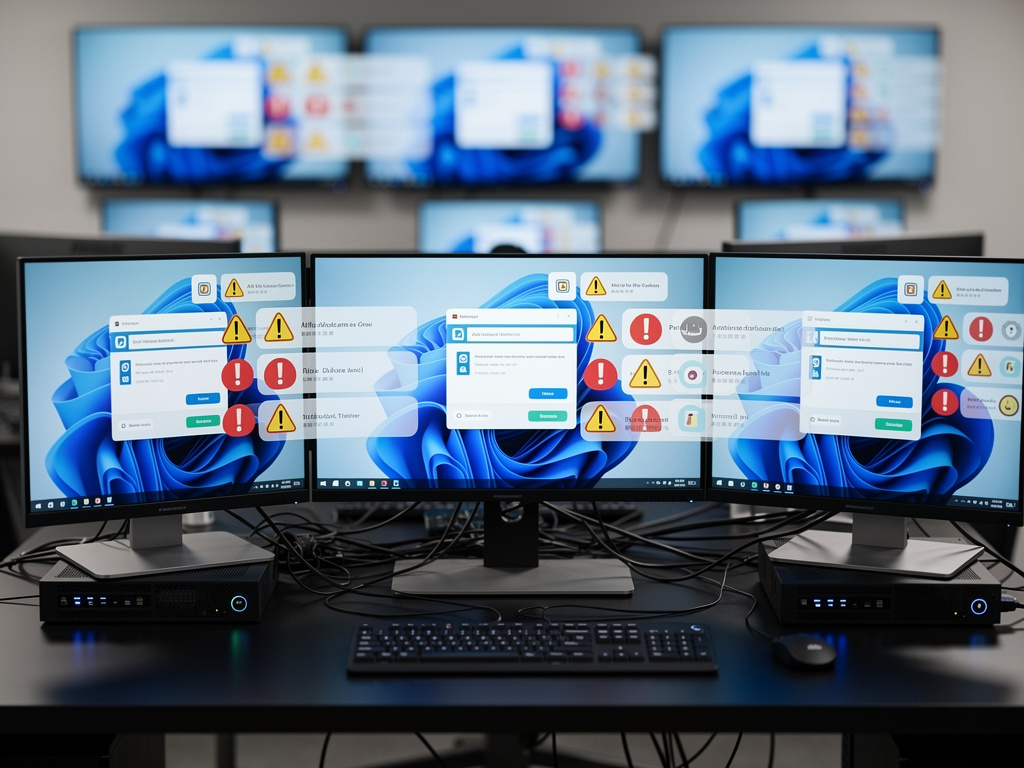
Picture this. You boot your Windows 11 PC for a routine workday. Instead of the familiar desktop, a screen blares: “You’re almost done setting up your PC.” Months after initial configuration. Years, even. This is no glitch. It’s Microsoft’s Second Chance Out of Box Experience, or SCOOBE, thrusting users back into setup prompts laced with subscription pitches. The Register first exposed the feature’s toll on productivity last week, detailing how it disrupts IT teams and front-line workers alike.
SCOOBE strikes post-Windows update, mimicking the original out-of-box flow but with a sales twist. First, browser settings nudge toward Microsoft’s preferences—potentially swapping Chrome for Edge without clear opt-out. Next, phone linking for desktop SMS. Then, Office checks that steer toward 365 subscriptions if absent. Xbox Game Pass Premium dangles at $14.99 a month. Windows tips cap it off. Skip buttons exist. But prominent calls-to-action tempt clicks. And it repeats. Multiple times over a device’s life.
IT pros seethe. Hanna Parkhots, data collection project manager at Unidata, saw SCOOBE hit contributors mid-task. “It led to numerous support ticket increases, which we found out by reviewing three error tickets filed within a week for the same SCOOBE-related message,” she told The Register. Users mistook prompts for errors, flooding helpdesks. Small businesses fare worse. Tatiana Egorova, a florist at Flowers N Baskets, watched it derail a wedding client consult: “The screen hijacked itself, pushing Office subscriptions while we were trying to pull up venue photos. Not a great look.”
Enterprises tolerate it—barely. Switching OS costs too much. But Sheraz Ali, founder of HARO Links Builder, warns smaller outfits lose precious minutes. “Each minute counts,” he said. Athena Kavis, a web designer, called it an “ad layer” that shatters device trust. Accidental installs violate policies. Corporate PCs hawk gaming subs. Browser flips defy IT mandates. Productivity evaporates.
Microsoft stays silent. The Register sought comment. None came. Older docs on Microsoft Learn describe SCOOBE as tied to new devices or major updates, not repeat offenders on mature machines. Yet here it is, persisting.
Disabling demands effort. Individuals hit Settings > System > Notifications > Additional settings. Uncheck “Suggest ways to get the most out of Windows and finish setting up this device.” IT leans on Group Policy: Computer Configuration > Administrative Templates > Windows Components > Cloud Content. Enable “Turn off Microsoft consumer experiences.” Block tips too. Task Scheduler hides “UserNotPresentOrFirstLogon”—disable if present. But Microsoft updates might override. No guarantees.
Reactions exploded online. Hacker News lit up with the Register piece, sysadmins venting frustration. Steven J. Vaughan-Nichols tweeted: “No, Microsoft. I don’t want Xbox Game Pass Premium on my work PC,” linking the article. X users echoed the sentiment, from The Register’s official post to Unix vets decrying the upsell.
This fits Microsoft’s push. Windows as services gateway. Subscriptions fuel growth—Office 365, Xbox, Edge adoption. Consumer tricks bleed into pro environments. Recall Windows Backup’s “second-chance” restore at sign-in, per The Register in January. Helpful there. Intrusive here.
But costs mount. Support tickets spike. Workers idle. Policies crumble. Small firms can’t absorb hits like Unidata or Flowers N Baskets did. Larger ones script workarounds, burning dev hours. Trust erodes. “It breaks trust in the device itself,” Kavis noted.
Workarounds evolve. Registry tweaks surface: HKEY_CURRENT_USER\Software\Microsoft\Windows\CurrentVersion\UserProfileEngagement, set ScoobeSystemSettingEnabled to 0. Per forums like Outsourced IT. Group Policy reigns for scale. Still, vigilance required. Updates rewrite rules.
Broader pattern? Windows Update woes persist. The Register dubbed it a “torture chamber” for idle PCs last month. Features like calendar-pauses for restarts tease control, yet SCOOBE slips through. Insiders glimpse refined screens—quicker skips promised. Per Microsoft’s roadmap. Too late for today’s pain.
So what’s next. Microsoft could toggle SCOOBE enterprise-only off by default. Honor notification blocks universally. Ditch gaming ads on pro fleets. IT begs for it. Silence lingers. Meanwhile, admins tweak. Users skip. Productivity pays the bill.
Fragment. Annoyance compounds.
One florist’s lost sale. One team’s ticket surge. SCOOBE’s tab grows.


 WebProNews is an iEntry Publication