
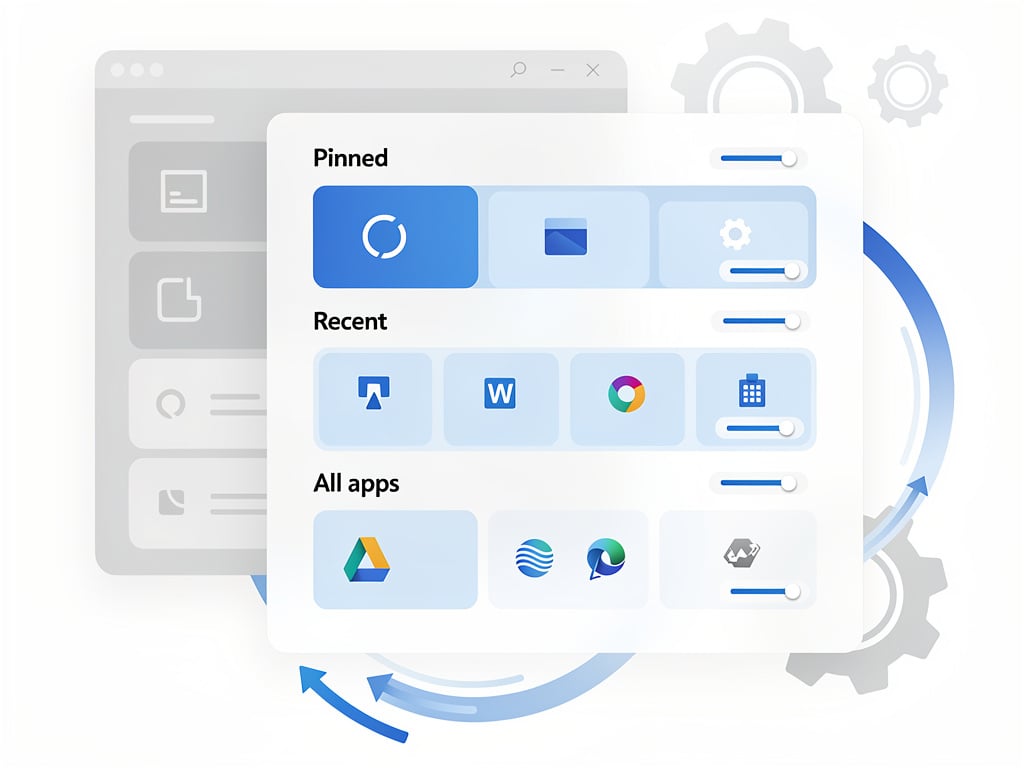
Microsoft has heard the complaints. After years of rigid layouts and limited options that left many Windows 11 users reaching for third-party tools, the company is testing changes that give real power over the Start menu. The updates arrive in preview builds and mark a notable shift in how the software giant approaches one of the operating system’s most visible elements.
Users can now resize the menu. They can hide entire sections. They can even conceal their account name and picture to avoid awkward moments during presentations. These adjustments come as part of a broader effort to address longstanding frustrations. The Windows Insider blog detailed the plans on May 15, 2026, with Diego Baca writing that “Start and taskbar are where that trust is tested most.”
The core updates focus on four areas. First, the menu gains Small and Large size options alongside an Automatic mode that adapts to the display. No more one-size-fits-all behavior that often felt oversized on larger screens. Second, independent toggles let users show or hide the Pinned apps, Recent items, and All apps list. The changes build on earlier redesigns that introduced a single-page scrollable view but left many feeling the interface took up too much space.
Third, privacy gets a direct boost. A new setting hides the user name and profile picture from the Start menu. And fourth, the Recommended section has been renamed Recent. It now emphasizes recently used files and apps without the heavier promotional suggestions that drew criticism. File recommendations can be disabled separately without wiping out Jump Lists or File Explorer history. The separation gives administrators and individuals finer control.
Hands-on testing shows the features deliver. In Windows Latest’s evaluation of Build 26300.8553 in the Experimental channel, the author found the smaller layout a favorite. Toggling off sections creates white space in some cases, yet the menu remains functional. Turn everything off and the result is an empty panel. Not practical, but it proves the extent of the flexibility. “Insane levels of customization,” the tester noted. Real-time updates to the Recent area reflect actual usage patterns rather than pushed content.
But performance tweaks remain a work in progress. Some builds pair the menu changes with a Low Latency Profile update to smooth animations. The gains help. They do not yet represent a complete native rewrite. Microsoft continues to refine the underlying code.
The timing fits a larger pattern. Microsoft launched what it calls the Windows K2 initiative to improve quality, reduce friction, and rebuild user confidence. Taskbar repositioning to the top, left, or right edges accompanies the Start menu work. Icons can align differently based on placement. Vertical layouts gain better window management with labels. These options address requests that date back to the earliest Windows 11 previews.
And there’s a surprise bonus. While modernizing the Start menu, Microsoft is updating legacy dialog boxes that have lingered with outdated visuals. File copying already received the new treatment. The common file dialog used across apps for opening and saving is next. March Rogers, Partner Director of Design at Microsoft, confirmed the work on X. The moves tackle visual inconsistencies that clash with the current design language. TechRadar highlighted the modernization effort in its coverage published June 1, 2026.
Early reaction on X mixes optimism with caution. Insiders report the controls feel intuitive once found in Settings under Personalization. Some note the menu still expands dramatically when all sections stay enabled. Others welcome the ability to strip it down to pinned items only. Feedback Hub submissions will shape the final form before wider release.
The changes do not restore the full grouping and drag-and-drop freedom of older Windows versions. Categories in the All apps list still rely on automatic sorting with an “Other” bucket for uncategorized titles. Manual rearrangement stays absent for now. Microsoft has signaled it monitors such requests.
Rollout began in the Experimental channel and expands to Beta. Stable availability could arrive later in 2026. Administrators managing enterprise fleets will appreciate the granular toggles for standardized deployments. Home users gain the freedom to tailor their daily entry point to the desktop.
So the Start menu evolves once more. This iteration stands out because it listens. It offers choices where previous versions dictated form. The menu no longer feels imposed. It starts to feel owned. That difference matters to professionals who spend hours each day inside the operating system.
Remaining questions focus on speed and integration. Will the smaller layout become default for certain hardware profiles? How deeply will the Recent section integrate with Copilot or other AI features in future builds? Microsoft has not detailed those extensions. The current focus stays on layout, visibility, and trust.
One thing appears clear. The days of accepting the Start menu exactly as shipped have ended. Users now hold tools to shape it. And if early tests hold, many will use them to create cleaner, quieter, more personal entry points into Windows 11.


 WebProNews is an iEntry Publication