
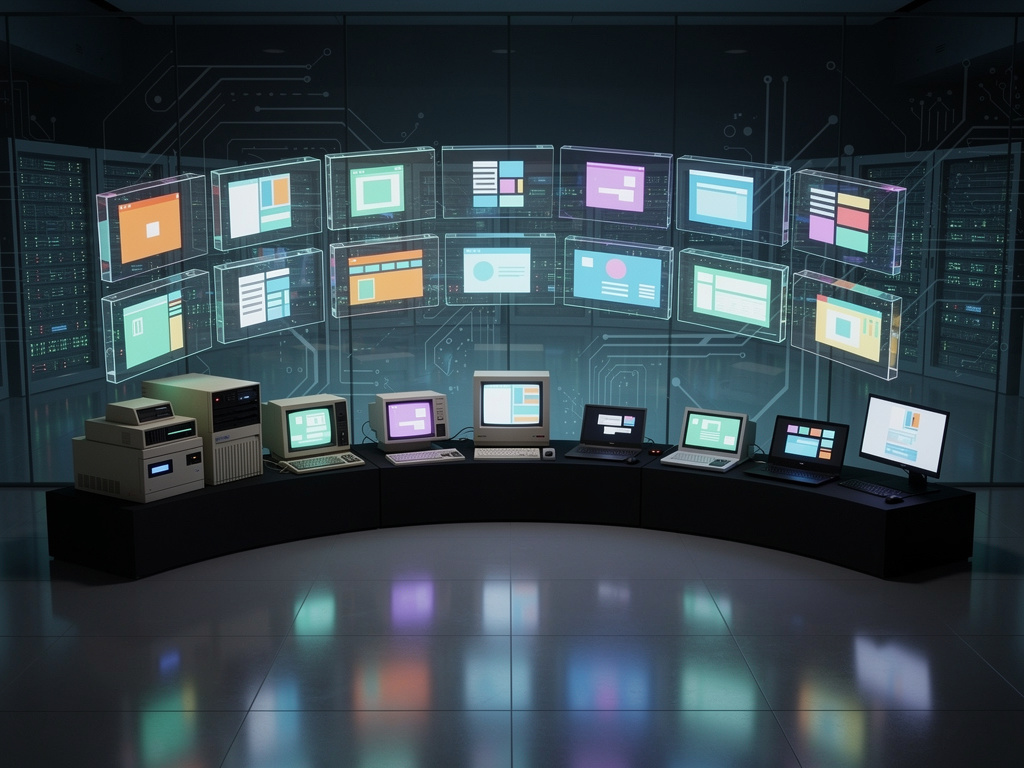
The Virtual OS Museum has opened its digital doors to the public, granting access to more than 570 operating systems that have long since vanished from everyday use. This online archive, accessible at virtualosmuseum.com, lets visitors boot up and interact with historical software environments ranging from early mainframe systems to forgotten home computer platforms. The project stands as one of the most comprehensive efforts yet to preserve computing history in a form that people can actually experience rather than simply read about.
The museum’s collection spans decades of computing evolution. Visitors can try CP/M from the late 1970s, various iterations of MS-DOS, obscure variants of Unix from university labs, and even experimental systems that never achieved widespread adoption. Early graphical user interfaces appear alongside command-line only environments, allowing direct comparison of how different teams approached the problem of making computers usable. The site includes systems from major manufacturers like IBM, Apple, Commodore, Atari, and Sinclair, but also many lesser-known efforts from smaller companies and research institutions around the world.
Behind the scenes, the Virtual OS Museum relies on emulation technology to recreate these extinct platforms. Modern browsers run the code that mimics the original hardware behavior with remarkable accuracy. When users select an operating system, the emulator loads the appropriate ROM images, disk images, and configuration files needed to start the system exactly as it would have appeared decades ago. Some emulations include period-appropriate software bundles, so visitors might find themselves exploring with applications that were popular at the time of each system’s peak usage.
The project’s creators have paid close attention to historical context. Each operating system entry includes detailed information about its development, key features, commercial performance, and reasons for eventual disappearance from the market. Users learn how the Xerox Alto influenced later graphical systems, why GEOS represented an interesting alternative path for 8-bit computers, and how different versions of Windows competed with OS/2 during the early 1990s. This background material transforms the museum from a simple collection of emulators into a genuine educational resource for understanding computing history.
Technical implementation required solving numerous challenges. Many older systems depended on specific hardware behaviors that modern processors no longer replicate. The team assembled a library of original disk images, often sourced from collectors and preservation groups who had maintained physical media for years. They also incorporated sound emulation for systems that used distinctive audio cues or music synthesis chips. The result is an experience that feels authentic, with boot screens, error messages, and interface quirks preserved as they originally existed.
One particularly valuable aspect of the Virtual OS Museum involves systems that existed only briefly or in limited distribution. Some academic operating systems from the 1980s appear here alongside commercial failures that companies poured millions into before withdrawing them from sale. The collection includes several Soviet-era operating systems that reflected different philosophical approaches to computing during the Cold War period. These rare examples provide insights into alternative computing traditions that developed outside the dominant Western market influences.
The museum’s interface presents users with a clean, searchable catalog organized by decade, manufacturer, and system type. A random selection button introduces an element of discovery, often surfacing unexpected systems that might otherwise remain buried in the extensive collection. Each entry features screenshots of the original hardware where available, helping visitors connect the emulated experience to the physical machines that once ran these operating systems.
Performance varies depending on the complexity of the system being emulated and the capabilities of the user’s device. Simpler 8-bit systems from the 1980s typically run smoothly even on modest hardware, while more demanding graphical environments from the 1990s may require stronger processors to maintain reasonable speed. The project developers have optimized where possible, but they acknowledge that perfect performance remains difficult when recreating systems designed for processors running at only a few megahertz using modern JavaScript-based emulation.
Beyond simple nostalgia, the Virtual OS Museum serves important preservation functions. Many of these operating systems existed on deteriorating physical media that becomes increasingly difficult to read as time passes. By converting them to emulated forms, the project ensures that future generations can experience these systems directly. The collection also includes documentation of installation procedures, configuration options, and common troubleshooting steps that might otherwise be lost to history.
Computer science students and researchers particularly benefit from having live access to historical systems. Rather than studying descriptions of early multitasking implementations or primitive window management systems, they can interact with the actual code. This hands-on approach provides insights that written documentation alone cannot convey. The museum has already seen usage from university courses covering operating system design and human-computer interaction.
The project draws from multiple established emulation communities that have developed over the past two decades. It incorporates work from projects like DOSBox, MAME, and various specialized emulators for individual platforms. The Virtual OS Museum team has focused on integration and presentation, creating a unified experience from these diverse underlying technologies. Their contribution lies in making these scattered preservation efforts accessible through a single, well-organized portal.
Some operating systems in the collection require additional steps to experience fully. Users might need to create virtual floppy disks, install applications from included software libraries, or configure network settings that emulate the bulletin board systems or early internet connections these platforms once supported. The museum provides guidance for these procedures, though some systems remain challenging even for experienced users. This difficulty accurately reflects the learning curves that original users faced when these systems were current.
The collection continues to grow as contributors submit additional systems and improvements to existing emulations. The project’s open nature encourages participation from enthusiasts who maintain specialized knowledge about particular platforms. Some entries have already received multiple updates based on feedback from users who remember specific details about how certain systems behaved on original hardware.
Corporate history appears throughout the museum in unexpected ways. The rivalry between different versions of Unix during the 1980s and 1990s becomes tangible when users can switch between SunOS, AIX, and IRIX environments. The fragmentation of the early PC market reveals itself through dozens of incompatible DOS variants and graphical shells. Even failed standards like Taligent and Copland make appearances, showing ambitious efforts that ultimately did not succeed.
Educational value extends to understanding why certain design decisions prevailed while others faded. The persistence of command-line interfaces alongside graphical systems becomes clear when users experience the efficiency that text-based systems could achieve with limited hardware resources. Similarly, the museum demonstrates how memory constraints and processor limitations shaped software design in fundamental ways that modern developers rarely encounter.
The Virtual OS Museum represents a significant achievement in digital preservation. While many institutions focus on collecting physical hardware or archiving source code, this project preserves the actual user experience of computing through different eras. The ability to boot these systems and interact with them provides a level of engagement that static exhibits or written histories cannot match.
As computer technology continues advancing, the gap between current systems and these historical platforms grows wider. The museum serves as a bridge across that gap, allowing direct experience of how computing felt during different periods. For younger users who have only known modern operating systems, the collection offers eye-opening perspectives on how much has changed in both visible interface elements and underlying architectural approaches.
The project also highlights the collaborative nature of modern preservation efforts. Individual enthusiasts, academic institutions, and corporate archives have all contributed materials and expertise. This cooperative approach has enabled the creation of a resource far more comprehensive than any single organization could have assembled alone. The Virtual OS Museum demonstrates how digital tools can bring together dispersed knowledge and artifacts into a unified, accessible collection.
Technical enthusiasts will find particular satisfaction in exploring the lower-level aspects of these systems. Many emulators allow inspection of memory contents, disassembly of running code, and modification of system parameters. These capabilities transform the museum from a simple demonstration tool into a platform for genuine historical research and experimentation.
The collection includes several systems that pioneered concepts now considered standard. Early implementations of virtual memory, protected mode operation, and networked computing appear in their original forms, often with limitations that later technologies would overcome. Seeing these first attempts at solving enduring problems provides valuable context for understanding current computing architectures.
Accessibility features help ensure broad usage of the museum. The web-based interface requires no special software installation beyond a modern browser. Controls for keyboard mapping, display scaling, and save states make the experience manageable even for users unfamiliar with vintage computing. Documentation explains terminology and concepts that might confuse contemporary users encountering these systems for the first time.
Looking forward, the Virtual OS Museum team has expressed intentions to expand the collection further while improving emulation accuracy for particularly challenging systems. They also plan to add more contextual materials including user manuals, contemporary reviews, and interviews with original developers where possible. These enhancements will further strengthen the museum’s role as both an educational resource and a cultural archive.
The existence of this collection reminds us that computing history consists not merely of successful products that achieved market dominance, but of numerous alternative approaches that flourished briefly before disappearing. Each of these operating systems represented genuine attempts to solve the problems of making computers accessible and useful. By preserving them in runnable form, the Virtual OS Museum ensures that these creative efforts remain available for study, appreciation, and continued exploration by anyone with an internet connection and curiosity about where our digital present came from. The project successfully captures not just the technical specifications of obsolete systems but something of the excitement and experimentation that characterized computing during its formative decades. Through careful curation and technical implementation, it offers a window into computing’s past that feels immediate and engaging rather than distant and academic. This achievement deserves recognition as an important contribution to maintaining our connection with the foundational technologies that shaped the modern world.


 WebProNews is an iEntry Publication