
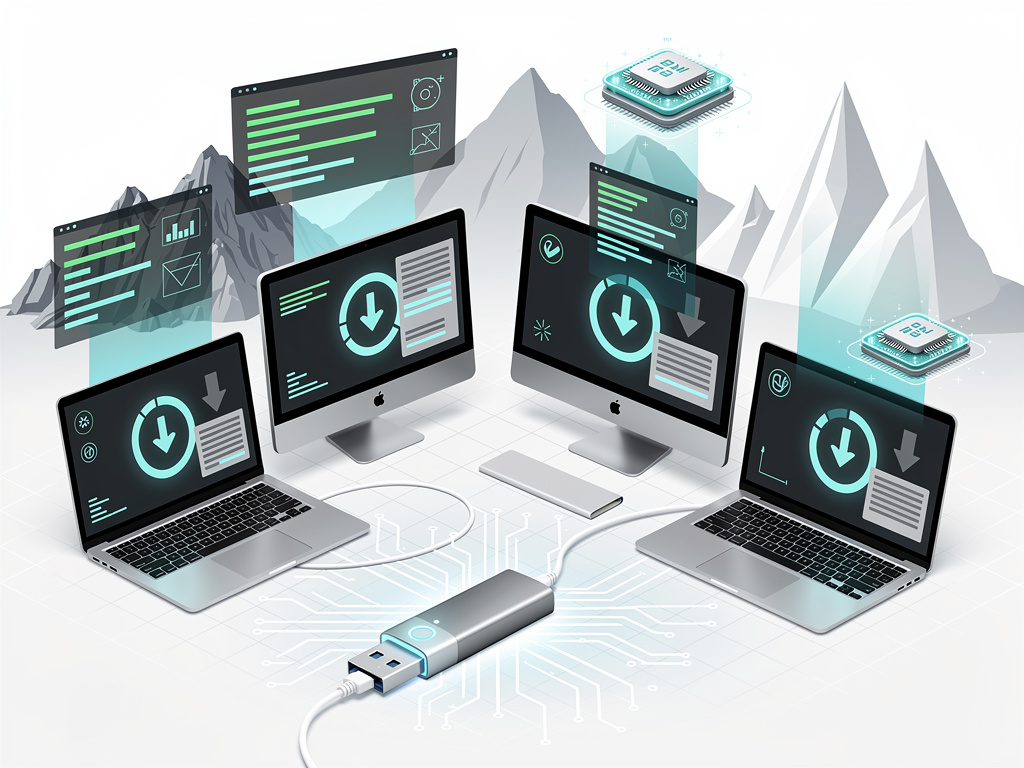
Apple’s tight grip on software updates leaves older Macs stranded. Wipe a 2012 MacBook Pro’s drive, and Recovery mode might push you to Ventura—too new for the hardware. IT admins face this daily. Legacy apps demand legacy OS. Pro Tools users, for instance, hunt Sonoma installers because Sequoia breaks compatibility, as noted in recent Avid Knowledge Base charts updated April 9, 2026.
Apple provides paths, grudgingly. Direct downloads from the Mac App Store work for nine versions: El Capitan through Sequoia. Search exact terms like “macOS Sonoma.” But restrictions bite. Your current Mac must support the target OS, or the store blocks it. Failures hit after gigabytes downloaded—installer lands in Applications, unsigned and useless since 2019 certificate revocations.
William Gallagher nailed it in AppleInsider on April 15, 2026: “If you’ve ever have to wipe the drive of a very old Mac, you know you need an old macOS to get it running again. Beyond Restore, Apple only grudgingly allows downloads.” His guide spotlights workarounds. Third-party tools fill gaps.
Terminal commands bypass App Store hurdles. On macOS Catalina or later, fire up Terminal. Run softwareupdate --fetch-full-installer --full-installer-version 14.7.4 for Sonoma 14.7.4, per Apple’s official instructions last modified March 4, 2026. List options first: softwareupdate --list-full-installers. Downloads land as full apps in Applications. No compatibility checks here. Admins praise this for scripting fleets.
Apple Silicon complicates boots. Intel installers fit USB drives easily. M-series? IPSW firmware files required for Recovery revivals. Sites like ipsw.me catalog them straight from Apple’s CDN—macOS Tahoe 26.4.1 at 13GB. But installation demands Apple Configurator on another Mac. Risky for production machines.
Third-Party Tools Break Barriers
Enter macUSB. Free from GitHub, version 2.1 dropped April 12, 2026, per r/macapps. It grabs Apple installers sans compatibility blocks. Adds Yosemite, Mountain Lion, Lion—Mavericks missing, oddly. One-click to bootable USB. Apple Silicon handles Catalina and older, unlike createinstallmedia. “macUSB automates the whole process,” the post boasts. IT pros use it for air-gapped deploys.
Steps? Launch macUSB. Pick version. Download. Insert 32GB USB 3.0+. Analyze installer, select drive, burn. Boot target Mac from it—hold Option on Intel, power button on M-series till Options appear. External boot guides from Apple Support, updated April 6, 2026, cover APFS volumes too.
Warnings abound. Unsigned installers fail post-download. Keep USBs archived; redownloads waste time. Security? Apple urges latest OS. Older versions lack patches. But for air-gapped labs or legacy hardware, necessity trumps.
Recent buzz confirms demand. Macworld on January 16, 2026, lists App Store links: Sonoma, Sequoia. Pro Tools forums echo needs, with users sharing High Sierra hunts on Apple Discussions April 8. X posts from April 16 repost Gallagher’s guide, signaling fresh interest.
And for dual-boots? Carve APFS volumes in Disk Utility. Install there. Apple’s multi-volume guide details it. Show All Disks during setup. Perfect for testing without wipes.
Real-World Deployments and Pitfalls
Enterprise IT scripts Terminal fetches for MDM. Combine with gibMacOS, pulling High Sierra to Big Sur. Open-source, no fuss. But verify hashes; Apple’s CDN shifts rarely.
Downgrades? Tricky. Apple stops signing older IPSWs fast. M4 Macs run Sequoia back to 15.x, but Tahoe firmware locks newer hardware. Hacker News threads from April 14, 2026, confirm: no Tahoe on M5 yet.
Prep USBs now. Label them. Test boots. One 2011 MacBook Pro owner on Reddit revived High Sierra via these steps—no OpenCore needed. That’s the payoff. Old iron lives. Workflows persist.
Apple’s control tightens. Yet cracks exist. Tools like macUSB evolve. Stay sharp—downloads vanish. Archive wisely.


 WebProNews is an iEntry Publication