
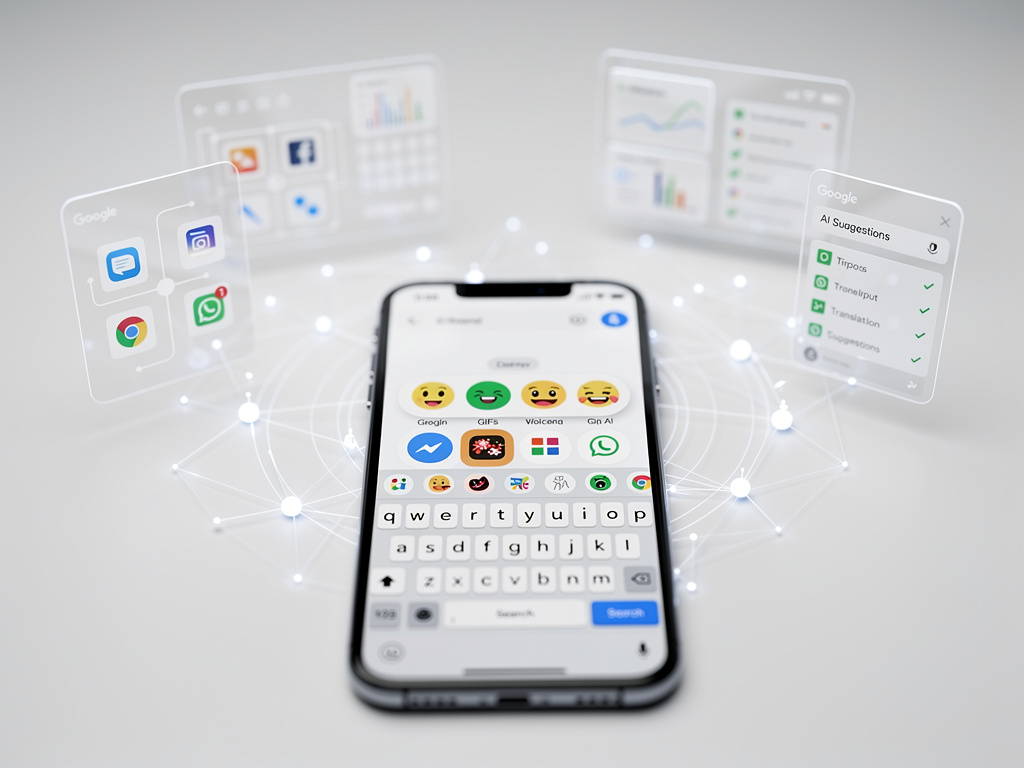
In the vast ecosystem of mobile technology, few components are as ubiquitous yet as thoroughly overlooked as the on-screen keyboard. It is the primary conduit for digital communication, the bridge between thought and text for billions of users daily. Yet for many, its full potential remains untapped, treated as a mere utility for inputting characters. This perception, however, is rapidly becoming obsolete. Google’s Gboard, the default keyboard on the majority of Android devices, has quietly evolved from a simple input method into a sophisticated, AI-driven platform that represents a significant, and often missed, opportunity for substantial productivity gains.
The disconnect between the platform’s capabilities and typical user behavior is stark. While power users may obsess over processor speeds and display refresh rates, the efficiency of their primary input tool is frequently neglected. This results in a death-by-a-thousand-cuts scenario, where small, repetitive inefficiencies accumulate into significant time loss over days and weeks. The most fundamental of these involve basic text manipulation—a task that has been refined in Gboard to a degree many fail to realize. For instance, the common and frustrating practice of trying to tap a precise insertion point with a fingertip is entirely unnecessary.
A more elegant solution has long been embedded directly into the keyboard’s most prominent key: the spacebar. By sliding a finger or thumb left and right across it, a user can engage a trackpad-like function, moving the cursor with precision and speed. This single feature transforms the often-clumsy process of editing text on a touchscreen into a fluid, controlled action. This and other foundational inefficiencies are detailed in an analysis by Android Police, which underscores how ingrained habits, such as repeatedly pecking the backspace key, actively hinder typing speed when a simple gesture—swiping left from the delete key—can erase entire words or sentences in a single motion.
Mastering the Core Mechanics for Compounded Time Savings
Beyond cursor control and deletion, the keyboard’s integrated clipboard manager represents another powerful tool hiding in plain sight. For professionals who frequently share links, addresses, or canned responses, the ability to pin frequently used text snippets for instant access eliminates the need to constantly switch between apps to copy and paste. The clipboard automatically saves recently copied text and images, creating a short-term memory bank that streamlines workflows, particularly for those in sales, support, or content creation roles. These are not flashy features, but they form the bedrock of keyboard efficiency, offering compounded time savings that become significant at scale.
The transition from manual input to automated assistance marks the next tier of Gboard’s productivity offerings. The Personal Dictionary feature, for example, functions as a powerful text expansion tool. By creating custom shortcuts—such as “@@” for a primary email address or “#addr” for a full mailing address—users can automate the typing of long, repetitive phrases. This is particularly valuable in a professional context, where consistency and speed in communication are paramount. It transforms the keyboard from a passive recorder of keystrokes into an active participant in expediting communication.
This push toward automation is most evident in Gboard’s voice typing capabilities. Bolstered by Google’s formidable advancements in AI-powered speech recognition, voice-to-text is no longer the error-prone novelty it once was. It has become a remarkably fast and accurate method for composing emails, taking notes, or drafting messages, often outpacing traditional thumb-typing for longer-form content. Similarly, the integrated Google Translate function, accessible directly from the keyboard’s toolbar, demolishes language barriers in real-time. It allows users to type in their native language and have it instantly translated within any messaging app, an invaluable asset for international business and global collaboration.
Ergonomics and Interface Customization as a Productivity Play
As smartphone screens have grown larger, the physical act of typing has presented new ergonomic challenges. Gboard addresses this directly with its one-handed mode, which shrinks and docks the keyboard to one side of the screen for easier thumb access. For even greater flexibility, the floating keyboard option allows users to detach the keyboard entirely and position it anywhere on the screen, a feature that enhances usability when multitasking or referencing information in another part of the display. These are not mere conveniences; they are crucial adjustments that improve comfort and reduce physical strain during prolonged use.
While aesthetic customization might seem trivial in a discussion of productivity, Gboard’s theming options can have a functional impact. High-contrast themes or the ability to set a simple black background can improve legibility and reduce eye strain, particularly in varying light conditions. The Material You dynamic theming, which adapts the keyboard’s color palette to the user’s wallpaper, creates a more cohesive and visually pleasing user interface, which can subtly enhance the user experience. The key takeaway is that the interface is not static; it is designed to be molded to individual needs and preferences.
Perhaps the most critical element of customization lies in the keyboard’s toolbar. Gboard allows users to drag and drop their most-used functions—be it the GIF search, clipboard, translator, or one-handed mode—into the primary suggestion strip for immediate access. This act of personal curation turns the keyboard into a customized command center, placing the most relevant tools for an individual’s workflow just a single tap away. By taking a few moments to configure this toolbar, a user can permanently remove the friction of hunting through menus for essential features, further streamlining the input process.
The Generative AI Pivot: Gboard as an Intelligent Assistant
The most significant evolution of Gboard, however, is its recent and aggressive integration of generative artificial intelligence. This pivot is transforming the keyboard from an input tool into an intelligent writing partner. One of the first major features to emerge from this shift is “Proofread.” This AI-powered function, which began rolling out to Pixel 8 devices, goes beyond basic spell-checking to offer corrections for grammar, punctuation, and syntax with a single tap, as reported by 9to5Google. It effectively embeds a digital editor into every text field, helping users produce clearer, more professional communication on the fly.
The integration of Google’s powerful Gemini model directly into Gboard marks a paradigm shift. With the “Help me write” feature, the keyboard can now generate, rephrase, and formalize text based on a simple prompt. According to The Verge, this functionality allows a user to draft a quick, casual note and have the AI instantly transform it into a formal email, or to rephrase a blunt statement into a more diplomatic one. This moves Gboard beyond merely correcting text to actively co-creating it, a development with profound implications for efficiency in business communications.
Google is also leveraging its generative AI for more creative pursuits within the keyboard. Using its Imagen 2 text-to-image model, Gboard now includes an AI-powered sticker creation tool. As detailed by TechCrunch, users can type a description to generate unique stickers, adding a layer of personalized expression to casual chats. While seemingly playful, this feature demonstrates Google’s broader strategy: embedding its most advanced AI models into the most common user touchpoints, making sophisticated technology accessible and useful within everyday applications.
The Evolving Paradigm of Digital Input
The modern Gboard is a testament to the power of iterative innovation. What began as a tool for typing has become a multi-layered platform for text manipulation, automation, translation, and now, AI-powered content generation. The gap between its full capabilities and the way it is used by the average person is wider than ever. For the individual professional, mastering these features is no longer a matter of simple convenience but a clear pathway to reclaiming lost time and improving the quality of their digital communication.
Looking ahead, the trajectory is clear. The keyboard is poised to become an even more intelligent and proactive assistant. Future iterations will likely feature deeper integration with other services, anticipating user needs based on the context of a conversation or the content of an app. Imagine a keyboard that can automatically suggest available meeting times from your Google Calendar when you type “Are you free to meet,” or one that can pull up a relevant contact’s address from Google Maps when you mention their name.
For industry professionals and enterprises, the evolution of this ubiquitous tool should not be underestimated. The keyboard is the frontline of mobile workflow, and its increasing intelligence presents a tangible opportunity. By moving beyond the default settings and exploring the layers of functionality Gboard offers, users can unlock a level of efficiency that has been hiding at their fingertips all along. The strategic asset isn’t the phone itself, but the intelligence of the interface used to command it.


 WebProNews is an iEntry Publication