
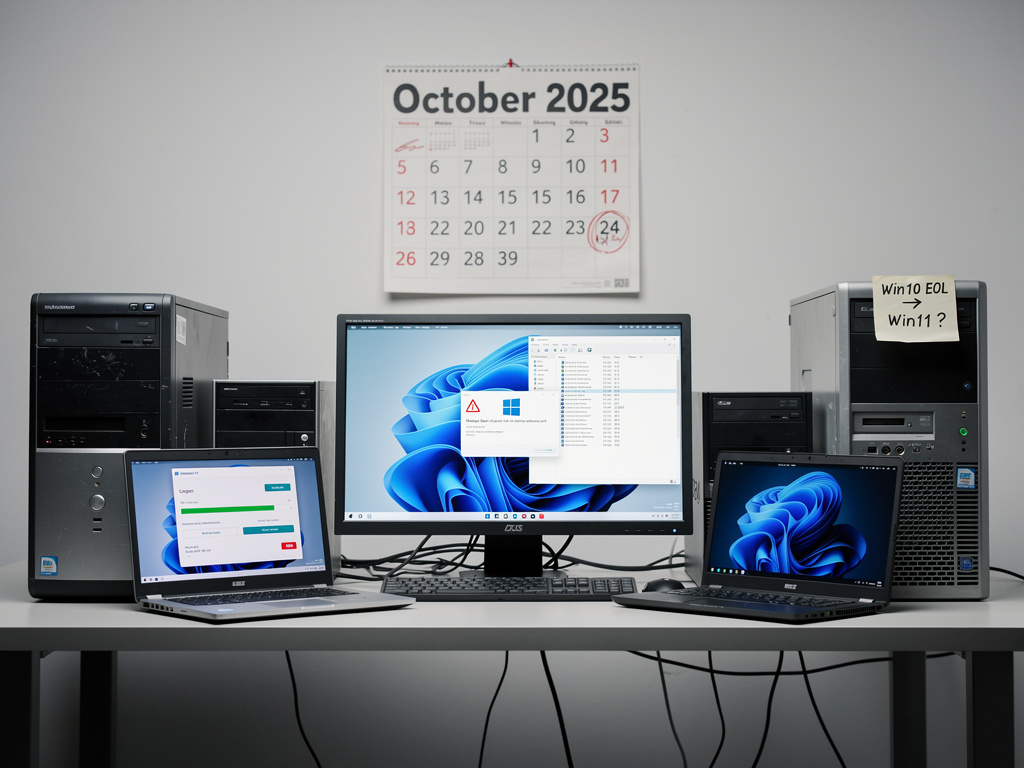
For nearly four years, a quiet rebellion has been brewing in the world of personal computing. Since Microsoft first announced Windows 11’s stringent hardware requirements in June 2021—mandating TPM 2.0 chips, specific processor generations, and Secure Boot capability—a determined community of users has found ways to circumvent those restrictions and install the operating system on machines Microsoft has deemed unworthy. Now, as Windows 10’s end-of-life date of October 14, 2025, draws near, the stakes have never been higher, and the workarounds are still very much alive.
According to MakeUseOf, the most reliable method for bypassing Windows 11’s hardware checks continues to function even as Microsoft has attempted to close various loopholes over successive updates. The technique, which involves modifying the Windows Registry during the installation process, allows users with older CPUs and without TPM 2.0 modules to proceed with a clean installation or an in-place upgrade. It is a testament to both the ingenuity of the PC enthusiast community and the practical limitations of Microsoft’s enforcement mechanisms.
Why Microsoft Drew a Line in the Silicon
Microsoft’s hardware requirements for Windows 11 were controversial from the moment they were announced. The company mandated a TPM (Trusted Platform Module) 2.0 chip, a processor from Intel’s 8th generation or AMD’s Ryzen 2000 series or newer, at least 4GB of RAM, and 64GB of storage. The justification was security: TPM 2.0 enables hardware-level encryption, Secure Boot prevents rootkits from loading during startup, and newer processors include virtualization-based security features that protect the operating system kernel.
But the practical effect was to render hundreds of millions of perfectly functional PCs ineligible for the upgrade. StatCounter data and various industry estimates have suggested that as of mid-2025, Windows 10 still commands a significant share of the desktop operating system market—hovering around 55-60%—while Windows 11 adoption has been slower than Microsoft anticipated. Many of those Windows 10 holdouts are running hardware that is entirely capable of handling Windows 11’s workloads but fails the arbitrary compatibility check due to a missing TPM chip or an older-generation processor that remains performant by any reasonable measure.
The Registry Hack That Refuses to Die
The method detailed by MakeUseOf centers on a Registry modification that can be performed during the Windows 11 installation process. When a user boots from a Windows 11 installation USB drive and reaches the setup screen, they can press Shift+F10 to open a Command Prompt window. From there, they launch the Registry Editor and navigate to create specific keys under HKEY_LOCAL_MACHINE\SYSTEM\Setup. By adding a new key called “LabConfig” and creating DWORD values—specifically “BypassTPMCheck,” “BypassRAMCheck,” and “BypassSecureBootCheck,” each set to a value of 1—the installer is instructed to skip the hardware validation steps entirely.
What makes this method particularly resilient is its simplicity and the fact that it operates at the installer level rather than relying on third-party tools that Microsoft can more easily detect and block. Microsoft has acknowledged the existence of such workarounds but has warned that unsupported installations may not receive all updates and could experience compatibility issues. In practice, however, users who have employed this method report that their systems receive Windows Update patches normally, including the major 24H2 update that rolled out in late 2024. The experience, for most, is indistinguishable from a supported installation.
Third-Party Tools Have Entered the Chat
Beyond the manual Registry approach, a cottage industry of third-party utilities has emerged to automate the bypass process. Tools like Rufus, the popular open-source USB bootable drive creator, have built in options to strip TPM and Secure Boot requirements directly when creating a Windows 11 installation drive. Rufus developer Pete Batard has been vocal about including these features, viewing them as a necessary response to what many in the open-source community consider unnecessarily restrictive policies.
Another tool, Flyby11, has gained traction in recent months as a streamlined solution specifically designed to facilitate Windows 11 installation on unsupported hardware. These utilities lower the technical barrier considerably, making the bypass accessible to users who would not be comfortable editing the Windows Registry manually. The proliferation of such tools underscores the depth of demand for Windows 11 on older hardware and the community’s unwillingness to accept Microsoft’s hardware gatekeeping without a fight.
The Windows 10 End-of-Life Countdown Creates Urgency
The approaching October 2025 end-of-life date for Windows 10 has injected new urgency into the debate. After that date, Microsoft will no longer provide free security updates for Windows 10, leaving an enormous installed base potentially vulnerable to exploits. Microsoft has offered an Extended Security Updates (ESU) program—available for the first time to individual consumers, not just enterprises—at a cost of $30 per device for one additional year of patches. But this is a stopgap, not a solution, and it underscores the tension between Microsoft’s desire to move users forward and the reality that many cannot or will not purchase new hardware simply to run an operating system their current machines can handle.
Environmental advocates and right-to-repair proponents have been particularly vocal about the e-waste implications. Canalys estimated that 240 million PCs could end up in landfills as a result of the Windows 10 end-of-life transition if users decide to replace rather than upgrade their machines. This figure, widely cited in technology media, has put pressure on Microsoft to reconsider its stance—or at least to look the other way as users employ bypass methods to extend the useful life of their hardware.
Microsoft’s Calculated Ambiguity
Microsoft’s posture toward unsupported installations has been notably ambiguous, and some observers believe this is by design. The company’s official documentation warns that installing Windows 11 on unsupported hardware means the device “won’t be entitled to receive updates” and that “damages to your PC due to lack of compatibility aren’t covered under the manufacturer warranty.” Yet Microsoft has not taken aggressive technical steps to prevent these installations from functioning or receiving updates. The Registry bypass has worked since Windows 11’s launch in October 2021, and Microsoft has had ample opportunity to close it definitively.
This calculated tolerance may reflect an internal recognition that blocking upgrades entirely would be counterproductive. Every user who installs Windows 11—even on unsupported hardware—is a user within the Windows 11 ecosystem, engaging with the Microsoft Store, using OneDrive, potentially subscribing to Microsoft 365, and generating telemetry data. Forcing those users to remain on Windows 10, switch to Linux, or buy Chromebooks serves none of Microsoft’s strategic interests. The warning labels provide legal cover while the open door provides practical accommodation.
What the 24H2 Update Revealed About Microsoft’s Enforcement
The Windows 11 24H2 update, which began rolling out in the fall of 2024, was closely watched by the unsupported hardware community as a potential inflection point. Some feared that Microsoft would use the major feature update as an opportunity to block unsupported systems from receiving further updates. Those fears proved largely unfounded. As reported by multiple technology publications and confirmed by user reports across forums like Reddit’s r/Windows11, systems running Windows 11 on unsupported hardware were able to install the 24H2 update successfully, though some required the use of the same Registry modifications or installation media tricks to complete the process.
There were scattered reports of issues—some older processors experienced driver compatibility problems, and a handful of systems with very early TPM 1.2 modules encountered BitLocker-related errors. But these were edge cases rather than systematic blocks. The overall message from the 24H2 rollout was clear: Microsoft is not actively waging war on unsupported installations, at least not yet.
The Broader Implications for the PC Industry
The persistence of these bypass methods raises fundamental questions about the relationship between software makers and hardware lifecycles. Microsoft’s hardware requirements for Windows 11 were, in part, driven by partnerships with OEMs who benefit from accelerated upgrade cycles. Intel, AMD, and PC manufacturers like Dell, HP, and Lenovo all have financial incentives to see users purchasing new machines rather than extending the life of existing ones. The TPM 2.0 requirement, while genuinely enhancing security, also conveniently aligns with the interests of the hardware supply chain.
For enterprise IT departments, the calculus is different. Many organizations have standardized on hardware that meets Windows 11 requirements, and the security benefits of TPM 2.0 and Secure Boot are tangible in corporate environments where data protection and compliance are paramount. But for individual consumers, small businesses, and educational institutions operating on tight budgets, the ability to run a modern, supported operating system on existing hardware is not a luxury—it is a necessity.
What Comes Next for Windows 11 Holdouts
As the October 2025 deadline approaches, the community of users running Windows 11 on unsupported hardware is likely to grow substantially. The methods are well-documented, the tools are freely available, and the risks—while real—are manageable for most users. Microsoft, for its part, appears content to maintain its current posture of official discouragement paired with practical tolerance.
The real test will come with Windows 12, or whatever Microsoft names its next major operating system release. If the company raises the hardware bar again, it will face the same dynamic: a community of technically capable users who refuse to be told that their perfectly functional hardware is obsolete. For now, the Registry hack endures, the third-party tools proliferate, and millions of older PCs continue to run an operating system that was never supposed to run on them. It is, in its own quiet way, one of the most successful acts of consumer defiance in modern computing history.


 WebProNews is an iEntry Publication