
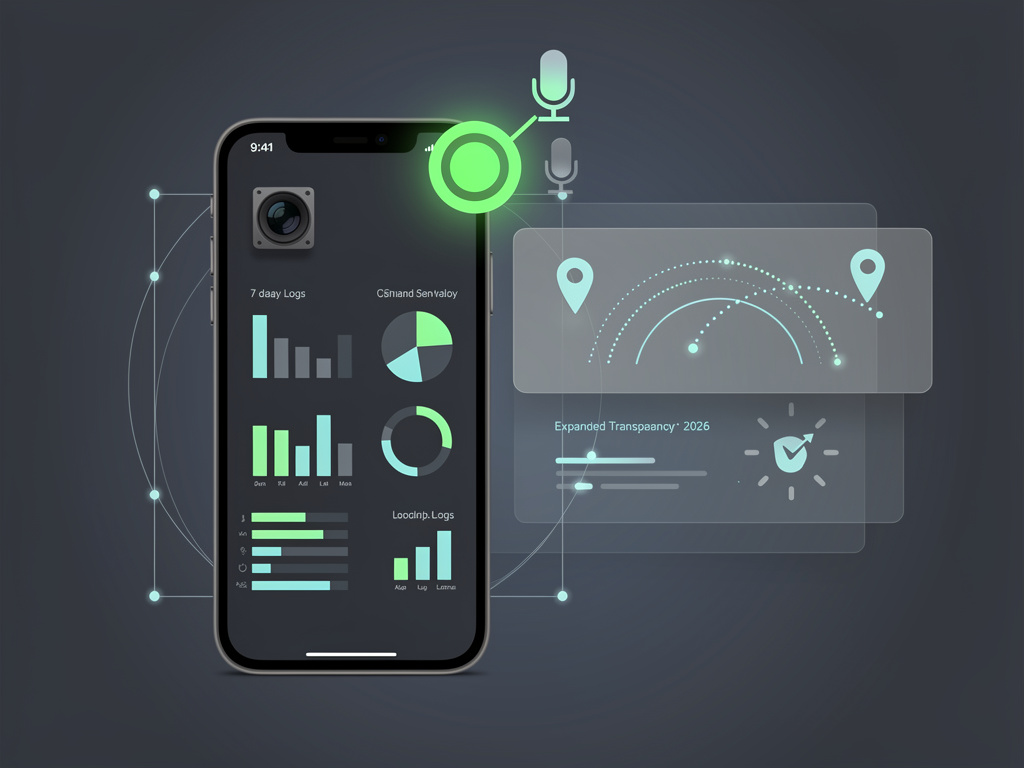
A small green indicator appears in the upper right corner of millions of Android screens every day. Most users glance at it and move on. Yet this unassuming dot serves as one of the operating system’s most direct lines of defense against unauthorized surveillance.
Google introduced the privacy indicator in Android 12. Since then it has become a standard feature across Pixels, Samsung Galaxy devices and countless others running the platform. The dot lights up whenever an app accesses the camera or microphone. Tap it and a quick panel reveals exactly which application triggered the access. From there a direct link leads to permission controls.
But the story runs deeper than a single status bar icon. Android maintains detailed records of sensor usage. A dedicated Privacy Dashboard logs activity for camera, microphone and location over the past 24 hours by default. Users can expand that view to seven days. The logs show timestamps and patterns that often surprise even careful observers.
According to documentation from the Android Open Source Project, the system relies on AppOpsManager to track these accesses. It records both active usage and recent activity within the prior 15 seconds. The indicator stays visible for up to five seconds after access ends. This design catches background processes that might otherwise operate unnoticed.
MakeUseOf explored the feature in detail on May 23, 2026. The publication noted that the dot first appears as a small chip before shrinking. It activates for both foreground and background activity. “If something triggers your mic or camera while you’re using a different app, you’ll know something is accessing it,” the article explained.
Yet confusion persists. Some users mistake the indicator for a notification or even a sign of infection. Others find it intrusive during legitimate uses such as video calls or voice dictation. On Android the single green dot covers both camera and microphone. This differs from Apple’s approach, which uses green for camera and orange for microphone alone.
Recent developments show Google expanding the concept. In 2026 the company rolled out a more visible location usage indicator, first tested in Android 16 and refined for Android 17. Android Authority reported on May 12, 2026 that this new dot lets users tap to view recent location access and adjust permissions immediately. The move builds directly on the camera and microphone system that debuted years earlier.
The same report highlighted additional privacy controls arriving with Android 17. Temporary precise location sharing gives apps access only while open. A contact picker limits apps to specific entries rather than full address books. These changes reflect a broader push toward granular, time-bound permissions.
Google’s own security blog outlined further 2026 updates. The post dated May 12, 2026 emphasized temporary location access and OS verification tools. While it did not revisit the original sensor indicators, the continuity remains clear. Transparency features now span more data types than ever.
Practical management starts in settings. Head to Privacy and open the Privacy Dashboard. Select camera or microphone to review the timeline. Tap any entry to jump straight to that app’s permission screen. Options include allowing access only while the app is in use or revoking it entirely.
Android 12 also added hardware-level toggles. Users can add Camera Access and Mic Access tiles to Quick Settings. Once enabled these act as master switches. They block all apps from using the sensors even if individual permissions remain granted. The feature proves useful in meetings, when lending a device or during periods of heightened caution.
Limitations exist. The indicators do not track what happens to data after capture. An app could record audio and upload it without further sensor triggers. Network activity, clipboard reads and other behaviors stay invisible. System processes such as Google Play Services or voice keyboards appear in the dashboard when the show system option is enabled.
Older devices running Android 11 or earlier lack the dot completely. Users on those versions must rely on permission prompts and manual checks.
Tech forums still host debates over disabling the indicator. Some advanced users apply ADB commands to hide it. One XDA Developers thread from years ago detailed the command adb shell cmd device_config put privacy camera_mic_icons_enabled false. Yet Google and security experts discourage the practice. The indicator forms part of a larger transparency framework.
Industry observers point to the feature’s influence. It nudged developers toward more responsible sensor use. Apps that trigger the dot without clear purpose face user scrutiny and potential bad reviews. The Privacy Dashboard provides evidence that goes beyond suspicion.
Even so adoption of the full toolkit remains uneven. Many phone owners never open the dashboard. They notice the dot only when it appears unexpectedly. That surprise itself delivers value. A sudden green indicator during a quiet moment prompts immediate investigation.
Google continues to iterate. The 2026 location indicator adds tap-to-manage functionality similar to the original sensor dialog. Future versions may tighten integration further. For now the green dot stands as a simple, always-present reminder that sensors are not silent by default.
Security updates in 2026 addressed other threats. Google blocked billions of policy-violating ads and warned about critical framework vulnerabilities. Yet the sensor indicators represent a different category of protection. They operate in real time at the user interface level.
So next time that dot appears, resist the urge to ignore it. Tap once. Review the app. Check the dashboard for patterns. Adjust permissions where needed. The tools have existed for years. They require only attention to deliver their full effect.
The green dot will never replace strong permission hygiene or careful app selection. It does, however, give ordinary users a fighting chance to spot trouble before it escalates. In a world of constant connectivity that small indicator carries outsized power.


 WebProNews is an iEntry Publication