
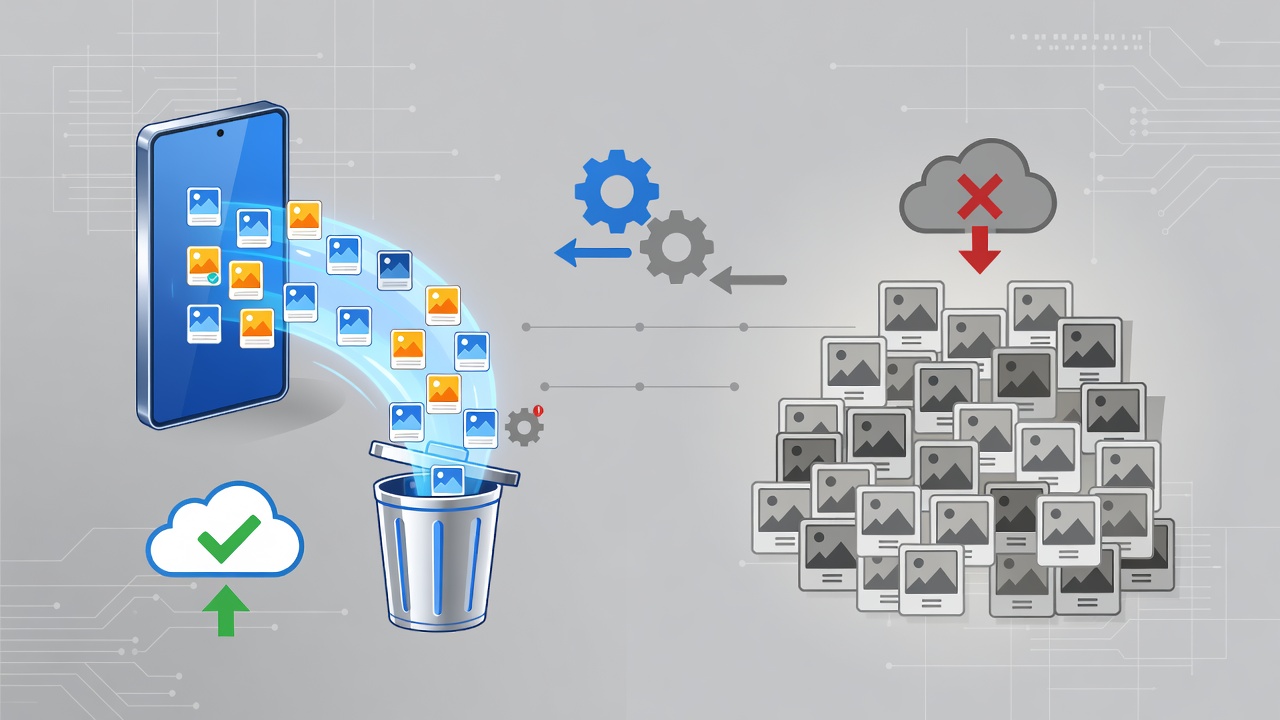
Olivia Locksley opened the Samsung Gallery app on her Galaxy phone one afternoon last week and tapped a few buttons. Within seconds duplicates vanished. Storage freed up. No manual hunting through folders. No second-guessing which version of a recipe photo or Snapchat save to keep.
She had just used a feature called Delete Duplicates. And she immediately wondered why Google Photos still lacks anything like it.
Locksley detailed the experience in a piece published today by Android Police. The feature scans the device for identical or near-identical files regardless of when they appeared or which app created them. WhatsApp downloads. Messenger shares. Forgotten saves from months earlier. All surface side by side with folder locations and size information. One tap selects the keeper. The rest disappear.
Contrast that with Google Photos. The app stacks images taken in quick succession when they look similar. Burst shots. Finger slips. Those get grouped. But duplicates arriving from different sources over time? They stay scattered. Users must hunt them manually or accept the clutter. Locksley called the difference decisive. “I love the option and wish Google Photos would follow suit,” she wrote.
Her frustration resonates across Galaxy forums and review sites. Samsung’s built-in app has quietly collected advantages that many owners only discover after months of defaulting to the Google alternative. Speed tops many lists. Scrolling through thousands of images and videos feels instant in Gallery. Google Photos can lag with large libraries or hefty video files.
Editing tools widen the gap further. Samsung offers precise sliders for brightness, contrast, and saturation. An object eraser powered by AI. Stickers, drawings, watermarks. Reviewers at Pocket-lint tested both in late 2024 and concluded Gallery delivers stronger creative controls while Google Photos focuses on organization and cloud backup. The latter shines at automatic syncing across devices with 15 gigabytes free. Yet that convenience comes with trade-offs in local performance and privacy options.
One privacy tool stands out. Samsung Gallery integrates directly with Secure Folder. Sensitive images stay locked away from casual viewers or friends who borrow the phone. A related Android Police report from June described how this setup ends worries about accidental snooping. Google Photos offers a locked folder too. But it ties more closely to cloud content and Pixel-specific camera rolls in some cases.
Cloud backup once gave Samsung another edge. Since 2019 Gallery users on certain plans received 1 terabyte of OneDrive storage with direct integration inside the app. No extra steps. Photos backed up automatically. That advantage ends September 30. How-To Geek broke the news in May. After that date owners must switch to the standalone OneDrive app. The change removes one clear reason to choose Gallery over Google Photos for cloud-first users. Still, local management strengths remain.
Recent updates in One UI 7 added smarter search and AI image generation tools to Gallery. Samsung’s official support pages highlight improved relevance in results and features like Drawing Assist that turn sketches into images. These arrive alongside the core duplicate cleaner that Locksley highlighted.
Discussions on X reflect divided loyalties. Some users praise Gallery for on-device control and speed. Others stick with Google Photos for its cross-platform reach and powerful search. One recent post noted Gallery’s QR code scanner works cleanly on images. Another warned about battery drain from simultaneous backups to both services.
The duplicate deletion stands apart because it solves a practical pain point that grows worse over years of phone use. Social apps create copies without asking. Cloud restores sometimes duplicate files again. Storage fills. Manual cleanup takes time many people never find.
Locksley discovered unexpected benefits beyond space savings. The feature revealed which messaging apps were double-saving content. She adjusted settings afterward and reduced future clutter. Simple. Effective. The kind of small touch that keeps users inside Samsung’s app instead of switching to Google’s.
Industry observers note the competitive dynamic. Google built Photos as a universal backup and memory service. Samsung tuned Gallery for device owners who value quick local access and powerful on-phone tools. Galaxy phones ship with both. Owners can bounce between them. Many do. Yet a growing number cite Gallery’s responsiveness and editing depth as reasons to make it primary.
That preference comes with caveats. Google Photos search remains unmatched for finding people, places, or objects across years of images. Its Memories feature creates polished recaps automatically. Cross-device access feels effortless. For families sharing libraries or travelers needing instant cloud safety, those strengths matter.
But for pure day-to-day gallery work on a Samsung handset? The home team holds cards that Google has yet to match. Delete Duplicates is one of them. Fast loading is another. The Secure Folder tie-in adds a third.
Whether Google will copy the duplicate tool anytime soon remains unclear. Company forums show users requesting similar functionality for years. The stacking feature exists but falls short for the exact scenarios Locksley described. No announcement has signaled broader duplicate management coming to Photos.
In the meantime Samsung device owners get a head start. Open Gallery. Tap the three-line menu in the lower left. Choose Clean Out. Select Delete Duplicates. Watch the list populate. Decide what stays. Storage reappears. And a small but meaningful frustration fades.
Locksley ended her article hoping Google takes notice. Plenty of Galaxy users likely share that hope. Until then the feature remains a quiet reason some refuse to make Google Photos their only photo home.


 WebProNews is an iEntry Publication