
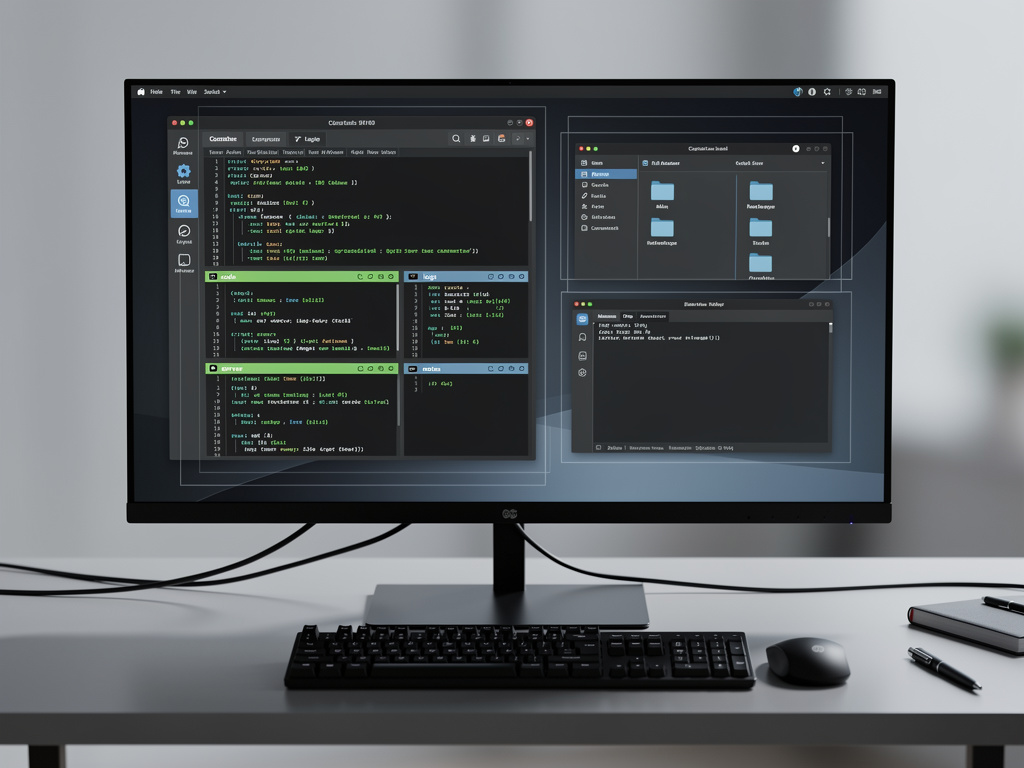
For years, Linux power users have wrestled with a paradox: the operating system that offers the most control over computing resources often leaves its users feeling overwhelmed by the very multitasking capabilities it provides. The fix, it turns out, isn’t a new tool or a fancier desktop environment. It’s a change in behavior — one that experienced system administrators and developers have quietly practiced for decades but that rarely gets discussed in onboarding guides or Linux tutorials.
According to a recent article published by MakeUseOf, the single most impactful change a Linux user can make to tame multitasking overwhelm is to stop treating every task as something that needs a visible, open window. Instead, the recommendation is to adopt a disciplined approach to workspace organization and terminal multiplexing — effectively learning to compartmentalize work rather than stack it.
The Problem With Having Everything Open at Once
The typical Linux workflow, especially for developers and sysadmins, involves dozens of concurrent processes: code editors, terminal sessions, web browsers with research tabs, file managers, communication apps, monitoring dashboards, and more. The natural tendency is to keep everything visible or at least one Alt+Tab away. But this approach, as the MakeUseOf piece explains, creates a cognitive tax that compounds over time. Every open window is a mental bookmark, and the brain spends energy simply keeping track of context rather than doing productive work.
This isn’t just anecdotal. Research in cognitive psychology has long established that task switching carries a measurable cost. A widely cited study from the American Psychological Association found that shifting between tasks can cost as much as 40% of productive time. On Linux, where the freedom to run anything simultaneously is essentially unlimited, this cost can spiral. The operating system won’t stop you from opening 47 terminal tabs — but your prefrontal cortex will eventually protest.
Workspaces: The Underused Feature Hiding in Plain Sight
The core habit change recommended by MakeUseOf centers on the aggressive use of virtual workspaces — a feature built into virtually every major Linux desktop environment, from GNOME and KDE Plasma to Xfce, Sway, and i3. Virtual workspaces allow users to create separate desktop screens, each dedicated to a specific category of work. One workspace might hold all coding-related windows. Another might be reserved for communication tools like Slack and email. A third could house browser windows for research.
The concept isn’t new. Virtual desktops have existed on Linux since the mid-1990s, predating their arrival on Windows (which didn’t get native virtual desktops until Windows 10 in 2015) and macOS (which introduced Spaces in Leopard in 2007). But despite their long history on Linux, many users either ignore workspaces entirely or use them haphazardly, without a consistent organizational scheme. The MakeUseOf article argues that the key isn’t just using workspaces — it’s using them with intentional structure, assigning specific roles to specific workspaces and sticking to that arrangement session after session.
Terminal Multiplexers: Doing More With Less Screen Real Estate
Beyond workspaces, the second pillar of the habit change involves terminal multiplexers like tmux and screen. For users who spend significant time in the command line — which, on Linux, is most serious users — a terminal multiplexer allows multiple terminal sessions to run inside a single window, with the ability to split panes, detach and reattach sessions, and organize command-line work into named groups.
The practical effect is dramatic. Instead of opening eight separate terminal windows for different servers, logs, and build processes, a user can run a single tmux session with named windows and pane splits that mirror the logical structure of their work. Sessions persist even if the terminal window is closed, which means work isn’t lost if a display manager crashes or if the user needs to disconnect from a remote machine. For system administrators managing multiple servers via SSH, tmux sessions can be left running on remote hosts and reattached later, providing continuity that standalone terminal windows simply cannot offer.
Tiling Window Managers: A More Radical Approach
Some Linux users take the organizational philosophy even further by abandoning traditional floating window managers entirely in favor of tiling window managers like i3, Sway, Hyprland, or bspwm. These environments automatically arrange windows in non-overlapping tiles, eliminating the need to manually position and resize windows. Every pixel of screen space is accounted for, and keyboard shortcuts control everything from window focus to workspace switching.
The learning curve for tiling window managers is steep. There is no Start menu, no taskbar in the traditional sense, and no drag-and-drop window placement. But proponents argue that once the muscle memory develops — typically after one to two weeks of committed use — the efficiency gains are substantial. The r/unixporn community on Reddit, which showcases customized Linux desktop configurations, is filled with tiling window manager setups that look austere but are optimized for rapid context switching and minimal visual distraction. The philosophy aligns directly with the habit change described by MakeUseOf: reduce visual noise, impose structure, and let the system enforce discipline that the user might not maintain on their own.
Why This Matters More Now Than Five Years Ago
The relevance of this discussion has grown as remote work has expanded the average knowledge worker’s toolkit. A developer in 2025 doesn’t just write code — they monitor CI/CD pipelines, participate in video calls, review pull requests in a browser, manage container orchestration dashboards, and respond to messages across multiple platforms. The number of concurrent applications in a typical workday has increased significantly, and Linux users, who tend to be technically sophisticated, often run even more tools than their Windows or macOS counterparts.
The Linux desktop has also matured considerably. GNOME 47 and KDE Plasma 6, both released in recent months, have refined their workspace and window management features. GNOME’s dynamic workspace model, which automatically creates and destroys workspaces as needed, has become smoother and more predictable. KDE Plasma 6 introduced improved virtual desktop handling and better integration with Wayland, the display protocol that is gradually replacing the decades-old X11. These improvements make structured workspace use more practical than it has ever been on Linux.
Building the Habit: Practical Steps
For users looking to implement this approach, the process doesn’t require any new software installation on most Linux distributions. The steps are straightforward: first, decide on a workspace layout. A common scheme is to dedicate Workspace 1 to a primary task (coding, writing, design), Workspace 2 to communication, Workspace 3 to research and browsing, and Workspace 4 to system monitoring or secondary tasks. Second, learn the keyboard shortcuts for switching between workspaces — on GNOME, this is typically Super+number or Ctrl+Alt+arrow keys. Third, install and learn the basics of tmux, which is available in every major Linux distribution’s package repository.
The MakeUseOf article emphasizes that consistency matters more than the specific layout. The brain benefits from predictability. When a user always knows that Slack is on Workspace 2 and the code editor is on Workspace 1, the cognitive overhead of finding the right window drops to near zero. Over time, switching workspaces becomes as automatic as reaching for a different physical monitor — except that virtual workspaces are free, infinitely expandable, and don’t require additional hardware.
The Broader Lesson for Productivity on Any Platform
While this discussion focuses on Linux, the underlying principle applies universally. macOS users can apply the same logic with Mission Control and Spaces. Windows users have access to virtual desktops through the Task View feature. But Linux, with its deep customizability and its culture of keyboard-driven workflows, is where the practice reaches its fullest expression. The operating system doesn’t impose a single way of working — it offers dozens — and the user who takes time to choose a structure and commit to it will outperform the user who simply opens everything and hopes for the best.
The irony of Linux multitasking is that the solution to feeling overwhelmed isn’t to do less. It’s to organize more. The tools have been there all along — workspaces, terminal multiplexers, tiling window managers, keyboard shortcuts. The missing piece, for many users, was simply the decision to use them with intention. As the MakeUseOf piece puts it, the change isn’t technical. It’s behavioral. And that makes it both the simplest and the hardest kind of fix to implement.


 WebProNews is an iEntry Publication