
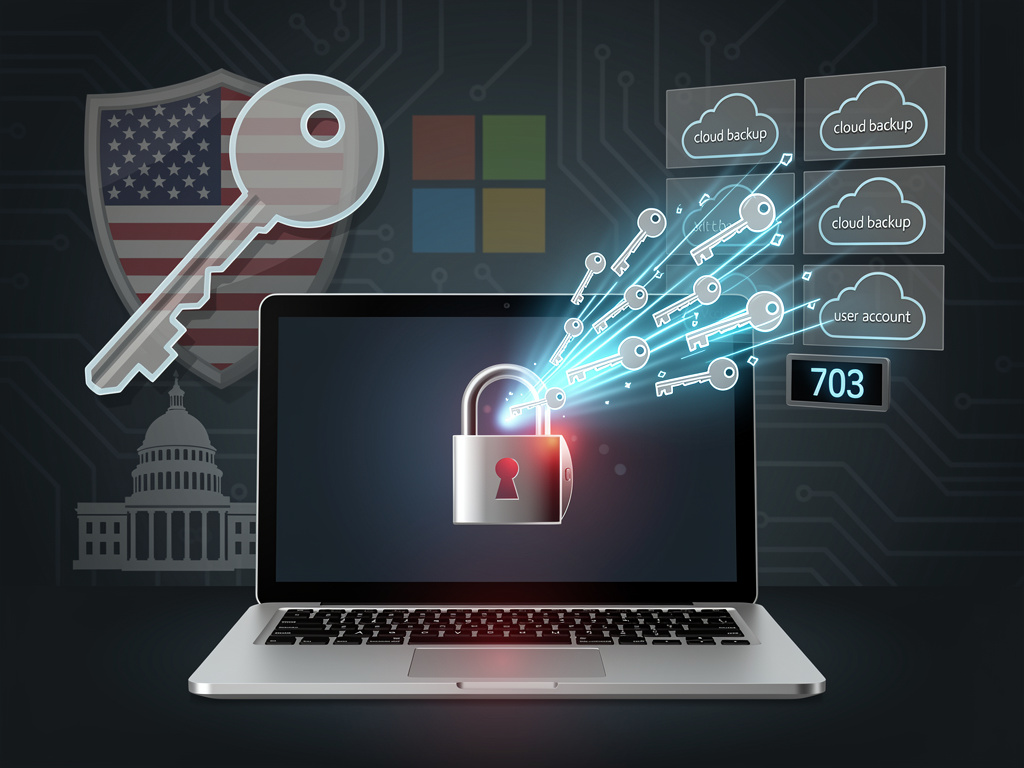
REDMOND, Wash. – In a routine transparency report that passed with little fanfare, Microsoft disclosed a figure that cuts to the heart of the modern privacy debate: in the latter half of 2023, the company turned over customer BitLocker encryption recovery keys to U.S. law enforcement 703 times. The data, part of the company’s biannual Law Enforcement Requests Report, reveals that Microsoft complied with 96% of the 730 legal demands it received for these specific, highly sensitive credentials.
This disclosure pulls back the curtain on a little-understood consequence of convenience in the digital age. BitLocker, Microsoft’s powerful full-disk encryption tool built into modern versions of Windows, is designed to protect a user’s data from unauthorized access if a device is lost or stolen. The recovery key is the master key, the only way to unlock an encrypted drive if a user forgets their password or a hardware change triggers the security protocol. For millions of consumers setting up new Windows 11 Home and Pro computers, the operating system automatically, and often silently, backs this critical key up to their personal Microsoft account in the cloud. While this prevents users from being permanently locked out of their own data, it also places the key in Microsoft’s possession, making it subject to legal orders and government surveillance.
A Default Setting with Profound Implications
The process is a stark illustration of the tension between user-friendly design and absolute data privacy. When a user first activates a new PC, the system’s Device Encryption—a streamlined version of BitLocker—is often enabled by default. The 48-digit recovery key is then automatically uploaded to the cloud, tied to the user’s Microsoft account. As noted by the tech publication Windows Central, which first highlighted the alarming frequency of these disclosures, this creates a potential “privacy nightmare” for individuals who may be unaware that the ultimate safeguard for their local data is stored on a corporate server.
Microsoft is not acting unlawfully; it is complying with the Stored Communications Act (SCA), a U.S. law that compels companies to hand over data stored on their servers when presented with a valid warrant or court order. Because the company holds the keys, it is legally obligated to provide them. This creates a critical distinction: while the data on the user’s physical laptop remains encrypted and unreadable to an agent who seizes it, the government can simply serve a warrant to Microsoft for the key, effectively bypassing the local encryption entirely. This legal pathway is far simpler for investigators than attempting to brute-force an encrypted drive, a task that is functionally impossible with modern encryption standards.
The Enterprise Divide and A Rival’s Approach
It is crucial to note that this situation primarily affects consumers using personal Microsoft accounts. In corporate and enterprise environments, the management of BitLocker keys is typically handled differently. System administrators often use tools like Azure Active Directory or on-premise solutions to store recovery keys, keeping them under the organization’s control and outside of Microsoft’s consumer cloud. This gives businesses granular control over their security posture, a luxury not afforded to the average home user who is guided through the default setup process.
The practice stands in sharp contrast to the path taken by one of Microsoft’s chief rivals. Apple, in a significant privacy-focused move, rolled out Advanced Data Protection for iCloud, which uses end-to-end encryption (E2EE) for the vast majority of user data, including device backups and messages. Under this model, the encryption keys are controlled by the user and protected by their device passcode, making them technically inaccessible to Apple. In its official documentation, Apple explicitly states that with Advanced Data Protection enabled, “Apple does not have the encryption keys needed to help you recover” your data, placing the responsibility—and the control—squarely in the user’s hands. This architectural choice means that even when faced with a valid legal order, Apple cannot provide data it simply does not have access to.
A Question of Trust in the ‘Secure Future’
Microsoft’s compliance with these legal orders complicates its own public messaging on security. The company is currently engaged in a sweeping, top-down effort dubbed the Secure Future Initiative, a response to a series of high-profile security lapses. The initiative, championed by CEO Satya Nadella, aims to instill a security-first culture across the company. However, a system that defaults to storing the most sensitive user credentials in a company-accessible cloud account raises questions about whether convenience is being prioritized over ultimate security. While preventing data loss is a valid goal, critics argue that the default should favor privacy, with cloud backup being a clearly explained, opt-in choice rather than a passive default.
The numbers from Microsoft’s own transparency hub are unambiguous, detailing a consistent pattern of compliance. The data shows that the 703 disclosures for “BitLocker Keys and/or Customer Data from OneDrive” were in response to warrants, which require a probable cause standard. This indicates the requests are not fishing expeditions but part of targeted criminal investigations. Yet, for privacy advocates, the principle remains the same: a backdoor to user data exists, and it is being used regularly, regardless of the legal justification.
Reclaiming Control Over Digital Keys
For concerned Windows users, it is possible to regain control, though the process requires a degree of technical awareness. Individuals can check if their BitLocker key is stored online by visiting their Microsoft account’s device page. From there, they have the option to view, print, or save the key to a secure offline location, such as an encrypted USB drive or a password manager, and then delete it from their Microsoft account. This action moves the key from a subpoena-accessible server to the user’s sole possession. The trade-off, however, is significant: if that offline copy is lost, the data on the encrypted drive is irrecoverable forever.
Ultimately, the BitLocker disclosure is a microcosm of a larger industry-wide challenge. As more of our digital lives are managed and backed up by cloud providers, the line between data we possess and data we merely access blurs. The convenience of cloud recovery for a forgotten password or a lost encryption key comes with the implicit understanding that the provider holds a copy. This incident serves as a potent reminder for industry insiders and consumers alike that true data sovereignty requires active management, and that the default settings offered by even the most trusted technology giants are designed not for absolute privacy, but for a delicate balance of security, usability, and legal compliance.


 WebProNews is an iEntry Publication