
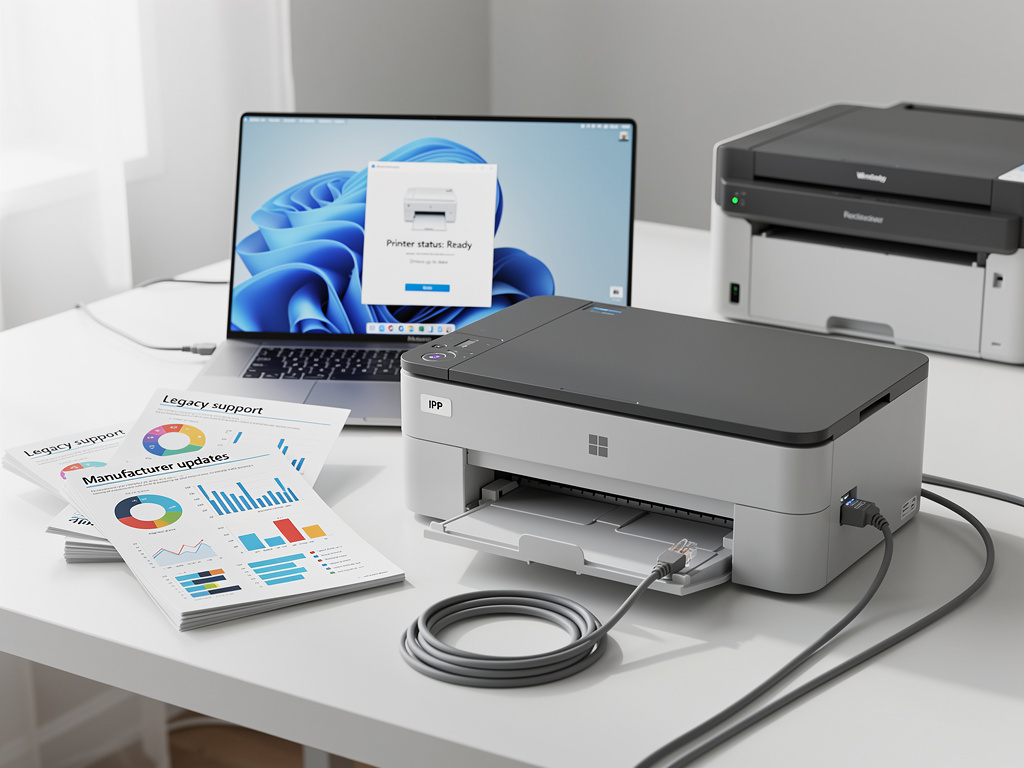
For millions of Windows users still clinging to older hardware, the looming end of Windows 10 support in October 2025 has triggered a familiar anxiety: Will my printer still work? It’s a question that has haunted every major operating system transition, and this time around, the fear has been amplified by Microsoft’s aggressive push toward Windows 11 and its stricter hardware requirements. But as it turns out, the printer apocalypse many have been dreading is far less catastrophic than the rumor mill suggests.
The concern isn’t entirely unfounded. Microsoft has a long history of deprecating legacy driver models during OS transitions, and Windows 11 has already introduced meaningful changes to how it handles peripheral devices. But a closer examination of Microsoft’s actual support plans — and the broader ecosystem of printer manufacturers — reveals that the vast majority of printers in active use today will continue to function just fine on Windows 11, provided users understand a few key technical distinctions.
Microsoft’s Driver Strategy: Evolution, Not Revolution
At the heart of the printer compatibility question is Microsoft’s evolving approach to print drivers. As TechRadar detailed in its recent deep dive, Microsoft has been transitioning from the older v3 printer driver architecture to a newer v4 model and, more recently, to the Windows Protected Print Mode and the Microsoft IPP Class Driver. This shift is designed to improve security and reduce the attack surface that legacy printer drivers have historically presented — printer drivers have been a notorious vector for privilege escalation exploits and remote code execution attacks for decades.
The Microsoft IPP (Internet Printing Protocol) Class Driver is the cornerstone of this strategy. IPP is an industry-standard protocol that allows printers to communicate with operating systems without requiring manufacturer-specific drivers. If your printer supports IPP — and most printers manufactured in the last decade do — it will work with Windows 11 essentially out of the box. Microsoft has been building toward this moment for years, gradually expanding IPP support and encouraging manufacturers to adopt the standard. The result is that for most modern and semi-modern printers, the transition to Windows 11 should be seamless.
What Actually Happens to Legacy Printers
The real question, then, is what happens to older printers that rely exclusively on v3 drivers and don’t support IPP. According to Microsoft’s published documentation, v3 printer drivers will continue to be supported in Windows 11 for the foreseeable future, though the company has signaled that it intends to phase them out eventually. The key word is “eventually” — Microsoft has not announced a hard cutoff date for v3 driver support, and given the company’s track record of extending legacy compatibility far beyond initial projections, enterprise and consumer users likely have years of runway remaining.
That said, Microsoft has introduced Windows Protected Print Mode as an optional feature that, when enabled, restricts the system to using only the IPP Class Driver. This mode is aimed primarily at enterprise environments where security posture takes precedence over compatibility with ancient hardware. For home users and small businesses, this mode is not enabled by default, meaning legacy drivers will continue to load and function normally. The distinction is important: Microsoft is offering a more secure path forward without forcibly cutting off users who depend on older equipment.
Manufacturer Support: The Other Half of the Equation
Printer manufacturers themselves have been largely proactive in ensuring Windows 11 compatibility. HP, Canon, Epson, and Brother — the four companies that collectively dominate the consumer and small-business printer market — have all published Windows 11 compatibility lists and updated drivers for the vast majority of their product lines. HP, for instance, has confirmed Windows 11 support for printers dating back nearly a decade, and in many cases, the IPP Class Driver handles communication without any manufacturer-supplied software at all.
Canon has taken a similar approach, updating its driver libraries and confirming that most of its inkjet and laser printers from the past several years are fully compatible. Epson and Brother have followed suit, with both companies offering downloadable driver packages for Windows 11 and, in many cases, relying on the built-in IPP driver for basic print functionality. The pattern across the industry is clear: manufacturers understand that printer hardware has a much longer useful life than the computers it connects to, and they have a vested interest in maintaining compatibility to avoid alienating their installed base.
The Security Imperative Behind the Shift
To understand why Microsoft is pushing this transition at all, one must appreciate the security nightmare that legacy printer drivers have represented. Print spooler vulnerabilities have been among the most exploited flaws in Windows history. The PrintNightmare vulnerability discovered in 2021 was a stark reminder of how dangerous the old driver model could be — it allowed attackers to execute arbitrary code with SYSTEM-level privileges simply by exploiting the print spooler service. The vulnerability was so severe that Microsoft issued emergency out-of-band patches, a step the company reserves for only the most critical threats.
The move toward IPP and Windows Protected Print Mode is Microsoft’s long-term answer to this class of vulnerability. By standardizing on a single, well-audited driver model rather than allowing thousands of third-party drivers to run with elevated privileges, Microsoft can dramatically reduce the attack surface. It’s a philosophy consistent with the company’s broader security hardening efforts in Windows 11, which include mandatory TPM 2.0 requirements, Secure Boot enforcement, and virtualization-based security. Printers, in this context, are simply the latest front in Microsoft’s ongoing campaign to lock down the Windows platform.
Enterprise Considerations and the Managed Print Environment
For enterprise IT administrators, the printer transition presents both challenges and opportunities. Large organizations often maintain fleets of hundreds or thousands of printers, many of which may be older models running on v3 drivers managed through centralized print servers. Migrating these environments to IPP-based printing requires careful planning, but it also offers significant benefits: reduced driver management overhead, fewer compatibility issues during OS upgrades, and a meaningfully improved security posture.
Microsoft has provided migration tools and documentation specifically aimed at enterprise environments, including guidance on deploying Windows Protected Print Mode in stages. The company recommends that IT departments inventory their printer fleets, identify devices that support IPP, and develop a phased migration plan that prioritizes security-sensitive environments. For printers that cannot support IPP, Microsoft suggests evaluating whether the hardware is approaching end of life and budgeting for replacements — a pragmatic acknowledgment that some legacy devices will eventually need to be retired.
What Users Should Actually Do Right Now
For individual users contemplating the Windows 11 upgrade, the practical advice is straightforward. First, check whether your printer supports IPP — this information is typically available on the manufacturer’s website or in the printer’s network settings menu. If it does, your printer will almost certainly work with Windows 11 without any additional effort. Second, if your printer is older and relies on a manufacturer-supplied v3 driver, visit the manufacturer’s support page to see if an updated Windows 11 driver is available. In most cases, one will be.
Third, and perhaps most importantly, don’t panic. As TechRadar’s reporting makes clear, Microsoft’s approach to this transition has been measured and deliberate. The company is not pulling the rug out from under users with older printers. Instead, it is laying the groundwork for a more secure printing architecture while maintaining backward compatibility for a generous transition period. The sky is not falling — your printer will, in all likelihood, survive the journey to Windows 11 just fine.
The Bigger Picture: Hardware Longevity in a Software-Driven World
The printer compatibility question is, at its core, a microcosm of a much larger tension in the technology industry: the conflict between software companies’ desire to modernize their platforms and consumers’ reasonable expectation that expensive hardware should continue to work for many years. Printers, which can cost hundreds or even thousands of dollars and are built to last a decade or more, are a particularly sensitive flashpoint in this debate. No one wants to throw away a perfectly functional laser printer because a software company decided to change its driver architecture.
Microsoft appears to recognize this tension, which is why its approach to the printer driver transition has been notably more cautious than its approach to, say, TPM 2.0 requirements for Windows 11 — a mandate that effectively rendered millions of otherwise capable PCs ineligible for the upgrade. The printer situation is different: Microsoft is offering a carrot (better security, simpler driver management) without wielding a stick (hard cutoff dates, forced incompatibility). Whether this patience holds as the company continues to push Windows Protected Print Mode remains to be seen, but for now, the message to users is clear: upgrade with confidence, and leave the printer panic to the rumor mills.


 WebProNews is an iEntry Publication