
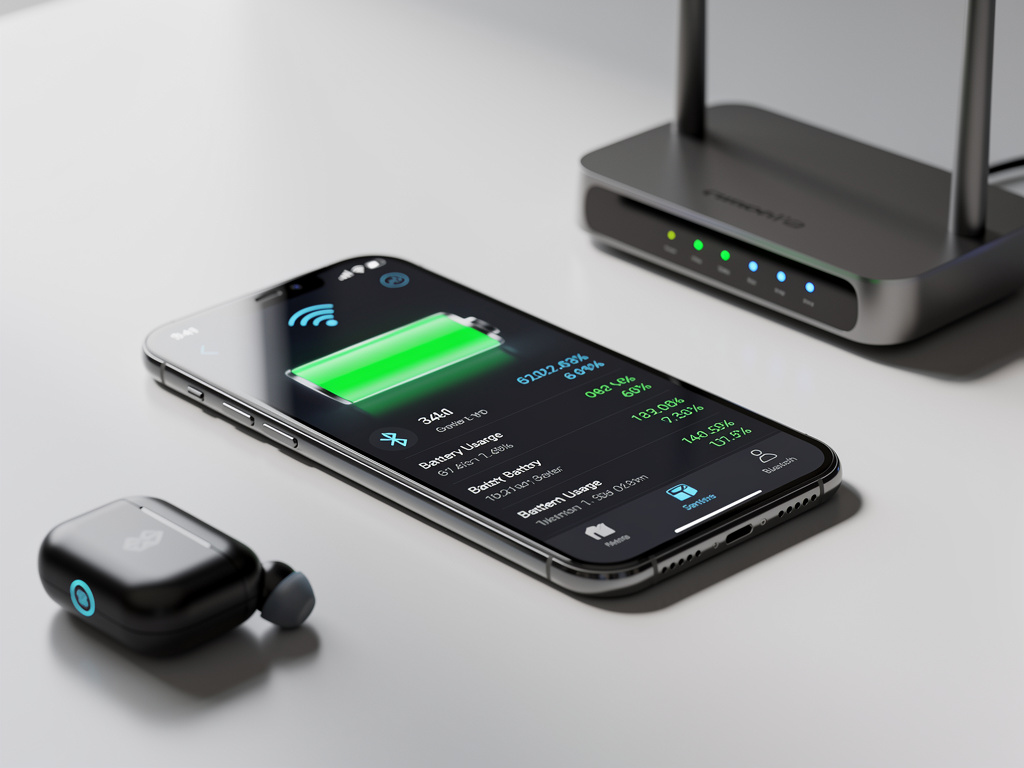
For more than a decade, smartphone users have dutifully swiped down their notification panels and toggled off Wi-Fi and Bluetooth every time their battery dipped below 50%. It has become one of the most widely shared pieces of tech advice on the internet — a ritual passed down from the era of early smartphones when every milliamp of battery life mattered. But according to a growing body of technical analysis and expert opinion, this long-held practice is not just outdated — it’s essentially useless on modern devices, and in some cases, it may actually make your battery drain faster.
The persistence of this myth speaks to a broader challenge in consumer technology: once a piece of advice becomes conventional wisdom, it is extraordinarily difficult to dislodge, even when the underlying technology has fundamentally changed. The reality is that the Wi-Fi and Bluetooth radios in today’s smartphones are so power-efficient that disabling them yields negligible battery savings, and the behavioral workarounds people adopt in their absence — such as relying on cellular data — often consume significantly more energy than the radios they switched off.
How the Myth Took Root in the Early Smartphone Era
The advice to disable Wi-Fi and Bluetooth to conserve battery life was not always wrong. In the early days of smartphones — think the original iPhone, early Android handsets, and BlackBerry devices — wireless radios were genuine power hogs. Bluetooth operated on older standards that maintained constant, energy-intensive connections. Wi-Fi chips were less sophisticated, and their power management protocols were rudimentary at best. In that context, toggling off these features could meaningfully extend your device’s uptime by an hour or more. As MakeUseOf explains in a detailed technical breakdown, the advice made perfect sense when these technologies were in their infancy, but the hardware and software have since undergone revolutionary improvements.
The problem is that this advice became fossilized. It was repeated in countless blog posts, YouTube videos, and tech tip listicles throughout the 2010s, and it embedded itself in the collective consciousness of smartphone users worldwide. Even today, a quick search on social media platforms like X reveals users confidently advising others to switch off Bluetooth and Wi-Fi to squeeze more life out of their phones. The advice has achieved a kind of immortality that the underlying technology no longer supports.
The Science of Modern Bluetooth: Sipping Power, Not Guzzling It
Modern Bluetooth technology — specifically Bluetooth Low Energy (BLE), which has been standard since Bluetooth 4.0 was introduced in 2011 — was designed from the ground up to be extraordinarily power-efficient. BLE operates by transmitting tiny bursts of data at low power levels, then returning to a sleep state between transmissions. The energy consumed by a BLE radio in standby mode is so minuscule that it is virtually indistinguishable from the baseline power draw of the phone itself. As noted by MakeUseOf, when Bluetooth is on but not actively connected to a device, it consumes almost no measurable battery at all.
Even when Bluetooth is actively connected — streaming audio to wireless earbuds, for example, or maintaining a link with a smartwatch — the power draw is remarkably small relative to the phone’s overall energy budget. The display, cellular modem, and processor are the true energy consumers in any smartphone. Bluetooth’s contribution to total battery drain is typically measured in single-digit percentages over an entire day of active use. Disabling it saves so little power that most users would never notice the difference, even under controlled testing conditions.
Wi-Fi: The Counterintuitive Truth About Connectivity and Power
The case for leaving Wi-Fi enabled is even more compelling — and more counterintuitive. Many users assume that the Wi-Fi radio is a significant battery drain, but the opposite is often true. When a phone is connected to a Wi-Fi network, it uses far less power to transmit and receive data than it would using a cellular connection. Cellular radios — particularly those operating on 4G LTE or 5G networks — must communicate with distant cell towers, which requires substantially more transmission power. Wi-Fi access points, by contrast, are typically just a few meters away, allowing the phone’s radio to operate at much lower power levels.
This means that turning off Wi-Fi and forcing your phone to use cellular data for tasks like streaming video, downloading apps, or browsing the web can actually accelerate battery drain rather than slow it. The irony is stark: users who disable Wi-Fi to save battery are often doing the exact opposite of what they intend. Furthermore, modern smartphones have sophisticated power management systems that automatically reduce the Wi-Fi radio’s power consumption when it is idle. The chip enters a low-power scanning mode, periodically checking for known networks without consuming meaningful energy. The days of Wi-Fi radios burning through battery in the background are long gone.
What Actually Drains Your Battery: The Real Culprits
If Wi-Fi and Bluetooth are not the battery villains they have been made out to be, what actually is? The answer, according to multiple technical analyses, is a combination of the display, cellular connectivity, processor-intensive applications, and location services. The screen is by far the single largest consumer of battery power on any smartphone. On devices with OLED displays, power consumption varies with brightness and the amount of white or bright-colored content being displayed. On LCD screens, the backlight runs continuously regardless of content. In either case, reducing screen brightness and screen-on time will yield far greater battery savings than any radio toggle.
Cellular connectivity is the second major drain, particularly in areas with weak signal strength. When a phone struggles to maintain a connection to a distant or obstructed cell tower, it ramps up its transmission power dramatically, consuming energy at a much higher rate. This is why battery life often seems worse in rural areas or inside buildings with poor reception. Background app activity, GPS usage, and push notifications also contribute meaningfully to battery consumption. Users who are genuinely concerned about battery life would be far better served by managing these factors than by reflexively disabling wireless radios.
The Placebo Effect of Toggling Radios
There is a psychological dimension to this behavior that is worth examining. Toggling off Wi-Fi and Bluetooth gives users a sense of control — a feeling that they are actively doing something to manage their device’s limited energy. This sense of agency is powerful, and it may explain why the practice persists even in the face of contradictory evidence. It is, in a sense, a technological placebo: the act of toggling feels productive, even if the measurable impact is negligible.
This placebo effect is reinforced by confirmation bias. If a user turns off Bluetooth and their phone happens to last a bit longer that day — perhaps because they used the screen less, or had stronger cellular signal — they attribute the improved battery life to the toggle rather than to the actual variable that changed. Over time, these anecdotal experiences solidify into unshakeable personal conviction, which is then shared with friends and family, perpetuating the cycle.
What Experts and Manufacturers Actually Recommend
Neither Apple nor Google — the makers of iOS and Android, respectively — recommend disabling Wi-Fi or Bluetooth as a battery-saving measure in their official support documentation. Apple’s battery optimization guidance focuses on updating to the latest software, avoiding extreme temperatures, using optimized charging features, and managing screen brightness. Google’s Android battery tips similarly emphasize adaptive brightness, app management, and battery saver mode, which itself does not disable Wi-Fi or Bluetooth but instead restricts background activity and reduces performance.
In fact, both operating systems have become increasingly reliant on Bluetooth and Wi-Fi for core functionality. Features like AirDrop, Handoff, Find My iPhone, Nearby Share, and location accuracy all depend on these radios being active. Disabling them doesn’t just fail to save meaningful battery — it actively degrades the user experience by breaking features that modern smartphones are designed around. As MakeUseOf points out, the interconnected nature of modern smartphone ecosystems means that these radios are not optional luxuries but essential infrastructure.
Rethinking Battery Anxiety in the Age of Efficient Hardware
The broader takeaway for consumers is that battery anxiety, while understandable, is often misdirected. Modern smartphones are engineered with extraordinarily sophisticated power management systems that dynamically allocate energy where it is needed and minimize waste where it is not. The Wi-Fi and Bluetooth radios in a 2024 or 2025 smartphone bear almost no resemblance to their predecessors from 2010. They are designed to be always-on, always-ready, and always efficient.
For users who genuinely need to extend their battery life in a pinch, the most effective strategies remain the simplest: reduce screen brightness, enable battery saver or low power mode, close resource-intensive apps, and — if possible — connect to Wi-Fi rather than relying on cellular data. These steps will yield real, measurable improvements in battery longevity. Toggling off Bluetooth and Wi-Fi, by contrast, is a relic of a bygone technological era — a well-meaning but ultimately hollow gesture that deserves to be retired alongside other outdated tech myths like needing to fully discharge a battery before recharging it.
The next time someone tells you to turn off your Bluetooth to save battery, you can confidently tell them that the advice expired about a decade ago. The technology moved on. It is time the advice did, too.


 WebProNews is an iEntry Publication