
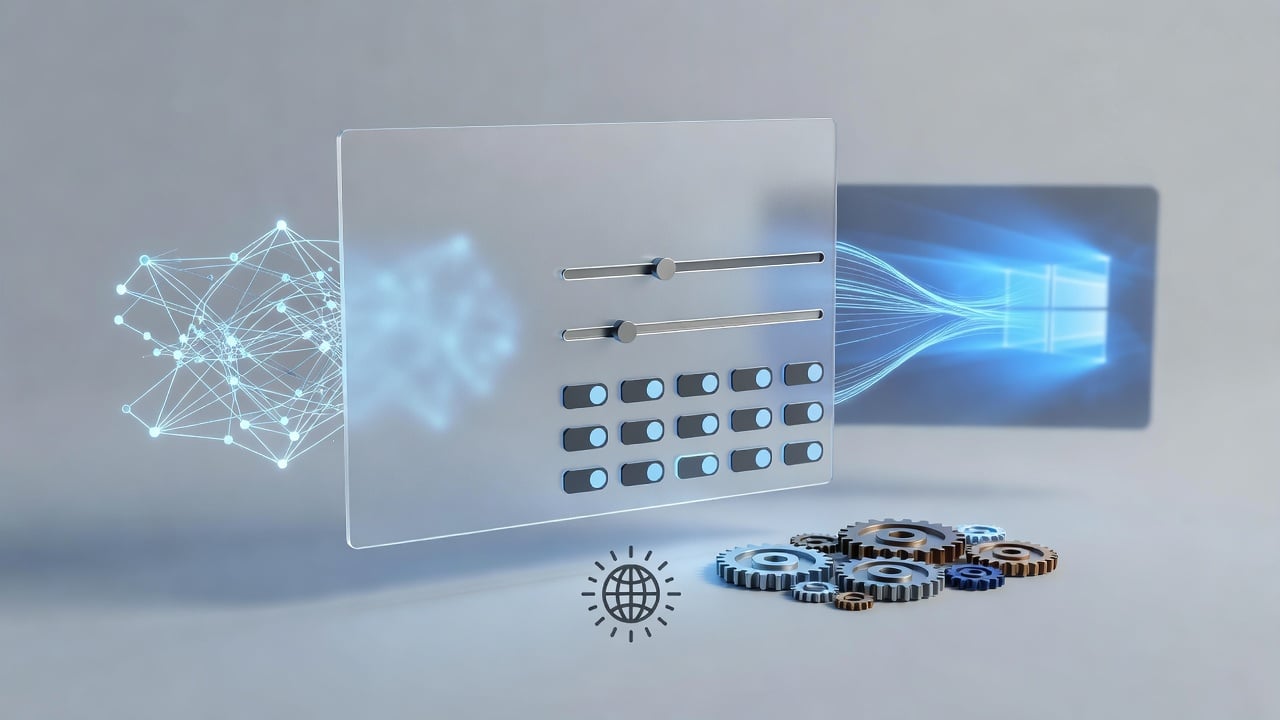
System76 has delivered on a long-teased visual feature for its COSMIC desktop environment. Users of Pop!_OS 24.04 can now activate a frosted glass effect directly through the settings panel. The rollout marks a tangible step forward for the Rust-written, Wayland-powered interface that the company has poured resources into for years.
Just days ago the option appeared for Pop!_OS testers and daily drivers. Head to Settings, then Desktop, then Appearance. A new Frosted Glass section sits under Style. Toggle it on. Adjust sliders. The change takes effect after a logout and login. Simple. Effective. And already generating conversation across Linux forums.
Carl Richell, CEO of System76, posted the news on X late Friday. “On Pop!_OS 24.04. COSMIC Store > Install Updates. Logout/Login. Settings > Desktop > Appearance > Frosted Glass under Style,” he wrote, attaching a screenshot of the new controls. “Arriving for other distros once we tag the release next Tuesday.” The post quickly picked up hundreds of likes and reposts.
This latest Phoronix article details the arrival. Phoronix reported that the feature integrates into the COSMIC compositor and the libcosmic toolkit. No extra extensions required. The effect applies at the system level through standard Wayland background protocols. That design choice keeps overhead low.
Earlier coverage hinted at the direction. Back in January, System76 co-founder Richell shared mockups that showed translucent panels and windows with a soft blur. OMG! Ubuntu covered the initial preview, noting the use of Dual Kawase blur. The technique, borrowed from gaming engines, delivers a convincing glass look without the heavy cost of a full Gaussian blur. Battery life stays intact. Frame rates hold steady even on modest hardware.
By early June the project had advanced. Screenshots showed the effect in motion. Panels took on a subtle haze. Windows gained depth. The look recalled Windows Aero from the Vista era. Yet it felt fresher. More restrained. “It’s getting closer to release and giving off Windows Aero vibes,” Phoronix wrote at the time. Richell commented that the default would stay subtle. Users could dial it up. Or turn it off completely.
A follow-up report two weeks later added granularity. Sliders now control glass opacity and frost thickness. Separate toggles apply the style to panels, applets, system interface elements or full windows. The Linuxiac article captured these details with fresh images from Richell’s account. “One of the features most loved by people who care about visual polish is about to happen,” the site observed. The piece remains one of the clearest explanations of user-facing options.
Implementation details matter here. Developers avoided tying the blur to the Iced widget toolkit. Instead they placed it inside cosmic-comp, the dedicated Wayland compositor. This yields consistent behavior across apps, panels and notifications. It also opens the door for future animations and transitions without rewriting large sections of code.
Performance stayed top of mind from day one. Early blog posts from System76 warned that true frosted glass could tax older GPUs. The Dual Kawase solution sidesteps that trap. Early testers on Reddit confirm the effect runs smoothly. One user who enabled the staging repositories reported no measurable drop in responsiveness.
But not everyone wants the glass. Traditionalists prefer a flat, opaque desktop. COSMIC lets them have it. The option sits alongside existing roundness and color controls. Enable, disable, tweak. The flexibility reflects a broader philosophy at System76: give control back to the user.
COSMIC itself arrived in stable form only months ago. Epoch 1.0 landed in December on Pop!_OS. Subsequent point releases added monitors, tiling exceptions and pointer constraints. Frosted glass arrives as part of Epoch 1.1 and 1.2 refinements. The next tagged release, expected this week, will carry the feature to Fedora, Arch and other distributions that package COSMIC directly.
Community reaction splits along predictable lines. Some celebrate the modern aesthetic. Others dismiss it as eye candy. Threads on r/linux and r/pop_os show side-by-side comparisons with macOS Sonoma and Windows 11. Many note that COSMIC’s version looks cleaner than both. The blur feels purposeful rather than decorative.
Technical observers point to larger implications. A compositor-level effect written in Rust sets a precedent. Future accessibility features, such as dynamic contrast adjustments or reduced-motion modes, can build on the same foundation. Gaming improvements already planned for later epochs may benefit from the same optimized blur pipeline.
System76 has shared its roadmap openly. Frosted glass appeared on early lists alongside printer settings and Wacom support. The company invited feedback at every stage. That transparency helped shape the final controls. Users asked for per-element toggles. Developers listened.
Of course challenges remain. Not every theme will play nicely with the new style. Some icons may need updating. Certain apps that draw their own decorations could require patches. Yet the core experience already feels cohesive.
Look at the screenshots again. Panels fade gently into the wallpaper. Applets gain a soft border. Windows float with just enough transparency to hint at content behind them. The effect adds dimension without sacrificing readability. Subtle by default, as promised.
Pop!_OS users can try it today. Open the COSMIC Store, install updates, log out and back in. The new section appears. Toggle it. Slide the opacity up until the glass feels right. Then decide whether to keep it.
For everyone else the wait ends soon. Next Tuesday the tagged release should push the code to official repositories. COSMIC continues its steady march toward wider adoption. And with each update the desktop gains polish that once lived only in mockups.
The frosted glass moment feels significant. Not because transparency is new. But because it arrives thoughtfully implemented, configurable and performant. In a desktop world often criticized for visual stagnation, this stands out. Clean code. Clear options. Visible progress.


 WebProNews is an iEntry Publication