

Getting documents signed should not feel like herding cats, but without a clear signing order, that’s exactly what happens. The sequence in which people sign contracts, agreements, and legal documents directly impacts turnaround time, legal validity, and workflow efficiency. Businesses that establish proper signing hierarchies process documents faster than those using ad-hoc approaches, but speed is not the only benefit of setting up a signing order.
Why Signing Order Actually Matters
Many people assume that if they know how to esign a pdf and have the tools to do it, the signing sequence is just a formal afterthought. It’s not. Legal documents often require specific signing sequences to maintain validity.
For instance, witnesses must sign after the primary parties, and notaries always sign last. Financial agreements typically require approval from multiple levels of management in hierarchical order. Employment contracts may need HR review before an executive’s final signature. When these sequences get disrupted, the entire document can become legally questionable.
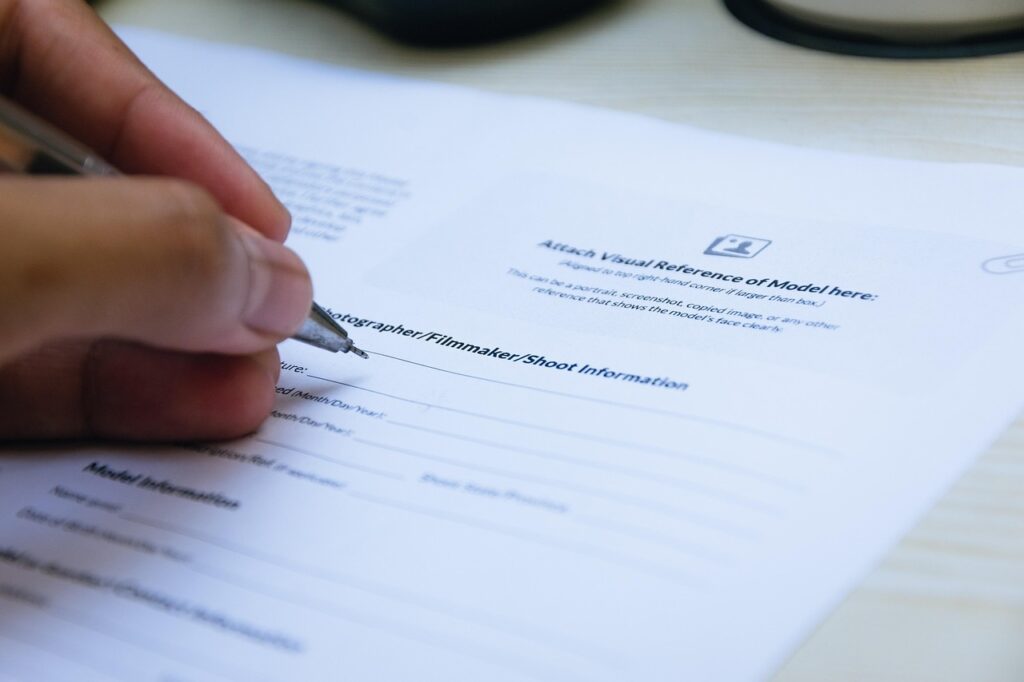
Besides legal requirements, a signing order affects the practical workflow. A purchasing agreement that goes to the CFO before the department head has reviewed it creates bottlenecks. An NDA sent to five people simultaneously without clear instructions leads to confusion about who should act first. These workflow breakdowns waste time and create unnecessary delays that compound across multiple documents.
Common Signing Sequence Scenarios
Different document types follow different logic for signing order:
- Vendor contracts: The requesting department signs first to confirm requirements, followed by procurement, legal review, and finally executive approval based on dollar thresholds.
- Employment agreements: HR prepares and reviews first, the hiring manager signs next, the new employee signs third, and executive leadership signs last for final authorization.
- Real estate transactions: Buyers typically sign first to make their offer official, sellers sign to accept terms, and then attorneys or escrow agents add their signatures.
- Multi-party agreements: The initiating party signs first, followed by other parties in order of their involvement or stake in the agreement.
These patterns exist because they mirror organizational hierarchies and legal requirements while maintaining clear accountability at each stage.
The Role of Digital Signatures in Modern Signing Workflows
Digital signature platforms transform document signing by making order enforcement automatic rather than manual. Before electronic systems, maintaining proper signing sequences meant physically passing documents from desk to desk or mailing them between locations. One person forgetting to forward the document could stall everything for days.
Electronic signature solutions build signing order directly into the workflow. The system automatically sends the document to the next person only after the previous signer completes their part. This eliminates the coordination headaches that plagued paper-based processes. The technology also creates automatic audit trails showing exactly when each person signed and in what order, which proves invaluable for compliance documentation.
Security features in modern e-signature platforms verify signer identity through methods like email authentication, SMS codes, or knowledge-based verification. This ensures that the person signing fourth is actually authorized to do so, not someone who happened to receive a forwarded email. The system enforces the predetermined sequence regardless of who tries to access the document.
Set Up Your Signing Order
The right sequence should consider both legal requirements and internal approval structures. Here is an example of how businesses can set up a signing order.
Identify Required Signers
Start by listing everyone who needs to sign based on the document type and internal policies. For most business contracts, this includes the document originator, necessary approvers based on spending authority, legal counsel for certain dollar amounts, and final executive signoff. Don’t include people who only need to receive copies for their records — they can get notification after completion instead of cluttering the signing chain.
Determine the Correct Sequence
The signing order should follow these general principles:
- Preparers before approvers: The person who drafted or requested the document should sign first to confirm completeness.
- Lower authority before higher authority: Department managers sign before VPs, VPs sign before C-suite executives.
- Internal before external: Get all internal approvals completed before sending to outside parties like vendors or clients.
- Principals before witnesses: The primary parties to an agreement sign before any witnesses or notaries add their attestations.
Also, check if your industry or document type has specific legal requirements for a signing order — real estate, healthcare, and financial services often have strict regulations.
Build Flexibility Into the Process
While sequence matters, rigidity creates problems. Some platforms allow parallel signing, where multiple people at the same authority level can sign simultaneously instead of waiting for each other. This works well when you need three department heads to approve something, and their order relative to each other doesn’t matter.
Consider setting up conditional routing where the signing path changes based on document value or type. A purchase under $5,000 might only need two signatures, while anything over $50,000 triggers additional approval steps automatically.
What Happens When Someone Signs Out of Order
Signing sequence violations create real consequences. In the best case, you catch the error and simply void the document to start over. In worst-case scenarios, the improperly signed document moves forward, potentially creating legal vulnerabilities. A contract where the witness signed before the principal parties did might face challenges in court. An employment agreement signed by an executive before HR reviewed it could contain problematic clauses that should have been caught.

The financial impact adds up quickly. Documents that need to be re-executed because of signing order errors waste time across multiple departments — someone has to identify the problem, notify all parties, void the incorrect version, and restart the entire process. Multiply these incidents across dozens of documents per month, and poor signing order management becomes a drain on resources that affects both immediate costs and long-term productivity.
Make Signing Order Work for Your Organization
The key to effective signing sequences is documentation and automation. Create written policies that specify the signing order for each common document type your organization uses. Include this information in procedure manuals and employee handbooks so nobody has to guess who should sign when.
Train team members on why the signing order matters, not just what the order should be. When people understand the legal and practical reasons behind the sequence, they’re more likely to follow it correctly. Make it someone’s job to review and update signing order procedures as your organization grows or restructures.
Use technology to enforce what the policy establishes. Manual processes rely on people remembering the correct sequence every time, which inevitably fails. Digital platforms make the correct order automatic, removing human error from the equation. Most importantly, digital platforms create documentation that proves compliance when audits or legal questions arise.


 WebProNews is an iEntry Publication