
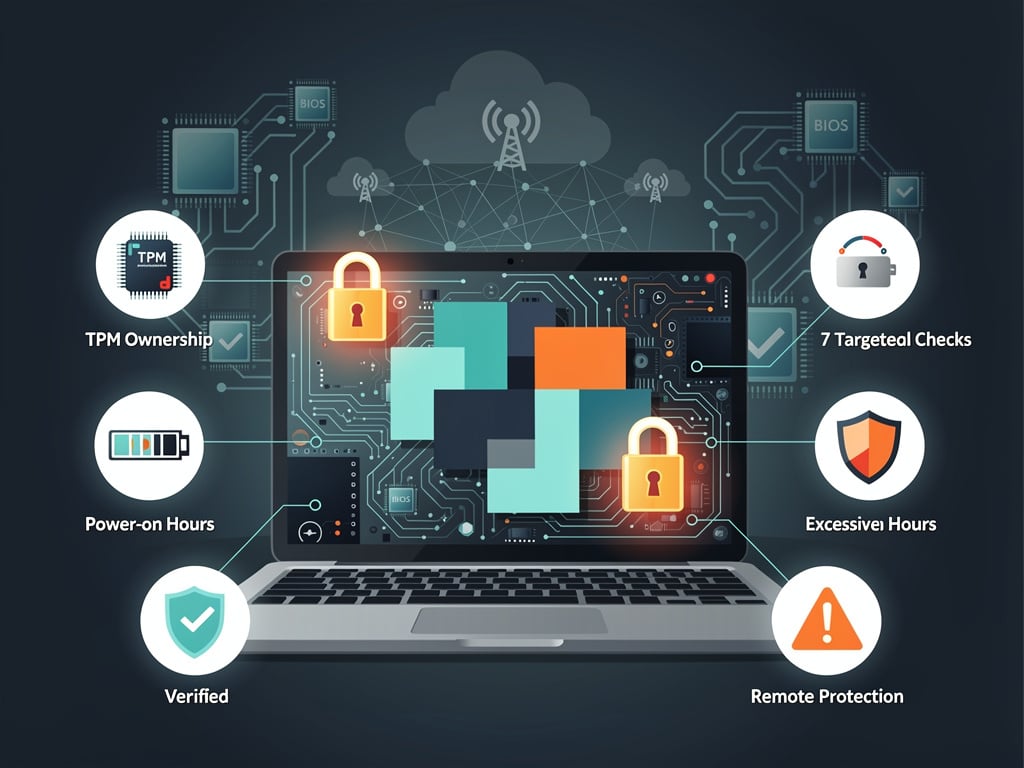
Buyers chase steep discounts on the used laptop market. Sellers list machines that look pristine. Yet hidden firmware settings can turn a supposed steal into an expensive headache. One glance inside the BIOS often tells the real story.
Afam Onyimadu laid out the method in MakeUseOf on May 10, 2026. He walked through seven checks that reveal corporate tracking, locked configurations, excessive wear and remote management hooks. These probes reach parts of the hardware that operating system resets cannot touch.
Start with Absolute, also known as Computrace. This anti-theft feature sits under the Security or Anti-Theft tab. Three states appear: Disabled, Enabled but Not Activated, or Activated. The last one signals trouble. An active lease means a corporate server can still wipe or lock the machine remotely. Even swapping the drive or reinstalling Windows changes nothing. The control lives in UEFI firmware. Walk away if the seller cannot deactivate it immediately.
But that is only the beginning. Enterprise hardware adds layers of control that ordinary buyers rarely anticipate.
A supervisor password on the BIOS presents the next test. Do not simply look for the lock label. Change the boot order. Toggle a security option. If a password prompt appears and the seller cannot clear it on the spot, stop. Enterprise models store this lock in the embedded controller. Battery pulls and CMOS resets fail to remove it. The restriction blocks clean installs, firmware updates and full ownership. “A locked BIOS puts a fixed limit on anything that machine can do under your ownership,” Onyimadu wrote.
Intel AMT and vPro create even quieter risks. These management features operate below the operating system. Access the MEBx menu through Advanced then Network. Unprovisioned means safety. Provisioned status allows a remote administrator to power the device on or off, view the screen or redirect storage. Firewalls and endpoint security see none of it. Corporate fleets deploy vPro heavily. Consumer laptops rarely carry the platform. If the machine comes from a business environment, confirm the state before handing over cash.
Secure Boot keys expose configuration history too. Enabled mode itself raises no alarm. The ownership of the keys does. Consumer machines ship with Microsoft keys and allow toggling without restriction. Corporate setups replace them with enterprise certificates and lock the system in Deployed Mode. Without the supervisor password, users cannot re-enroll keys or disable the feature. Dual-boot arrangements fail. Linux installations often break without clear error messages. Anyone planning to run alternative operating systems should treat Deployed Mode as a warning.
Windows 11 compatibility hinges on TPM 2.0. Presence alone falls short. The feature must show as enabled and listed Ready or Available. Some enterprise Intel seventh- and eighth-generation systems ship with TPM disabled at the hardware level. No BIOS toggle fixes it. Check ownership status as well. “Owned by Organization” means BitLocker keys sit on a domain the buyer cannot access. That detail can lock data even after a fresh Windows install.
Storage power-on hours deliver an odometer no seller can reset. Many BIOS versions include a diagnostics section that reports the figure. If not, boot from a USB drive running CrystalDiskInfo. Under 2,000 hours suggests light use. Ten thousand hours or more points to years of heavy daily operation. A failed self-test means walk away. High numbers give strong leverage for price negotiation.
Battery wear tells another tale when read alongside cycle count. Both numbers usually appear under the Power or Battery tab. High wear paired with low cycles hints at abuse through deep discharges or bad habits. Moderate wear with high cycles points to normal aging. Extreme readings in both categories signal the battery approaches replacement time. Third-party batteries can distort the readings, so treat the data as a bargaining point rather than final proof.
Recent buyer complaints echo these risks. A Facebook group post from early May 2026 described a used laptop that locked days after purchase with a corporate stolen-device message. The owner had to contact police. Reddit threads in Dell and ThinkPad communities from the past year show similar experiences with Intune-enrolled or Computrace-activated machines. One buyer lost money on an Amazon-refurbished unit that demanded an administrator password on first boot.
These firmware traps matter more now. Windows 10 support ends in October 2025, pushing many users toward Windows 11. Machines without workable TPM create instant obsolescence. At the same time, the secondhand market swells with ex-corporate inventory. Refurbishers wipe drives but cannot always remove embedded management features. The gap leaves buyers exposed.
Onyimadu’s summary table offers a quick reference. Activated Absolute or a provisioned AMT session means reject the deal with no exceptions. A supervisor lock the seller cannot clear also ends the transaction. High storage hours or poor battery statistics invite hard bargaining rather than outright refusal. The article stresses that an attractive price tag does not guarantee value when important controls remain locked.
Practical steps follow naturally. Insist on entering BIOS together with the seller at the point of sale. Take screenshots of every relevant screen. Test changes in real time. For online purchases, demand clear photos of the BIOS pages before payment. Services that report serial numbers against theft databases add another check, though they miss many corporate leases.
Power-on hours and battery statistics especially reward close reading. They survive OS reinstalls and drive swaps. A machine advertised as lightly used but showing 18,000 hours has already worked full time for years. The numbers do not lie.
Buyers who master these checks gain an edge. They avoid inheriting remote management hooks, encryption locks or hardware on its last legs. The used market offers genuine bargains. Yet only those who look past cosmetic condition and into the firmware find them. One afternoon spent verifying BIOS settings can save thousands in replacement costs and frustration later.
Enterprise fleets retire machines on schedules that favor volume over individual care. That reality floods resale channels with equipment carrying hidden baggage. The tools to inspect that baggage have existed for years. Few casual buyers know to use them. Onyimadu’s guide, published just yesterday, arrives at a moment when more people hunt for affordable computing power amid tight budgets. The advice could not be more timely.


 WebProNews is an iEntry Publication