
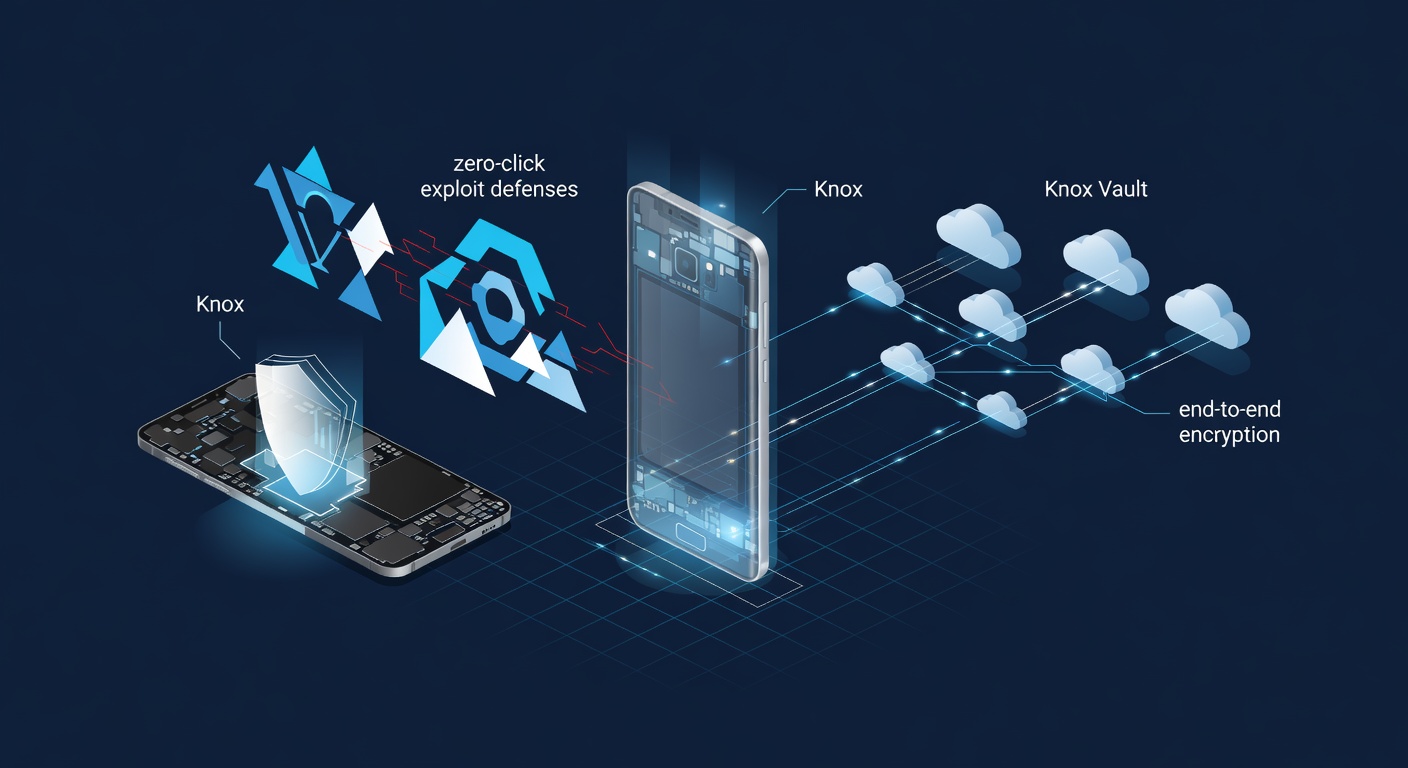
Samsung has been building something most consumers don’t fully appreciate. While Apple dominates the public conversation around smartphone privacy, Samsung has been stacking layers of proprietary security features on top of Android’s existing protections — creating a mobile security architecture that rivals, and in some areas surpasses, anything else on the market. For enterprise IT managers and security-conscious professionals, the details matter. And the details here are worth examining closely.
The South Korean electronics giant doesn’t just ship stock Android. It ships a hardened version of it. Every Galaxy device runs on Samsung’s custom security platform, Knox, which has evolved from a niche enterprise tool into a comprehensive defense system embedded at the hardware level. Knox isn’t an app. It isn’t a toggle in settings. It’s baked into the chip — a hardware root of trust that begins verifying system integrity from the moment the phone powers on, as MakeUseOf details in a recent breakdown of Samsung’s exclusive security features.
That distinction — hardware versus software — is everything in modern device security.
Knox and the Hardware Root of Trust
Samsung Knox operates on what’s known as a hardware-based root of trust, meaning the security verification process starts at the lowest possible level: the processor itself. When a Galaxy phone boots up, Knox checks every layer of software from the bootloader through the operating system to ensure nothing has been tampered with. If it detects unauthorized modifications — say, a rooted device or compromised bootloader — it trips what Samsung calls the Knox Warranty Bit, a one-time electronic fuse that permanently records the breach. There’s no going back. That fuse, once tripped, cannot be reset. It’s a physical, irreversible flag.
This is meaningful for enterprises deploying fleets of devices. An IT administrator can verify at a glance whether a device has ever been compromised at the system level. No other Android manufacturer offers this kind of tamper-evident hardware mechanism at scale.
But Knox goes further. Samsung’s Real-Time Kernel Protection (RKP) continuously monitors the phone’s operating system kernel while it’s running. It prevents unauthorized changes to kernel code and data structures in real time — not after the fact, not during a scheduled scan, but continuously. According to MakeUseOf, this feature works alongside a Trusted Execution Environment (TEE) that isolates sensitive operations like biometric authentication and encryption key management from the rest of the operating system. Even if an attacker gains access to the main OS, the TEE remains walled off.
Samsung also introduced the Secure Processor, a dedicated physical chip that handles critical security tasks independently. It’s designed to resist hardware-level attacks including voltage glitching and laser fault injection — techniques that sophisticated threat actors use to extract data from chips. This isn’t theoretical defense against theoretical threats. These are countermeasures designed for the kinds of attacks that state-sponsored groups and advanced persistent threat actors actually employ.
Then there’s Samsung’s Secure Folder, which functions as an encrypted, isolated container within the phone. It runs as a separate instance of the Android environment, complete with its own apps, data, and authentication. Think of it as a phone within a phone. Files, photos, and applications stored in the Secure Folder are encrypted using the Knox platform and can only be accessed through a separate authentication layer — PIN, password, or biometric. For professionals who carry a single device for both work and personal use, this solves a real problem. Corporate data stays segregated. Personal data stays private.
And Samsung has been expanding what Secure Folder can do. It now supports cloning apps, meaning a user can run two instances of the same application — one personal, one work — without the two ever sharing data. This is particularly useful for messaging apps and email clients where maintaining separation between professional and personal communications isn’t just convenient but often legally required.
Auto Blocker, Theft Protection, and the Privacy Arms Race
One of Samsung’s more recent additions is Auto Blocker, a feature that consolidates several protective measures under one toggle. When enabled, it blocks sideloading of apps from unauthorized sources, scans for malware delivered via USB cables (a vector most users never consider), and prevents command injection through USB connections. That last point matters more than it sounds. Public charging stations and compromised cables can be used to push malicious commands to a phone — a technique known as “juice jacking.” Auto Blocker shuts that door.
Samsung also added Message Guard, which pre-emptively neutralizes zero-click exploits hidden in image files sent through messaging apps. Zero-click attacks don’t require the victim to tap anything. The mere receipt of a specially crafted image can trigger code execution. Message Guard quarantines incoming images in a sandboxed environment, strips potential exploit code, and only then renders the image for viewing. As MakeUseOf notes, this feature works across Samsung Messages, Google Messages, and several third-party messaging platforms — a broad implementation that addresses one of the most dangerous contemporary attack vectors.
Theft protection is another area where Samsung has moved aggressively. The company’s Find My Mobile service offers remote lock, remote wipe, and location tracking, which are standard features across most smartphones. But Samsung adds a few things competitors don’t. Users can remotely back up their device, retrieve call and message logs, and even unlock their phone remotely if they’ve forgotten their credentials. More critically, Samsung’s Reactivation Lock ties the device to a Samsung account, rendering a stolen phone effectively useless unless the thief has the owner’s credentials. Google has introduced similar features through its Android-wide theft detection tools, including AI-powered motion detection that locks the phone if it detects a snatching motion — but Samsung’s implementation predates and in some ways exceeds these platform-level protections.
Samsung’s maintenance mode deserves mention here too. When a user sends their phone in for repair, they can activate Maintenance Mode, which hides all personal data and presents the technician with a clean, temporary user profile. When the owner deactivates the mode, everything returns to normal. It sounds simple. It is simple. But before this feature existed, users had to choose between trusting repair technicians with full access to their data or wiping the phone entirely before servicing. Neither option was good.
Samsung has also invested in privacy dashboards and permission management that go beyond stock Android. The Privacy Dashboard provides a timeline view of which apps accessed the camera, microphone, and location, and when. Permission controls allow users to grant access only while an app is in active use, and Samsung’s Alert When App Accesses Clipboard feature notifies users whenever an app reads clipboard data — a common vector for credential theft.
On the biometrics front, Samsung’s ultrasonic fingerprint sensor — used in its flagship S-series and Z-series devices — reads a 3D map of the fingerprint rather than a 2D image, making it significantly harder to spoof with printed or molded replicas. The biometric data is processed and stored within the Secure Processor, never leaving the device and never accessible to Samsung or any third party.
The Enterprise Angle and What Comes Next
For enterprise buyers, the Knox platform extends well beyond device-level security. Samsung Knox Suite provides IT administrators with tools for device enrollment, policy management, remote configuration, and firmware management across large device fleets. Knox Vault, the latest evolution of Samsung’s secure enclave technology, stores sensitive data like PINs, passwords, and blockchain private keys in an isolated processor with its own memory — physically separated from the main application processor. Even if the main chip is compromised, Knox Vault remains a standalone fortress.
Samsung has been making significant strides in update longevity as well. The company now promises seven years of security updates for its flagship devices — matching Google’s Pixel commitment and far exceeding what most Android OEMs provide. That’s a direct response to enterprise procurement cycles, where devices may remain in service for three to five years and continued security patching is a non-negotiable requirement.
So where does this leave the competitive picture? Apple’s Secure Enclave and its tightly controlled software environment remain formidable. Google’s Pixel phones, with their Titan M2 security chip and first-to-market Android security patches, occupy a strong position. But Samsung’s approach is arguably the most layered. It combines hardware isolation, real-time kernel monitoring, tamper-evident mechanisms, encrypted containers, and enterprise fleet management into a single, tightly integrated package — all while running on the world’s most widely deployed mobile operating system.
The irony is that most Samsung phone owners never touch these features. They don’t enable Auto Blocker. They don’t use Secure Folder. They don’t know what Knox does. But for the security professionals, IT administrators, and privacy-conscious users who do know — Samsung has quietly built one of the most comprehensive mobile security stacks in the industry. And it keeps adding to it.
The question isn’t whether Samsung’s security features are good enough. The question is whether enough people know they exist.


 WebProNews is an iEntry Publication