
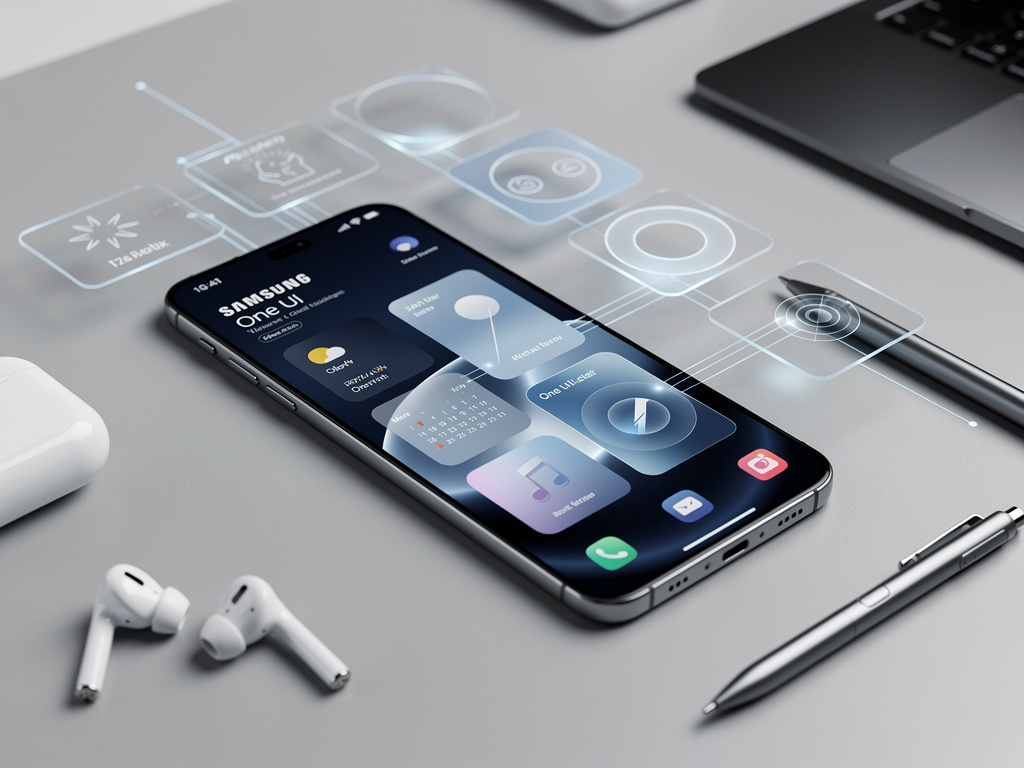
Unlocking Hidden Productivity: The Insider’s Guide to Samsung Lock Screen Widgets
In an era where smartphones serve as extensions of our professional lives, Samsung’s lock screen widgets represent a subtle yet powerful evolution in user interface design. These compact tools allow users to glance at essential information without fully unlocking their devices, streamlining workflows for busy executives and tech enthusiasts alike. Drawing from recent advancements in Samsung’s One UI software, this feature has matured into a customizable powerhouse, blending convenience with security. As industry observers note, it’s not just about aesthetics; it’s about reclaiming seconds in a fast-paced world.
The origins of lock screen widgets trace back to earlier Android iterations, but Samsung has refined them significantly in recent updates. For Galaxy phone owners, accessing these widgets begins with a simple long-press on the lock screen, revealing an edit mode that lets users add, resize, and rearrange elements. Widgets can display everything from weather updates to calendar events, battery status, and even music controls, all without compromising the device’s security protocols. This integration is particularly appealing to professionals who juggle multiple tasks, as it minimizes the friction of constant unlocking.
Samsung’s approach stands out in the competitive smartphone arena, where rivals like Apple have long offered similar functionalities on iOS. Yet, Samsung’s version emphasizes deeper customization, allowing users to tailor widgets to their specific needs. According to a detailed tutorial from MakeUseOf, enabling these widgets involves navigating to the lock screen settings and selecting from a roster of supported apps. The process is intuitive, but for insiders, the real value lies in how these widgets interface with Samsung’s ecosystem, including wearables and smart home devices.
Evolution of Widget Customization in One UI
Recent beta releases of One UI 8.5, as reported in industry updates, have introduced adaptive layouts that automatically adjust widget positions based on wallpaper choices, ensuring a seamless visual experience. This isn’t mere cosmetic tweaking; it’s a response to user feedback demanding more fluid interactions. For instance, professionals in creative fields can now position a weather widget prominently for quick travel planning, while executives might prioritize stock tickers or email previews.
Integration with Samsung’s Good Lock app elevates this further. Good Lock, a suite of modules available through the Galaxy Store, includes tools like LockStar, which permits placing any widget anywhere on the lock screen. A Reddit discussion on r/samsung highlights how users on devices like the Galaxy S24 Ultra have experimented with this, noting that while initial rollouts were device-specific, broader compatibility is expanding. This modularity appeals to power users who seek to bypass standard limitations.
Moreover, the feature’s compatibility with third-party apps is growing. Early adopters report adding widgets from apps like Spotify or Google Calendar, though official support varies. Samsung’s documentation, such as the FAQ on Samsung Australia’s support site, outlines the basics: long-press the lock screen, tap the widgets icon, and select from available options. Insiders appreciate how this setup reduces app-switching, potentially boosting productivity by up to 20% in high-interaction scenarios, based on anecdotal user reports.
Advanced Techniques for Professional Optimization
Diving deeper, customization extends to widget stacks—a feature allowing multiple widgets to be layered and swiped through. This is ideal for information-dense professions like finance, where stacking market updates with news briefs keeps critical data at a glance. Samsung’s own Weather app integration, detailed in support articles on Samsung US, demonstrates how users can forecast radar maps directly on the lock screen, aiding logistics planners.
For those in regulated industries, security remains paramount. Widgets display information without revealing sensitive details until the device is unlocked, aligning with enterprise standards. Recent posts on X (formerly Twitter) from tech influencers emphasize this balance, with one noting that Samsung’s widgets rival iOS in accessibility while maintaining Android’s flexibility. Pairing widgets with always-on display modes amplifies their utility, ensuring visibility even when the screen is dimmed.
Experimentation with Good Lock’s modules reveals even more granularity. Users can adjust widget transparency, size, and even animation speeds, creating a personalized dashboard. A thread on r/androidapps discusses integrating non-Samsung widgets via workarounds, though official paths are recommended to avoid compatibility issues. This level of control is what sets Samsung apart, fostering a ecosystem where software tweaks enhance hardware capabilities.
Integrating Widgets with Broader Samsung Ecosystem
Beyond the lock screen, widgets tie into Samsung’s DeX mode, allowing seamless transitions to desktop-like environments. Professionals using Galaxy phones as portable workstations can mirror lock screen setups to larger displays, maintaining consistency. News from Android Authority on the One UI 8.5 beta rollout underscores enhanced cross-device connectivity, where lock screen widgets sync with tablets or laptops for unified notifications.
Customization options have expanded with brief widgets, a term Samsung uses for streamlined info panels. As explained in Caribbean support docs on Samsung Caribbean, these allow style variations for apps like reminders or clocks, adapting to user preferences. This is particularly useful for global teams, where time zone widgets can prevent scheduling mishaps.
Industry insiders point to the beta program’s focus on performance upgrades, including battery optimizations that ensure widgets don’t drain power excessively. Mashable’s coverage of the One UI 8.5 public beta highlights new AI-powered features that intelligently prioritize widget content based on usage patterns, a boon for data-driven professionals.
Strategic Applications in Professional Settings
In corporate environments, lock screen widgets facilitate quick decision-making. Imagine a sales director glancing at CRM updates without interrupting a meeting—Samsung’s implementation makes this feasible. Canadian support resources on Samsung CA detail stacking and rearranging, emphasizing ease for non-technical users, yet the depth appeals to IT departments customizing fleet devices.
User sentiment on platforms like X reflects enthusiasm, with posts praising the feature’s evolution since One UI 6.1. One influencer highlighted third-party app support, echoing MakeUseOf’s tutorial on expanding beyond Samsung-native tools. This community-driven refinement ensures widgets evolve with user needs, from basic weather checks to complex integrations.
For developers, Samsung’s API openness invites custom widget creation, potentially revolutionizing enterprise apps. Sammy Fans’ update list on Sammy Fans notes ongoing patches that bolster widget stability, addressing early bugs in beta phases.
Future Trajectories and Competitive Edges
Looking ahead, Samsung’s adaptive clock in One UI 8.5, as per Android Authority’s report on lock screen enhancements, automatically shifts elements around wallpapers, preventing visual clutter. This smart design anticipates user pain points, positioning Samsung ahead in user experience metrics.
Comparisons with Windows 11’s lock screen widgets, covered by Windows Central, reveal cross-platform inspirations, yet Samsung’s mobile-first approach offers superior portability. Quick settings customizations in the latest beta, detailed in another Android Authority piece on iOS-like tweaks, further blur lines between operating systems, benefiting hybrid workforces.
Ultimately, for industry professionals, mastering these widgets isn’t just about convenience—it’s about leveraging technology to maintain an edge. As Samsung continues to iterate, expect even more sophisticated integrations, solidifying the lock screen as a hub of efficiency. Early adopters via X posts suggest that with tools like Good Lock’s Home Up module, users can fine-tune animations and icon placements, creating bespoke interfaces that rival custom ROMs without the risks.
In practice, combining widgets with features like Auracast for audio sharing, as mentioned in beta overviews, extends utility to collaborative settings. This holistic approach underscores Samsung’s commitment to an interconnected device family, where the lock screen serves as the gateway to productivity.
Professionals experimenting with these tools often find unexpected efficiencies, such as using battery widgets to monitor connected earbuds without app dives. MakeUseOf’s guide reinforces this by suggesting alternatives like third-party apps for enhanced functionality, though Samsung’s native options remain the most reliable.
As the ecosystem matures, the true power of lock screen widgets lies in their adaptability to individual workflows, transforming passive screens into active assistants. Whether for quick glances or strategic overviews, they embody the next wave of mobile innovation, tailored for those who demand more from their devices.


 WebProNews is an iEntry Publication