
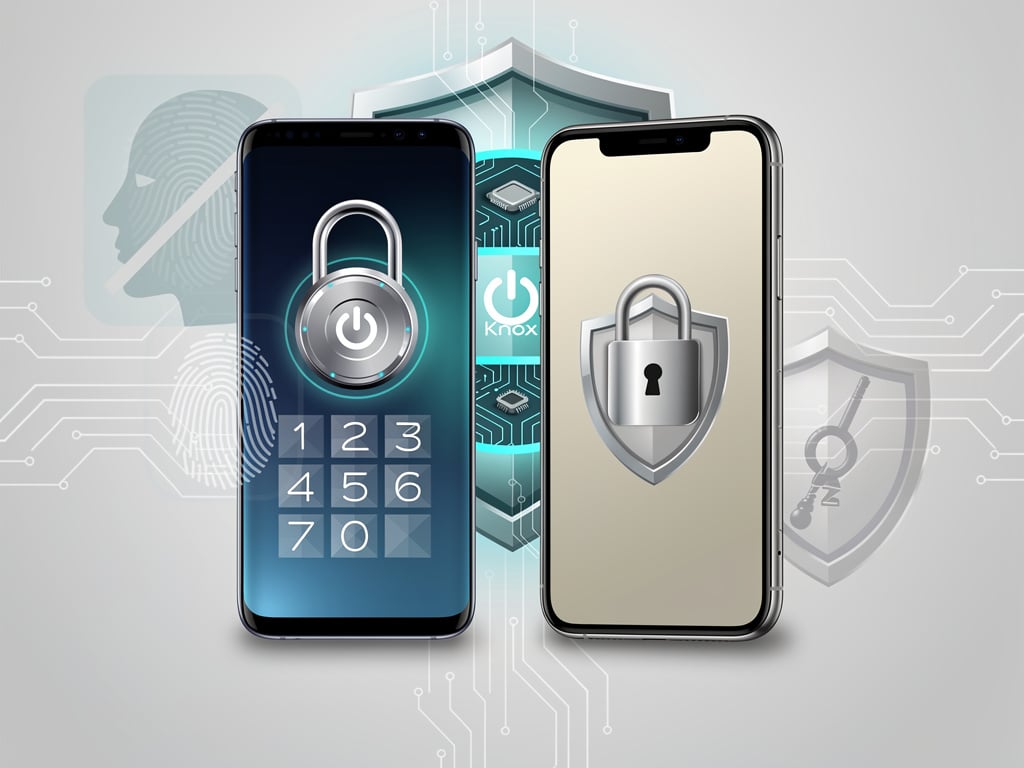
Samsung has quietly added a key security measure to its upcoming One UI 9 software. The change mirrors one of Apple’s most practical defenses against forced phone unlocks. In the second beta of One UI 9, pulling up the power menu on a Galaxy device now forces a PIN entry on the next unlock attempt. Biometrics stay disabled until then.
Biometrics changed daily phone use. Fingerprints and face scans feel faster than typing codes. They resist guessing attacks that plague passwords. Yet they carry a glaring weakness. Someone who grabs your phone while you stand nearby can simply point it at your face or press your finger to the sensor. Access granted. No password required.
Both platforms offer a counter. Apple baked its version directly into the power menu years ago. iPhone owners long-press the side button and volume key. The screen shows sliders for power off and medical ID. But the act of opening that menu immediately blocks Face ID or Touch ID. Next unlock demands the passcode. A message appears: “Your passcode is required to enable Face ID.” Simple. Immediate.
Samsung took a different path at first. Galaxy phones included a dedicated Lockdown mode option. Users had to long-press the power button, locate the icon, and tap it. The feature worked. It disabled biometrics until a PIN was entered. But it demanded extra steps. In a sudden confrontation, those seconds matter. A thief or aggressive official might not give you time to hunt for the right button.
One UI 9 beta 2 changes the equation.
Simply accessing the power menu now triggers the lockdown effect, according to Lifehacker. The last-used app still launches afterward. Yet the phone requires that PIN first. No more separate toggle. The behavior aligns closely with iOS. Android Authority first spotted the shift in testing, as cited in the Lifehacker report.
This matters for real-world threats. Airport security lines. Protests. Street confrontations. Officials or strangers sometimes demand phone access under pressure. Biometrics make compliance easy for the owner and the demander. Lockdown mode flips the script. It buys time. It forces knowledge of the code, which the owner can refuse to give.
But. Implementation details still differ slightly. On iPhone the menu itself signals the change clearly. Samsung’s approach ties the requirement to menu access without an explicit lockdown label in every case. Testers report the PIN prompt appears reliably after the beta update. The feature remains in testing. Samsung has not confirmed it will reach the final One UI 9 release unchanged. Beta participants risk bugs and data issues. Backups stay essential.
The move fits a broader pattern. Samsung has studied Apple’s security playbook before. Passkeys arrived on Galaxy phones through Samsung Pass years after iOS 16. They store cryptographic credentials locally. Biometrics unlock them. No passwords cross the internet. Phishing resistance improves dramatically. Samsung’s official guides detail setup on devices running One UI 6 or later. Users open a supported site or app, create the passkey, and tie it to their biometric profile. (Samsung Support).
Hardware isolation adds another layer. Samsung’s Knox Vault protects sensitive material in a dedicated secure processor on flagship models. It keeps biometric templates and keys separate from the main system. Apple relies on the Secure Enclave for similar isolation. Both approaches exceed basic software storage. Yet consistency varies across Android devices. Flagship Galaxy models deliver the strongest guarantees. Budget units sometimes fall short.
Recent reports show continued evolution. A May 2026 PCMag explainer noted that passkeys have gained traction across major services. Amazon, Google, Microsoft, and many banks now accept them. Users can supplement with dedicated hardware keys for high-security accounts. Those physical tokens store passkeys offline in some cases. (PCMag, published May 7, 2026).
Android as a whole pushed anti-theft tools. Google’s Theft Detection Lock uses motion sensors to spot snatch-and-grab patterns and lock the device quickly. Samsung rolled it out to many Galaxy models. Apple reportedly examined similar automatic locking triggered by sudden movement and paired Watch data, per recent coverage on SammyFans.com from late May 2026. The feature would activate Stolen Device Protection automatically. (SammyFans).
Privacy screens represent another front. Samsung introduced a new Privacy Display on the Galaxy S26 Ultra earlier this year. It limits viewing angles for notifications, passwords, and sensitive content without a physical filter. The technology adjusts pixel light dispersion on the fly. Users set per-app rules or automatic triggers. It combats shoulder surfing in crowded spaces. Early reviews suggest it outperforms traditional solutions. No direct iPhone equivalent exists yet.
These steps reflect pressure from users and regulators. Password fatigue persists. Data breaches expose millions of credentials yearly. Biometric bypass attacks appear in security research with alarming frequency. Governments increasingly scrutinize phone access at borders. Companies face liability when employee devices fall into wrong hands.
Samsung’s latest beta test shows responsiveness. Copying the iPhone power-menu behavior removes friction from an existing tool. It doesn’t invent new cryptography. It makes defense practical in the moment it counts. For security teams evaluating fleet devices, the change simplifies policy. Enable the beta or wait for stable release. Train staff to long-press the power button when trouble appears. PIN knowledge becomes the final gate.
Critics will note that betas often change. Samsung could tweak the exact trigger or add an opt-out. Enterprise users on Knox-managed devices already enjoy stricter controls including remote wipe and containerization. Consumer handsets gain from these trickle-down improvements.
One thing feels clear. The gap between iOS and high-end Android security continues to shrink. Features once touted as iPhone exclusives appear on Galaxy flagships within a few generations. Lockdown integration marks another step. Convenience and protection need not fight each other. A single menu action can deliver both. And users on either platform benefit when vendors borrow good ideas.
Expect wider availability later this year if the beta succeeds. One UI 9 should land on recent Galaxy S, Z, and A series models. Watch for official announcements. Test cautiously. The principle remains sound. Make forced access harder. Require knowledge, not just presence. In security, small menu changes sometimes deliver outsized protection.


 WebProNews is an iEntry Publication