
Plug a Galaxy phone into a monitor these days and the result feels different. The desktop-like interface that once required constant resets now holds its shape. Windows snap back to their assigned spots. Multiple workspaces sit ready to switch with a swipe. Samsung has spent years refining this feature. The One UI 8.5 update marks a noticeable step forward.
Users long complained that DeX forgot everything the moment the cable unplugged. Launch it again and the layout vanished. Apps needed repositioning. Sizes required adjustment. That friction kept the mode from daily use for many professionals who travel light. MakeUseOf writer Sagar Naresh captured the shift after his own test. “I could literally see how much DeX has changed from a mere feature into a productivity powerhouse,” he wrote on June 21, 2026.
The change arrives after Samsung rebuilt DeX in One UI 8 to align with Google’s emerging Android desktop mode. The overhaul removed several familiar behaviors. Window positions no longer persisted. Some users called the result a downgrade. Forums filled with frustration over lost muscle memory. Yet the company kept iterating. One UI 8.5 restores key conveniences while adding fresh capabilities.
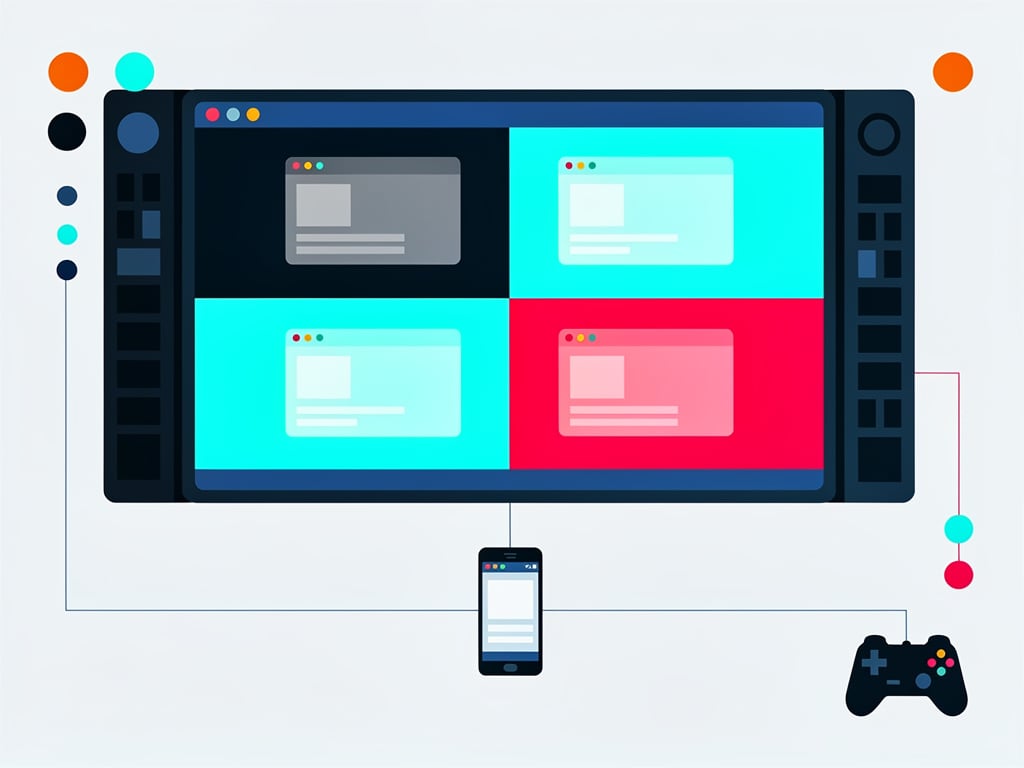
Four virtual desktops stand out as the biggest addition. Work apps live on one screen. Communication tools occupy another. Entertainment stays separate. Switch between them through the bottom bar menu or a three-finger swipe on the phone itself. Keyboard shortcuts borrowed from desktop systems now move windows with Command plus arrow keys. The setup begins to resemble the multi-monitor habits many office workers maintain.
Memory marks another improvement. Open an app and it returns to the same size and location on the next launch. No more rebuilding the workspace each session. Naresh noted this eliminates the recurring annoyance that once limited his reliance on the feature. Widgets also appear on the DeX home screen for the first time. Weather updates and calendar events sit in plain view without opening separate programs. Right-click the desktop and select Widgets to add them.
Screen recording receives an upgrade too. Full capture worked before. Partial recording now lets users select exactly which portion of the display to save. A quick lock button secures the entire workspace behind a passcode when stepping away. And a simple toggle in the corner flips instantly between true DeX mode and basic screen mirroring.
Gaming saw a targeted repair. Controllers sometimes lost analog stick response when the phone screen dimmed during play. The issue persisted for months. Players kept the display awake as a workaround. One UI 8.5 paired with the May 2026 security patch resolves it. Sammy Fans reported that inputs now continue without interruption even after the phone display sleeps. The fix benefits anyone who docks a flagship for console-style sessions on a large screen.
But not every element improved. The taskbar vanished by default in the One UI 8 redesign. Many missed the clean full-screen view for videos or presentations. One UI 8.5 quietly brings back the auto-hide toggle. Find it under Settings, then Connected Devices, Samsung DeX, and Connected Display. Android Authority writer Hadlee Simons highlighted the return on May 13, 2026, calling it a welcome revival for distraction-free experiences.
SamMobile documented further refinements in a video comparison between One UI 8.0 and 8.5. The publication pointed to the mirroring switch, workspace lock, partial recording, and multiple desktop support as the standout additions. At first glance the interface looks unchanged. Apps and grid lines behave as before. The power sits beneath the surface. SamMobile noted the multiple desktops originated on tablets before expanding to phones.
Critics still identify gaps. A five-app limit per desktop persists in some configurations. Certain productivity programs still scale poorly or lack full mouse-and-keyboard optimization. The experience stops short of replacing a dedicated laptop for heavy spreadsheet work or complex video edits. Yet for lighter tasks, email chains, document reviews, video calls, the combination of phone, monitor, keyboard and mouse delivers surprising competence.
Business travelers notice the advantage immediately. One bag carries the computer, the secondary display, and the input devices. Hotel rooms turn into temporary offices without hauling extra hardware. Students connect to classroom projectors and maintain their familiar workspace. The phone stays charged through the same cable that drives the external screen.
Samsung continues to ship One UI 8.5 across its lineup. The Galaxy S26 series launched with it. Rollouts now reach older flagships and select midrange models. Nearly one hundred devices could receive the update before year end, according to tracking sites. Each new build brings the enhanced DeX closer to broader availability.
Community reactions remain mixed. Some power users pine for the classic DeX layout that felt more integrated between phone and external display. Recents views no longer sync as cleanly in certain modes. Others welcome the direction toward a standardized Android desktop foundation that could attract more app developers over time.
The real test comes in daily repetition. Does the remembered layout hold after a week of travel? Do the virtual desktops reduce context switching enough to justify the cable? Early testers like Naresh say yes. The mode no longer feels like a demonstration. It starts to feel like a tool.
Expect further tweaks. Samsung has signaled ongoing investment in desktop-class features for its Galaxy devices. Higher refresh rates beyond 60Hz remain a frequent request. True multi-monitor support would expand the possibilities. Better peripheral compatibility could close remaining gaps.
For now the surprise sits in how much progress arrived in a point release. One cable. One phone. A monitor on the other end. The result looks less like a phone stretched large and more like a compact workstation that travels in a pocket. That evolution matters for anyone who values flexibility over raw desktop horsepower.


 WebProNews is an iEntry Publication