
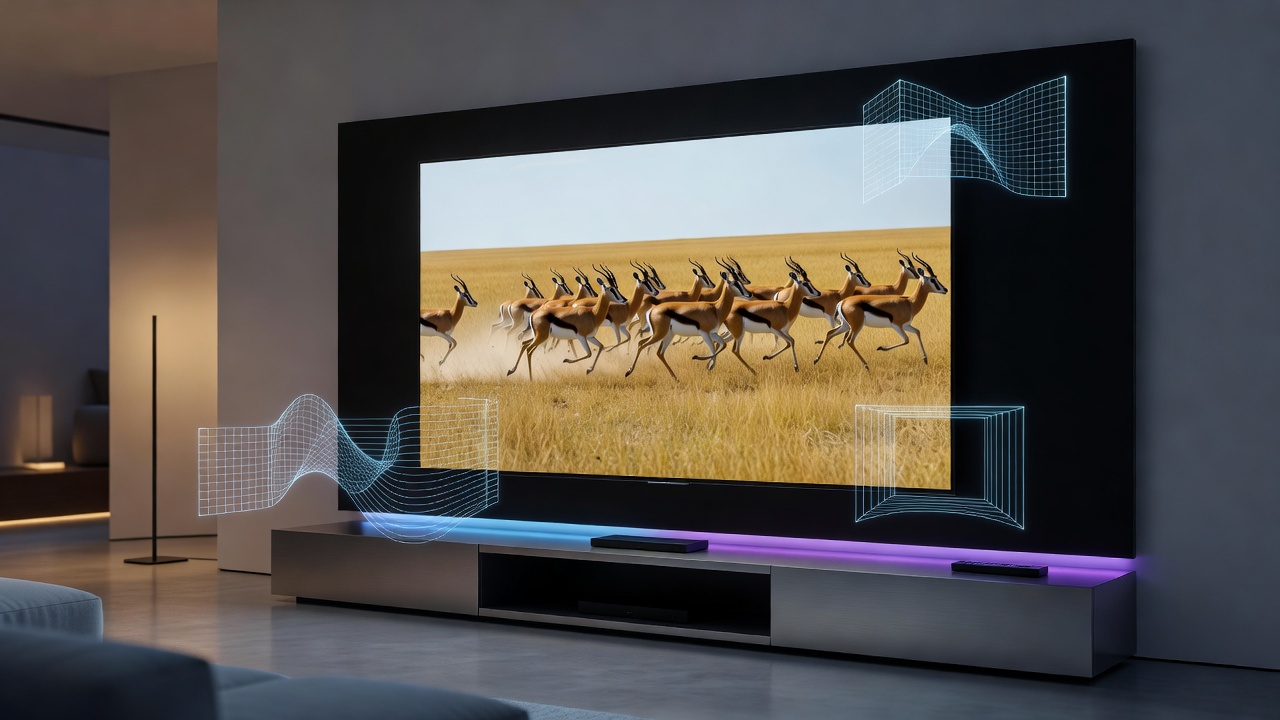
Samsung has quietly added a video processing option to its latest televisions that dramatically improves how streaming apps display content. Many users who discover this setting report that services like Netflix, Disney Plus, and YouTube suddenly look closer to a theatrical presentation than typical television viewing. The feature sits tucked away in the picture settings menu and changes how motion is handled across nearly every app on the smart TV platform.
The setting in question is called Auto Motion Plus for streaming content. While Samsung has offered motion smoothing features for years, this particular implementation applies more intelligently to apps rather than just traditional broadcast or connected devices. When activated, it adds subtle frame interpolation that reduces judder without introducing the overly smooth soap opera effect that turns many viewers away from similar technologies. The difference becomes immediately noticeable on films shot at 24 frames per second, which constitute the majority of cinematic releases.
To locate this option, users need to access the Expert Settings menu within the picture adjustments. From the main settings screen, select Picture, then choose Expert Settings. Scrolling down reveals Auto Motion Plus, which can be set to different levels including Auto, Custom, or turned off completely. The Auto mode proves most effective for streaming applications because it detects content type and applies appropriate processing. Many owners who experiment with the Custom setting adjust the blur reduction and judder reduction sliders independently to find their preferred balance between smoothness and natural motion.
The visual impact varies by content type. Action sequences in movies gain clarity as individual movements become easier to follow. Slower dramatic scenes acquire a more film-like cadence that feels closer to what audiences experience in theaters. Sports broadcasts benefit particularly well since fast camera pans and player movements display with less stuttering. Even animated content receives advantages as character motions appear more fluid without losing the intended artistic style.
This hidden feature addresses one of the longstanding frustrations with modern streaming. Most streaming platforms deliver content at 24 or 30 frames per second while many televisions default to 60 or 120 hertz refresh rates. Without proper processing, this mismatch creates visible judder where smooth camera movements appear to stutter. Traditional motion interpolation attempts to fix this problem but often overcorrects, giving everything an artificial look. Samsung’s approach seems more restrained and film-friendly according to numerous user reports.
Picture quality improvements extend beyond motion handling. Colors appear richer because the television maintains better processing consistency across different frame rates. Black levels seem deeper as the processing avoids introducing unwanted artifacts during dark scenes. Detail preservation also benefits since the interpolation algorithms work with the native resolution rather than fighting against mismatched timing.
Not every viewer appreciates these changes. Some prefer the original look of content exactly as filmmakers intended without additional processing. Film enthusiasts sometimes argue that any frame interpolation deviates from artistic vision. These users can simply disable the feature or adjust it to minimal settings. The flexibility built into the menu allows households to accommodate different preferences among family members.
Samsung implemented this capability across its 2023 and 2024 television lineup including QLED, OLED, and Neo QLED models. The processing power required for real-time interpolation explains why older models lack equivalent functionality. Newer processors handle the calculations efficiently without introducing input lag that might affect gaming performance. Users who own multiple Samsung displays report consistent results when applying identical settings across different screen sizes.
The technology works by analyzing incoming frames and generating additional intermediate images. Rather than simply repeating frames, which causes judder, or aggressively smoothing everything, which creates the soap opera effect, the algorithm calculates object movement and places new frames at mathematically correct positions. This method requires significant computational resources but delivers superior results compared to basic frame blending techniques used in some competing systems.
Professional reviewers have begun mentioning this setting in their evaluations of recent Samsung models. Many note that enabling the feature brings streaming content closer in appearance to content played from high-quality Blu-ray players or dedicated media servers. The gap between streaming and physical media narrows considerably when properly configured. This development matters because most households now consume far more streaming content than disc-based media.
Setup requires minimal technical knowledge. After accessing the menu and enabling Auto Motion Plus, users should watch familiar content to evaluate the difference. Some adjustment periods prove necessary since brains need time to adjust to the new motion characteristics. Starting with moderate settings and gradually increasing the effect often yields the best adaptation. Custom modes permit fine-tuning blur reduction separately from judder reduction, giving experienced users precise control.
Compatibility extends to all major streaming applications installed on the television. Whether using the native Netflix app, Hulu, Amazon Prime Video, or lesser-known services, the processing applies uniformly. This consistency represents an advantage over external streaming devices that might require separate configuration for each box or stick. The television handles everything internally, simplifying the overall experience.
Some users combine this setting with other picture adjustments for optimal results. Reducing sharpness slightly prevents the processed images from appearing artificially enhanced. Adjusting contrast and brightness ensures the added frames integrate naturally with existing content. Color temperature settings may need minor tweaks since motion processing can affect perceived warmth or coolness of the image. These complementary changes help create a cohesive viewing experience.
The feature particularly benefits larger screens where motion artifacts become more obvious. On 65-inch and bigger displays, judder appears more pronounced because viewers sit at distances that make individual pixels easier to discern. Smaller televisions mask some problems through sheer scale limitations. Owners of premium large-format Samsung models often express greatest satisfaction after discovering and activating this option.
Gaming consoles connected to these televisions can use separate picture modes that disable motion processing automatically. This prevents any additional latency during gameplay while maintaining optimized settings for movie and television consumption. The system recognizes different input types and applies appropriate configurations without manual switching in most cases.
Future Samsung models will likely expand upon this foundation. As processing chips grow more powerful, more sophisticated interpolation algorithms may emerge. Potential developments include adaptive processing that changes based on specific genres or even individual scenes within films. Artificial intelligence could analyze content in real-time to determine optimal motion characteristics for each moment.
Community forums contain numerous threads where users share their experiences with this setting. Many describe initial skepticism followed by genuine surprise at the quality improvement. Side-by-side comparisons between processed and unprocessed content help demonstrate the differences clearly. These discussions often include recommended slider positions for different content types ranging from fast-paced thrillers to contemplative dramas.
The setting also affects how subtitles appear during motion-heavy sequences. Text remains sharper and easier to read when the background moves smoothly rather than stuttering. This detail matters for viewers who rely on closed captioning or watch foreign language films. Improved motion clarity reduces eye strain during extended viewing sessions.
Audio synchronization stays properly maintained even with active motion processing. Samsung engineered the system to avoid introducing delays between sound and picture. Lip movements match dialogue naturally across all tested applications. This technical achievement deserves recognition since poor synchronization would render the feature unusable for most audiences.
Television enthusiasts recommend experimenting during different times of day and with various lighting conditions. Room brightness affects how motion appears to the human eye. Settings that work perfectly in a darkened home theater might need adjustment in brighter living rooms. Creating multiple picture modes for different environments allows quick switching based on current conditions.
The discovery of this hidden feature highlights how manufacturers sometimes bury powerful tools within complex menu systems. Casual users might never encounter the option without specific guidance. Sharing information about such capabilities helps more people maximize their expensive television investments. Online tutorials and user guides continue spreading awareness to wider audiences.
Samsung’s approach differs from some competitors who apply aggressive motion smoothing by default. The optional nature of this setting respects user preferences while providing access to enhanced performance when desired. This balance between capability and control represents thoughtful design that prioritizes viewer satisfaction over demonstrating technological prowess.
Regular firmware updates continue refining how the motion processing handles different streaming codecs and bitrates. Newer versions improve edge detection during complex scenes with multiple moving objects. These incremental improvements show Samsung’s commitment to enhancing the feature over time rather than treating it as a completed project.
Users who primarily watch broadcast television or use external Blu-ray players might notice less dramatic differences since those sources often already include proper cadence information. The biggest beneficiaries remain dedicated streaming households that have replaced traditional cable and physical media with online services. For these viewers, the setting can transform their entire entertainment experience.
Adjusting the feature requires patience and careful observation. Watching the same scenes with different settings helps identify personal preferences more accurately. Some viewers prefer minimal intervention that barely smooths motion while others enjoy more pronounced effects. No universal correct setting exists because individual taste varies widely.
The technology builds upon years of development in motion estimation and compensation algorithms. Earlier versions suffered from artifacts like haloing around fast-moving objects or distortion during complex sequences. Modern implementations have largely overcome these problems through better analysis and more powerful hardware. Samsung appears to have reached a sweet spot where benefits clearly outweigh potential drawbacks for most content.
Families often find that children particularly enjoy the smoother motion during animated films and action adventures. Younger eyes seem less bothered by traditional judder but readily appreciate the enhanced clarity. Parents report fewer complaints about blurry fast scenes after enabling the setting. This generational difference adds another dimension to how households might configure their displays.
Professional calibrators sometimes incorporate these motion settings into their comprehensive adjustment procedures. While many focus primarily on color accuracy and basic picture parameters, sophisticated setups now address temporal performance as well. The best results come from treating motion processing as an integral component rather than an afterthought.
Samsung continues receiving feedback from users about their experiences with this feature. The company likely uses this information to guide future refinements and interface improvements. Making the setting more prominent in menus could help more owners discover its benefits without relying on online articles or forum discussions.
The overall effect transforms how streaming content appears on modern Samsung televisions. What once looked like standard television presentation now approaches cinematic quality in many respects. The change requires no additional equipment or subscription services. Simply adjusting one setting unlocks potential that already exists within the hardware.
Viewers who take time to explore their television’s capabilities often discover other useful options hidden among the various menus. Picture settings contain numerous adjustments that can significantly impact viewing satisfaction. Taking a systematic approach to learning these controls rewards users with better performance from their investment.
This particular discovery demonstrates how even familiar devices can surprise us with unexpected capabilities. The difference between default configurations and optimized settings can prove substantial. Those willing to investigate beyond basic controls frequently achieve superior results that enhance daily entertainment experiences. The Auto Motion Plus setting for streaming content stands as an excellent example of such hidden potential waiting to be activated.


 WebProNews is an iEntry Publication