
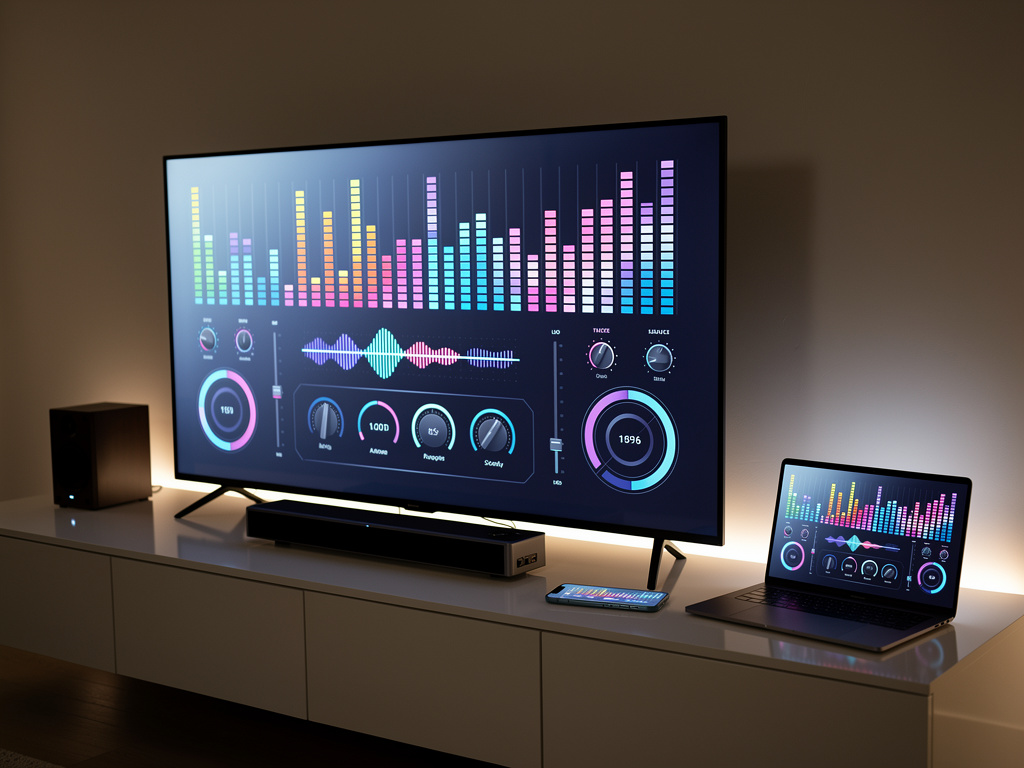
Unlocking Hidden Symphonies: How Equalizer Apps Are Transforming Mediocre TV Audio into Immersive Masterpieces
In the realm of home entertainment, the quest for superior sound often leads consumers down the path of expensive upgrades like soundbars or full home theater systems. Yet, a growing number of tech enthusiasts are discovering that significant improvements can be made without breaking the bank, simply by harnessing the power of equalizer apps. These digital tools allow users to fine-tune audio frequencies, compensating for the inherent limitations of built-in TV speakers. As flat-panel televisions have slimmed down over the years, their speakers have often suffered, prioritizing aesthetics over acoustics. This has left many viewers frustrated with muffled dialogue, boomy bass, or tinny highs during their favorite shows and movies.
The core idea revolves around equalizers, or EQs, which adjust specific frequency bands to enhance clarity, balance, and overall listening pleasure. For instance, boosting mid-range frequencies can make voices more intelligible, while attenuating lows might reduce unwanted rumble. Recent advancements in app technology have made these adjustments more accessible than ever, particularly for smart TVs running platforms like Android TV or those connected to streaming devices. Users no longer need professional audio engineering knowledge; intuitive interfaces guide even novices through the process.
One standout example comes from MakeUseOf, which highlights how apps like Wavelet can dramatically elevate TV sound quality. By connecting a phone or tablet to the TV via Bluetooth or casting, users can apply custom EQ presets tailored to their specific model. This approach bypasses the TV’s native audio processing, injecting optimized sound directly into the playback chain.
The Science Behind Sound Sculpting
At its heart, an equalizer manipulates the audio spectrum, which spans from deep bass around 20Hz to piercing highs up to 20kHz. Human hearing varies, and TV speakers typically excel in neither extreme, often muddling the midrange where dialogue resides. Adjusting an EQ involves sliders or curves that amplify or cut these bands. For example, a common tip is to boost frequencies between 2kHz and 5kHz for clearer speech, as noted in various online forums and guides.
Beyond basic tweaks, modern apps incorporate advanced features like room correction, which uses the device’s microphone to analyze acoustics and suggest optimizations. This is particularly useful in living rooms with hard surfaces that cause echoes or soft furnishings that absorb sound. Industry insiders point out that while high-end TVs from brands like Sony or LG include built-in equalizers, they often lack the granularity of dedicated apps.
Drawing from recent discussions on platforms like X, users share real-world hacks, such as lowering certain mid-frequencies to magically increase perceived volume without distortion. One popular post from a Galaxy device enthusiast described a simple custom EQ adjustment that enhances speaker output, resonating with thousands who sought budget-friendly audio boosts.
Recent web searches reveal a surge in interest for such tools, with articles emphasizing free or low-cost options. For those with hearing impairments, specific EQ settings can mitigate high-frequency loss, making TV viewing more enjoyable. Consumer Reports details how tweaking TV settings, combined with apps, helps overcome common auditory challenges, recommending devices that amplify dialogue while suppressing background noise.
Exploring Top Apps and Their Features
Among the frontrunners, Wavelet stands out for its compatibility with Android-based systems. It offers auto-EQ based on headphone models but extends to speakers via streaming. Users report noticeable improvements in bass response and vocal clarity on TVs from Samsung to TCL. Another contender is FxSound, praised in tech circles for transforming cheap speakers into something more premium. A piece from the same publication that covered Wavelet also lauded FxSound for its ability to squeeze extra performance from existing hardware, evoking that satisfying upgrade feel without new purchases.
For iOS users, apps like Equalizer FX provide similar functionality, allowing custom presets synced across devices. These tools often include visualizers and spectrum analyzers, giving insiders a deeper look into how adjustments affect the sound wave. Recent news highlights how such apps integrate with streaming services, applying EQ in real-time to Netflix or Hulu content.
Posts on X underscore community-driven tips, like using specific EQ curves for genres—boosting lows for action movies or mids for dramas. One viral thread from audio producers suggested advanced techniques, such as side-image boosting for wider soundstages, which can make TV audio feel more immersive even without surround systems.
Integrating these apps isn’t always straightforward. Compatibility issues arise with certain TV OS versions, requiring workarounds like sideloading or using external boxes. However, the payoff is substantial, as evidenced by user testimonials across Reddit and Quora, where threads discuss receiver-based EQ for older setups.
Practical Tips from Recent Innovations
To get started, experts recommend assessing your current setup. Begin by disabling any built-in TV sound modes like “Movie” or “Sports,” which apply preset EQs that might not suit your room. Then, connect an app-enabled device and experiment with sliders. A guide from The Home Cinema Guide suggests starting with flat settings and incrementally boosting dialogue frequencies while cutting bass if it overwhelms.
Recent tools incorporate AI-driven suggestions. For instance, some apps now use machine learning to analyze content and auto-adjust, ensuring optimal sound for varying scenes—from quiet conversations to explosive action. This innovation addresses a common complaint: inconsistent audio levels in modern programming.
On the hardware side, pairing apps with affordable accessories like Bluetooth transmitters can extend their reach. X users frequently share setups where a phone acts as an EQ hub, streaming processed audio to the TV, bypassing weak internal speakers altogether.
For those in critical listening environments, such as home offices turned media rooms, fine-tuning involves measuring decibels with phone apps. Popular Mechanics explains that intuitive EQ tweaking can make surround systems shine, but the principles apply equally to basic TV speakers.
Overcoming Common Challenges and Myths
A prevalent myth is that EQ apps can’t truly fix poor hardware. While they don’t add physical drivers, they optimize what’s there, often revealing untapped potential. Insiders note that many TVs ship with conservative audio settings to avoid warranty issues from overdriven speakers, leaving room for enhancement.
Challenges include latency in Bluetooth connections, which can desync audio and video. Solutions involve wired options or low-latency codecs like aptX. Recent updates in apps address this, with some offering direct HDMI integration via compatible devices.
Community feedback on X reveals debates over preset vs. custom EQs. While presets provide quick wins, custom tweaks yield personalized results. One post from a voice-over artist detailed noise reduction techniques adaptable to TV audio, emphasizing clarity over volume.
Moreover, for global audiences, apps must handle diverse content formats. European users, for example, benefit from Freeview’s tips on maximizing TV audio, as covered in their blog, which aligns with app-based enhancements.
Industry Trends and Future Prospects
The audio enhancement sector is evolving rapidly, with integrations into smart home ecosystems. Imagine voice commands adjusting EQ via assistants like Alexa or Google Home. Recent news from ZDNET outlines free ways to boost soundbar performance, principles that extend to TV speakers when paired with apps.
Emerging tools focus on accessibility, such as hearing-loss specific modes. Quora discussions elaborate on high-frequency boosts, corroborating expert advice for tailored mitigations.
As 8K TVs proliferate, audio lags behind visual advancements, fueling demand for software solutions. Insiders predict app developers will partner with TV manufacturers, embedding advanced EQ directly into firmware.
X trends show enthusiasm for cross-device EQ syncing, allowing seamless transitions from phone to TV. A recent post in German highlighted gaming audio optimizations, pointing to broader applications beyond entertainment.
Real-World Case Studies and Expert Insights
Consider a typical scenario: a family struggling with dialogue in streaming shows. By applying an app like those mentioned, they boost mids and cut highs, transforming viewing sessions. Testimonials from Reddit’s audio subreddit echo this, with users sharing receiver EQ settings that enhance TV output.
Experts from audio engineering fields stress measurement over guesswork. Using tools like spectrum analyzers in apps, one can identify peaks and valleys in frequency response. A post on X from a digital music producer advocated for precise cuts and boosts, techniques now accessible to consumers.
In professional settings, such as post-production, similar EQ principles ensure broadcast-quality sound. This trickle-down effect means home users benefit from pro-level tools democratized via apps.
Looking ahead, with AR and VR integrations, EQ apps could adapt to virtual environments, but for now, they excel in elevating everyday TV experiences.
Maximizing Value in a Cost-Conscious Era
In an age of economic caution, these apps represent smart investments. Free versions often suffice, with premium unlocks for advanced features. Freeview provides complementary advice on controlling TV sound settings, synergizing with app tweaks.
Users on X rave about specific presets, like “Deep” or “Lounge,” tailored for different moods or content types. One thread debated optimal settings for lossless audio, underscoring the intersection of quality streaming and EQ.
Ultimately, the fusion of hardware awareness and software finesse unlocks audio potentials previously reserved for audiophiles. By experimenting and learning from communal wisdom, anyone can achieve symphony-like sound from humble TV speakers.
This deep dive illustrates how equalizer apps are not mere novelties but essential tools in the modern media toolkit, bridging gaps between expectation and reality in home audio. As technology advances, expect even more sophisticated enhancements, keeping pace with our insatiable appetite for immersive entertainment.


 WebProNews is an iEntry Publication