
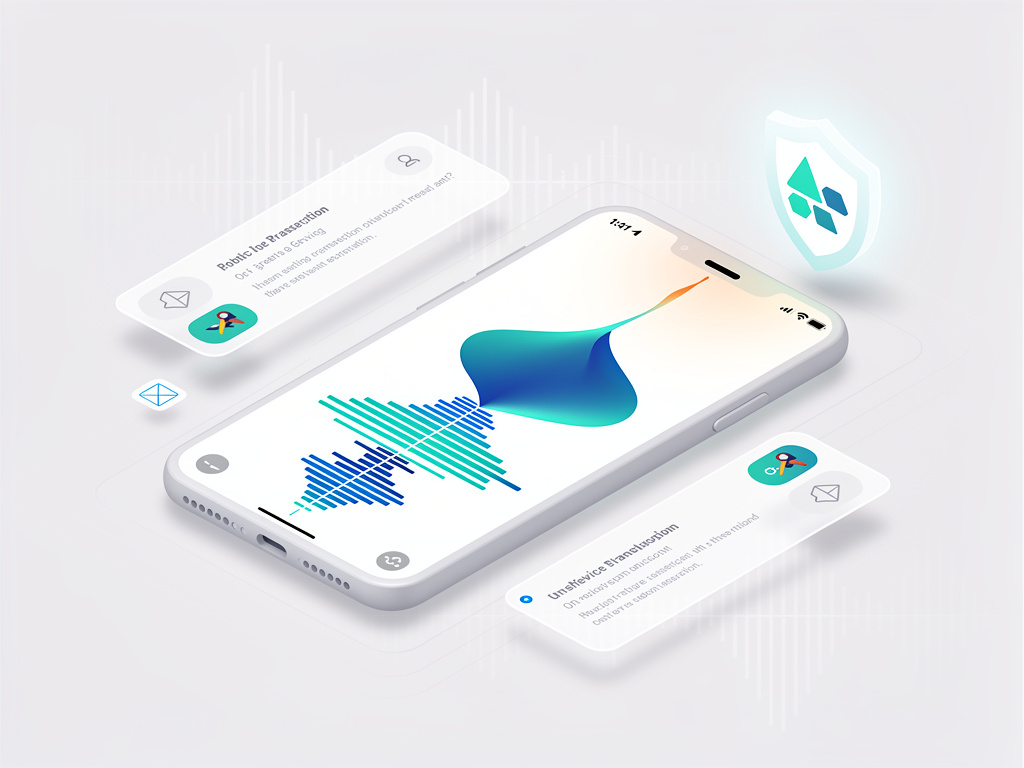
Google has quietly expanded one of its more practical Phone app tools. The Take a Message feature, which automatically handles missed and declined calls with real-time transcription, now lets Pixel owners record their own voice greetings. No more reliance on a robotic default or carrier voicemail menus. The change gives the system a human touch that many users have wanted since its debut.
Take a Message first appeared with the Pixel 10 series in 2025. It steps in when a call goes unanswered or gets declined. The feature answers for the owner, invites the caller to speak, and delivers both an audio recording and a live transcript directly in the Phone app. Everything processes on the device. No data leaves for the cloud. Transcripts show up on the Home tab alongside recent calls. Owners can jump back into the conversation at any moment if the message sounds urgent.
Until recently the greeting remained fixed. Callers heard a standard message. “The person you have called is not available. Please leave a message after the tone.” Functional. Impersonal. Google support documentation noted that any carrier-recorded custom greeting set through the Phone app would take priority. Most users never bothered with that extra step.
The situation changed in April 2026. Beta testers on version 216 of the Phone by Google app started seeing a banner at the top of the Home tab. It read, “A personal touch on your missed calls. Now you can set custom greetings for calls handled by Take a Message.” The rollout reached stable users by early June. Version 223 of the app brings the option to a wider audience, according to reporting by 9to5Google.
Setting a greeting takes little effort. Open the Phone app. Head to Settings, then Take a Message. Tap the new Greetings section. A recorder interface appears, built with Material 3 Expressive styling. Users press record, speak for up to 60 seconds, pause, and save. Multiple greetings can be stored. One gets starred as the active default through a simple three-dot menu. The change applies to all callers. No per-contact customization yet.
Android Police writer Timi Cantisano described the addition as a worthwhile upgrade that many will appreciate. “Just when you think that the Phone app on Pixels can’t get any better, Google thinks of something new to throw into the mix to keep things fresh,” he wrote in a June 3 article. The publication noted that beta users had the feature for weeks before the stable push.
Availability remains limited. The feature works on every Pixel from the 6 series forward. That includes the 6a, 7 series, 8 series, 9 series, and the latest Pixel 10 models. Pixel Watch 2 and newer gain support when paired with a compatible phone. But geography matters. Only users in the United States, United Kingdom, Canada, Australia, and Ireland can turn it on. Google has hinted at broader expansion. Recent code teardowns suggest the company is preparing Take a Message for non-Pixel Android devices and more than 20 additional markets, Android Authority reported in May.
Privacy forms a core part of the pitch. Because processing stays on-device, transcripts and recordings never reach Google’s servers. They avoid storage in any Google Account, Call Assist Activity, or Web and App Activity. Spam detection draws from the same model used in Call Screen. It flags suspicious messages from non-contacts in the Home tab. Not every robocall gets caught. Still, the system improves decision-making without extra steps.
Some limitations persist. Take a Message does not activate if the phone is off, out of network coverage, or roaming. Declining a call through a Bluetooth headset often routes to carrier voicemail instead. Conditional call forwarding can conflict with the feature. Google advises turning Take a Message off in those cases. Unconditional forwarding works without issue.
The custom greeting option addresses a clear gap. Earlier versions left callers hearing the same flat announcement regardless of who owned the phone. Now professionals can sound polished. Parents might add warmth. Anyone tired of the default can simply speak their own words. Recordings stay at most one minute. Enough time for a clear instruction or friendly note.
Industry observers see this as part of Google’s larger effort to differentiate the Pixel experience through software rather than raw hardware specs. The Phone app has gained Hold for Me, Call Screen, Call Notes, and now refined Take a Message. Each addition reduces friction in everyday communication. Each runs locally where possible. The pattern suggests Google intends to keep tightening its grip on call management.
Users who update to the latest Phone app should check for the banner prompt. If it does not appear immediately, the Greetings menu under Take a Message settings will surface the recorder. Those already in the beta program received the capability months ago. Stable channel users catch up now. The rollout appears server-side, so not every device on version 223 will see it on the same day.
Google has not issued an official blog post announcing the custom greetings. Details have spread through tech sites and user reports on X. The support page still emphasizes the default behavior but acknowledges that carrier-recorded greetings take precedence. The new in-app recorder bypasses carriers entirely. That independence marks a subtle but meaningful shift away from traditional telecom dependencies.
And the result feels more complete. Take a Message already delivered live transcripts and easy access. The personal greeting makes the entire interaction flow better from the caller’s side. No awkward pause while a synthetic voice kicks in. Just the owner’s own words. Short. Direct. Familiar.
Whether this convinces more Android users to choose Pixel phones remains to be seen. Yet for existing owners the update removes one small annoyance. It turns a good feature into one that feels finished. Google continues to iterate. The Phone app grows more capable with each passing season. Custom greetings represent the latest step in that steady progress.


 WebProNews is an iEntry Publication