
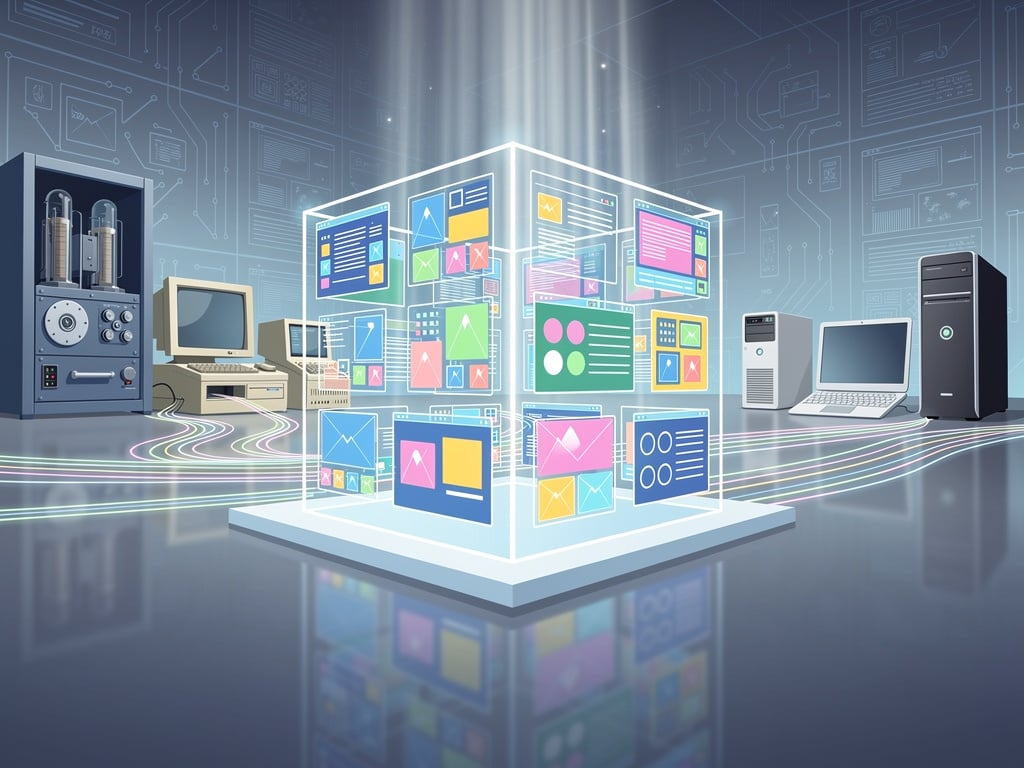
Andrew Warkentin started small. In 2003 he switched from Windows to Linux. He read descriptions of long-vanished timesharing systems in the Jargon File and FOLDOC. Curiosity took hold. He found tape images for a minimal ITS install, instructions for the SIMH emulator, and downloaded everything over slow rural dial-up. Then he kept going. Two decades later his collection has become something larger.
The Virtual OS Museum offers more than 1,700 pre-configured installations spanning over 600 distinct operating systems across more than 250 platforms. It runs as a Linux virtual machine with a custom graphical launcher. Pick an entry. The system boots. Snapshots let users reset any corrupted state with one click. No complex setup. No risk of breaking a rare image. Just exploration. (The Verge)
The project covers the full sweep of stored-program computing. It opens with 1948 Manchester Baby test programs and Mark 1 schemes. It moves through CTSS, Multics, TOPS-10 and ITS. Unix variants appear in many forms. SunOS, IRIX, OSF/1, A/UX and NeXTSTEP sit alongside Plan 9 and early BSD releases. Home computers fill another wing. CP/M variants, Apple II software, Commodore 8-bit titles, Atari, MSX, TRS-80, BBC Micro and ZX Spectrum all appear. Personal computer operating systems receive exhaustive treatment. DOS flavors, OS/2, BeOS, every major Windows release from 1.0 through early Longhorn betas, classic Mac OS up to 9.x and Mac OS X 10.5 on PowerPC. Mobile and embedded systems include Palm OS, EPOC/Symbian, Windows CE, Newton OS, early Android builds where emulation allows, and QNX. Research and obscure entries round out the list. ZetaLisp machines, Smalltalk environments, Oberon and many systems few living users have ever launched. (VirtualOSMuseum.org)
Warkentin calls it the world’s first multi-platform interactive virtual museum of operating systems and standalone applications. “If a working version of an operating system exists somewhere, the goal is to have it here, in a form anyone can run on a reasonably modern laptop or desktop,” he wrote. The full edition consumes 174 GB and runs completely offline. A lite edition starts at 14-21 GB and fetches images on demand. Both support automatic updates so new installations arrive without redownloading the entire virtual machine. (Hackster.io)
But the numbers tell only part of the story. The real value lies in context and immediacy. Users do not simply watch videos of Xerox ViewPoint or Visi On. They launch them. They experience the first desktop metaphor GUI. They open Apple Lisa OS from 1983 and feel its direct influence on everything that followed. They boot early DOS-based Windows versions and watch the transition from character mode to graphical interfaces unfold in real time. They try NeXTSTEP and understand why its object-oriented foundations mattered. They even run A/UX, Apple’s Unix for the Macintosh. (9to5Mac)
And yet not every installation behaves perfectly. Warkentin describes the May 2026 release as preliminary. Some systems run only under specific emulator versions. The host virtual machine remains x86-only for now. Performance on ARM hardware suffers. He has already shipped bug-fix updates that switch the default to QEMU on several platforms and address user-reported problems. The collection continues to grow. He maintains a YouTube channel and blog that document new additions and tours of individual systems.
Preservation efforts have long scattered across archives, abandoned websites and personal hard drives. Many images existed only as raw files requiring hours of configuration. Warkentin’s contribution lies in curation and packaging. He spent years organizing folders, writing generic launch scripts, adding documentation and reducing exceptions. The graphical launcher removes friction. Snapshots protect experimentation. The result feels closer to a museum than a file dump. Visitors wander. They compare. They notice how Xerox Star Pilot shaped later interfaces. They see the Manchester Baby as more than a footnote. They remember that Windows 95 really did alter everyday expectations of personal computing. (XDA Developers)
Reaction arrived quickly after the May 2026 launch. Hacker News threads praised the scale and accessibility. Retro computing forums called it a herculean effort. Gizmodo highlighted the shock of booting NeXTSTEP with so little friction. Slashdot noted the inclusion of extinct systems from mainframes to early iPod touch emulations. Coverage emphasized one consistent point. This project comes from a single developer who simply refused to let the past stay buried. (Gizmodo)
Warkentin developed his own open-source QNX-like operating system called UX/RT. He plans to resume that work. He intends to add a wiki, create thematic exhibits and post regular reviews. The museum itself will expand. More images wait in his collection. More emulators need polishing. The project remains unfinished by design. History does not stop. Yet the current version already delivers something rare. It hands living access to computing’s discarded branches. It lets professionals and enthusiasts alike touch the interfaces that shaped modern software. It turns dry chronology into direct experience.
Boot the Manchester Baby. Feel the weight of 1948. Launch Lisa OS and watch 1983 thinking. Fire up an early Longhorn build and recall the ambitions behind it. The Virtual OS Museum does not replace physical artifacts or original hardware. It complements them. It removes barriers. And in doing so it keeps the conversation going. Past decisions still echo in today’s code. Seeing those decisions run again makes the echoes clearer.


 WebProNews is an iEntry Publication