
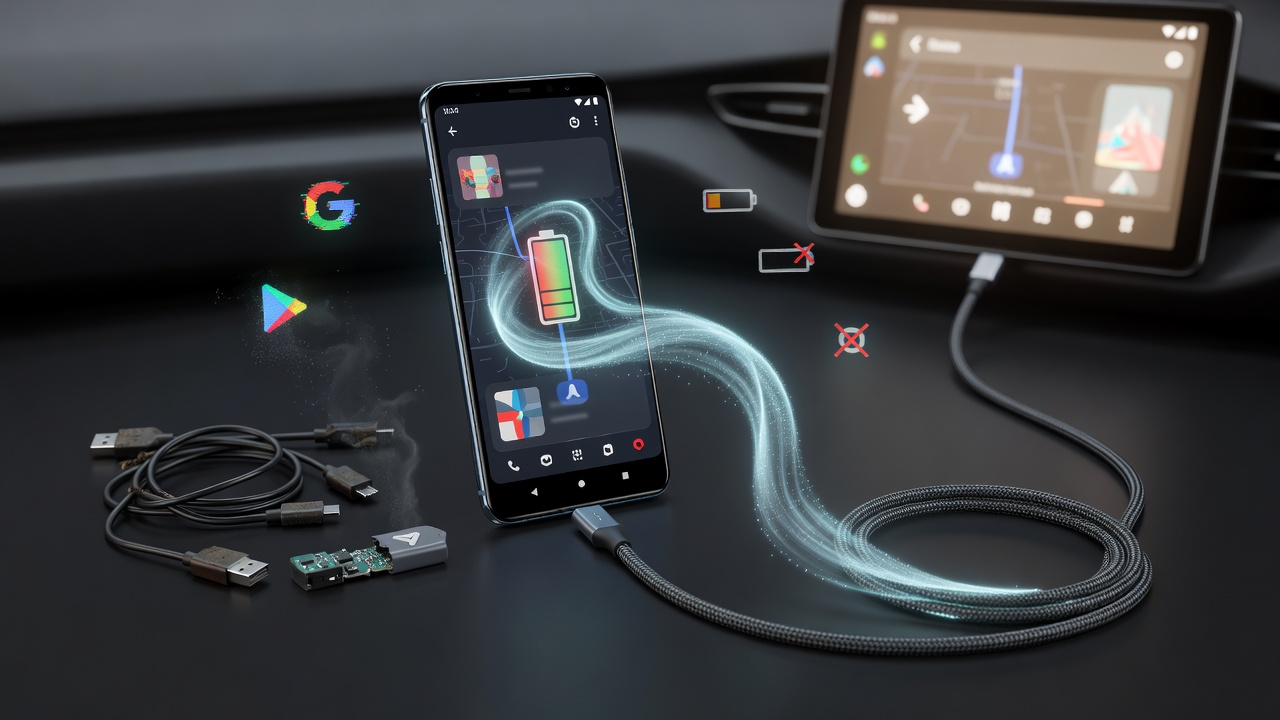
Frustration builds fast behind the wheel. Navigation vanishes mid-turn. Music cuts out. Calls drop. For drivers who count on Android Auto daily, these random disconnects turn a helpful tool into a hazard.
Dhruv Bhutani felt that pain. The longtime Android reporter relied on wireless Android Auto for every commute and road trip. Yet the connection would break without warning, reconnect moments later, and repeat the cycle. Standard troubleshooting brought no relief. He swapped cables, restarted his car’s infotainment system, cleared caches, and installed every available update. Nothing lasted.
Then he looked at a single background power option buried in his phone’s settings. Changing it took under a minute. The disconnect loop stopped. Android Police detailed his experience on June 30, 2026. The fix centered on battery optimization for the Android Auto app itself.
Modern Android phones guard battery life with aggressive management. Apps not in active use lose resources. Background tasks get throttled. This approach delivers strong standby times on devices from Google, Samsung, and others. But Android Auto operates differently.
The phone handles the heavy work. It maintains the link to the car, runs navigation, streams audio, processes voice input, and pushes notifications. The car’s screen shows only a mirror. When the operating system restricts that background activity too tightly, the connection falters. “Switching it to allow background use tells the operating system to leave Android Auto alone while it is running,” Bhutani explained in the piece.
On his device the app sat in the default Optimized mode. That let Android decide when to limit it. He opened Settings, went to Apps, selected Android Auto, tapped Battery, and switched to Unrestricted or the equivalent option that permits full background usage. Exact labels vary by manufacturer. The result felt immediate.
Long drives followed without interruption. Navigation stayed live. Music played continuously. Battery impact proved negligible, especially since the phone usually charges in the car. The change didn’t require new apps or complex tweaks. It simply told the system to stop interfering.
Yet this single adjustment doesn’t solve every case. Wired users often battle faulty USB cables or dirty ports. Wireless setups suffer from Bluetooth or Wi-Fi hiccups. Outdated car software creates its own headaches. Bhutani advised starting here before chasing those variables. Google itself recommends removing battery restrictions for Android Auto when connections prove unreliable.
Other publications echo the advice. How-To Geek reported in May 2026 that disabling battery optimization for Android Auto and related apps like Spotify or Google Maps resolved random drops and freezes for many. The site noted aggressive power management on some phones shuts down background processes too eagerly.
Developer options offer another lever. XDA Developers described a hidden setting that fixed repeated disconnects on wired connections. Users enable Developer Options by tapping Build Number seven times in About Phone. They then navigate to Default USB Configuration under Networking and change it from No Data Transfer to File Transfer or the dedicated Android Auto choice.
That tweak prevents the phone from dropping into charging-only mode mid-drive. Battery management and security features sometimes interrupt the USB handshake. Forcing data transfer keeps the session alive. The article, published April 14, 2026, also suggested clearing the Android Auto cache and turning off Adaptive Battery for extra stability.
Software updates have delivered broader relief. A Google Play Services release on June 8, 2026, carried the terse note “Bug fixes for Device Connection related services.” XDA Developers covered the patch on June 14, 2026. Reviewers at Tom’s Guide, Android Authority, and Android Police reported improved consistency on Samsung Galaxy S26 Ultra and similar devices. Some Pixel owners saw fewer crashes after the March 2026 updates that had initially worsened problems.
Android 16 introduced Intelligent Power Management and Adaptive Battery features that clashed with certain apps. Google support threads from early 2026 describe battery settings reverting to Optimized despite manual changes. The workaround involves disabling Adaptive Battery entirely in Battery preferences before setting Android Auto to Unrestricted. Users on forums and Reddit threads confirm the combination often ends the fighting between system and app.
Cable quality still matters. Multiple reports tie frequent drops to cheap or damaged USB-C cables that fail to sustain data transfer under vibration. Higher-quality cables with better shielding reduce the problem. For wireless Android Auto, interference from other devices or weak Wi-Fi Direct signals creates similar symptoms. Restarting the car’s head unit by holding the power button for 10 to 15 seconds can clear temporary glitches.
Clearing cache and data for Android Auto, then forgetting previously paired cars and re-establishing the connection, resolves corrupted pairing data. Setting the app to launch automatically and allowing it while locked prevents missed handoffs. These steps appear consistently across troubleshooting guides from Android Authority in December 2025 and recent YouTube roundups.
The pattern repeats across models. Pixel, Samsung Galaxy, Nothing Phone, and even some Motorola devices show up in complaint threads from 2025 and 2026. Wireless implementations suffer more. Yet the battery optimization culprit surfaces repeatedly in user fixes shared on support communities and social media.
Bhutani’s experience stands out for its simplicity. No new hardware. No factory resets. One menu change delivered reliability where complex sequences failed. He noted that the same adjustment might help other apps that require persistent background activity. The setting exists for good reason, balancing power and performance. In this case, the balance tipped too far.
Drivers shouldn’t accept repeated disconnects as normal. Android Auto functions as both convenience and safety feature. Losing navigation or hands-free controls at highway speeds demands attention that belongs on the road. Checking battery usage for the app takes seconds. Results can last months.
Google continues refining the experience through Play Services updates rather than full Android Auto releases. That approach allows faster deployment but leaves some users chasing settings in the meantime. The June 2026 fix addressed a chunk of the complaints. Persistent cases still point back to power management, USB configuration, or hardware variables.
Start with the battery toggle. Move to Developer Options if wired. Update everything available. Test on a familiar route before trusting it for unfamiliar roads. The disconnect loop that once seemed endless often yields to these targeted adjustments. One background power setting proved enough to restore calm to at least one driver’s daily commute. Others report the same quiet success.


 WebProNews is an iEntry Publication