
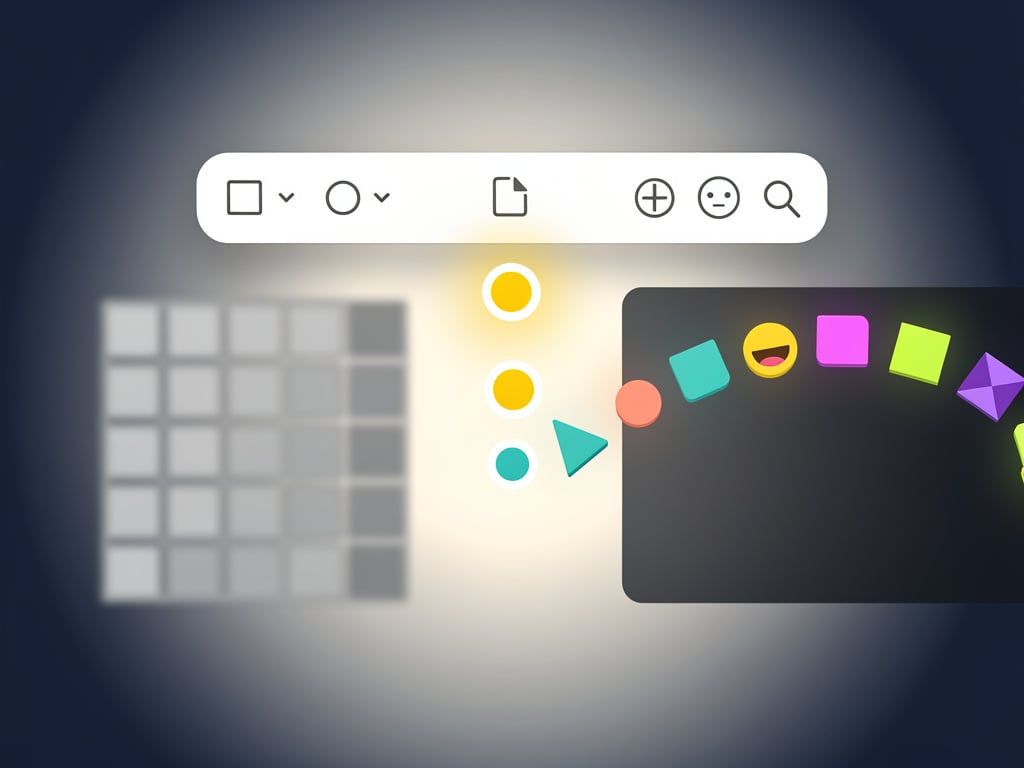
Mac users have waited years for a better way to drop emojis into their work. Apple’s built-in tools never quite delivered the speed many craved. Now a new free utility called Mojito changes that equation. Released today, it brings colon-triggered autocomplete to any application on macOS.
How Mojito Works and Why It Matters
Type a colon. Start spelling an emoji name. Watch options appear instantly. Hit return. The symbol inserts without ever touching the mouse. Simple. Direct. And available everywhere from TextEdit to Terminal.
The app sits quietly in the menu bar. No heavy processes. No subscription prompts. Developer Wells created it because he wanted Slack-style emoji entry system-wide. “It makes finding emoji easy,” he explained on Product Hunt. “I wanted it everywhere on my Mac, so I built Mojito. It works just like you’d expect, and it’s smart enough to ignore apps and sites that already support it.”
That intelligence stands out. Mojito skips interference in programs like Slack or Discord that already offer similar features. Users avoid duplicate pop-ups. Flow stays intact. But in standard text fields? The suggestions arrive immediately.
Contrast this with Apple’s approach. Press Control-Command-Space. Or tap the Globe key twice. Both methods feel clunky. The Character Viewer window opens. Users hunt visually or type in a search box. Selection requires clicks or arrow keys. Momentum breaks. 9to5Mac noted the experience has remained “an area ripe for improvement” even as iOS and iPadOS deliver dedicated emoji keyboards that respond to plain text descriptions.
Mojito flips the script. No new keyboard shortcut to memorize. No window to manage. Just consistent behavior that matches muscle memory from web apps and chat platforms. And it goes beyond emojis. Symbols and shortcodes work too. Recent buzz on X shows developers already testing it in code editors and designers using it in creative apps.
Customization options exist. A handful of settings let users tweak trigger behavior, result limits, or display preferences. The core stays lightweight. Open-source donationware. No ads. No upsells. Download from the official site at mojito.wells.ee.
Yet limitations appear. Current version stays keyboard-only. No mouse cursor selection for now. GIF support gets mentioned in product materials though practical implementation may vary by app. Early feedback on Reddit’s r/apple and r/MacApps praises the speed but some users want skin-tone modifiers or favorite lists added in future updates.
Apple has shown occasional interest in text-based emoji input. The company added predictive emoji suggestions in recent macOS releases. Still, the full colon-colon system never materialized platform-wide. Mojito fills that gap today. And because it’s free and open, the community can extend it.
Professional users stand to gain most. Writers. Coders. Support staff. Anyone who peppers documents, tickets, or messages with visual cues. The time saved adds up. One less context switch. One less break in thought. In competitive fields where communication speed matters, small advantages compound.
Competitors exist. Rocket, Mumu, and older tools offered pieces of this experience. Many carried paid tiers or heavier footprints. Mojito arrives lighter. Focused. And timed perfectly as macOS users grow frustrated with stagnant emoji tools while mobile platforms advance.
Look at the broader picture. Emoji usage has exploded across business communication. Teams use them for tone, quick reactions, project status. A tool that removes friction here directly impacts daily output. Mojito doesn’t just add convenience. It removes an annoyance that millions accepted as normal.
Future versions could expand. Voice input. Better Unicode 16 support. Integration with new Apple Intelligence features expected in upcoming macOS updates. For now, the basics work exceptionally well. Fast. Clean. Free.
Tech observers already compare it favorably to similar utilities on Windows and Linux. The difference? Mojito targets the precise pain point Mac users feel every day. And it solves that pain without asking for anything in return.
Download numbers will tell the story in coming weeks. Early X posts show quick adoption among power users. Threads discuss setup, tweaks, and small bugs that will likely get fixed fast given the open-source nature.
One fact remains clear. The Mac emoji experience just got better. Not through an OS update. But through a focused effort by one developer who saw a problem and fixed it. That’s the power of targeted utilities. They often outperform broad platform changes in specific areas.
So next time you reach for an emoji, try typing 🙂 instead. Watch Mojito deliver. Your workflow might never go back.


 WebProNews is an iEntry Publication