
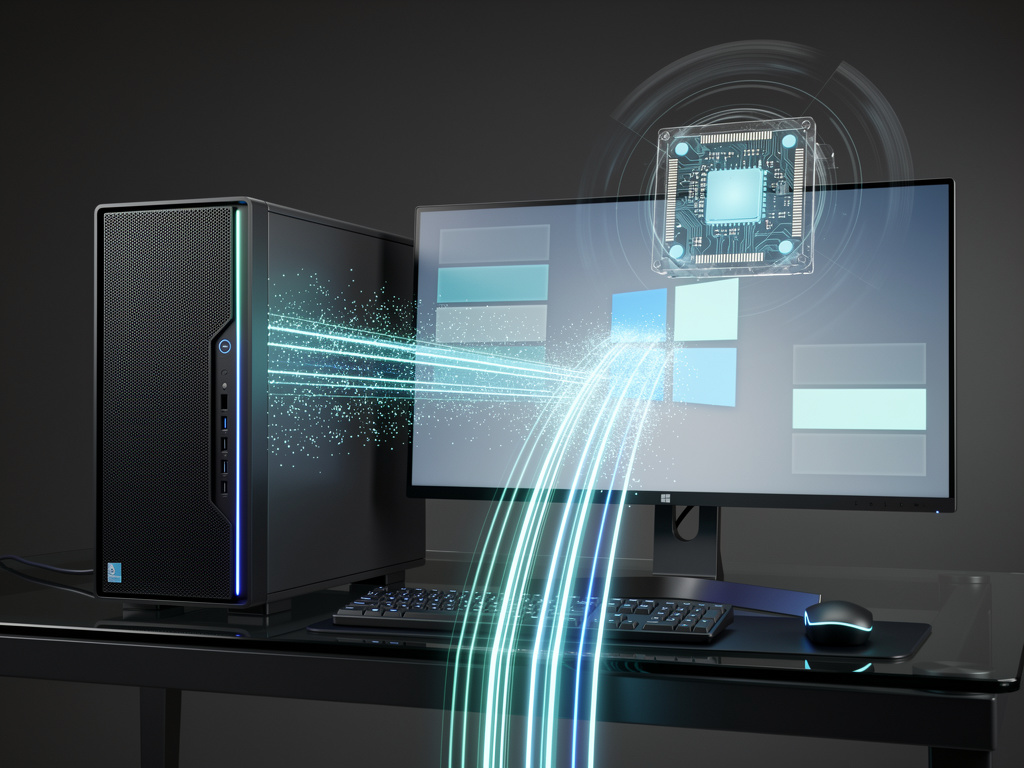
Windows 11 users have complained for years about sluggish menus and slow app launches. Microsoft heard them. The company now tests a technique that temporarily pushes the CPU to maximum frequency for brief moments. The result feels snappier. Menus pop open faster. Applications start with less hesitation.
This approach mirrors strategies Apple has employed for years on macOS. It also draws from practices common in Linux and even smartphones. Yet the move sparked online debate. Critics called it a shortcut. Microsoft pushed back hard.
“Your smartphone already does this,” wrote Scott Hanselman, vice president of technical staff for CoreAI, GitHub, and Windows, on X. He added that Apple uses similar methods. “Apple does this and y’all love it. Let Windows cook.”
The feature carries an internal name. Engineers call it Low Latency Profile. When a user clicks to open the Start menu, launches Edge, or triggers a context menu, the system detects the high-priority interactive task. It then ramps the CPU frequency sky high for one to three seconds. The burst provides immediate processing power exactly when the interface needs it most.
Early tests show striking gains. In-box apps such as Edge and Outlook launch up to 40 percent faster. The Start menu and various system flyouts open as much as 70 percent quicker. Common third-party programs also benefit. The operating system simply feels more responsive. Zac Bowden at Windows Central ran side-by-side benchmarks. The difference appears obvious in video recordings. Flyouts snap into view. Apps load without the usual pause.
But why now? Microsoft outlined broader quality goals months earlier. In a March post on its Windows Insider Blog, the company pledged faster launch times, reduced flicker, smoother navigation, and lower latency across search, menus, and File Explorer. The post highlighted efforts to shrink the OS memory footprint and improve consistency under load. Low Latency Profile fits neatly into that plan. It targets the exact moments when users notice lag.
The technique avoids constant high power draw. Bursts last only seconds. Engineers expect minimal effects on battery life or device temperatures. This matters on laptops. Users want speed without sacrificing portability. Early Insider testers report the change delivers without obvious trade-offs.
Critics missed the larger picture at first. Dynamic frequency scaling isn’t new. Modern processors from Intel and AMD already turbo boost under load. Operating systems have long influenced when and how aggressively those boosts occur. Apple applied the concept to interactive workloads on Macs. Linux schedulers do something comparable. Smartphones juggle bursts constantly to keep touch interfaces fluid.
Hanselman’s defense cut through the noise. The practice isn’t cheating. It’s smart scheduling. It prioritizes the user’s immediate experience over background efficiency for a few moments. The CPU returns to normal operation quickly afterward.
This development arrives amid wider Windows 11 refinements. Microsoft has migrated more interface elements to WinUI 3. That shift reduces overhead in shared UI components. File Explorer benefits from faster launches and fewer visual glitches. Context menus in the file manager respond with substantially lower latency. Large file operations complete more reliably.
The Low Latency Profile remains in early testing inside the Windows Insider Program. Details could change. Microsoft has not officially announced the feature. Insiders noticed the difference in recent builds and shared observations online. Performance numbers come from sources familiar with the plans and from hands-on testing by reporters.
Yet the implications stretch further. For years Windows carried a reputation for feeling heavier than macOS, especially on consumer hardware. Apple tuned its software and silicon together. Microsoft works across dozens of PC makers and chip vendors. Achieving consistent responsiveness requires clever software tricks.
Low Latency Profile represents one such trick. It doesn’t rewrite the kernel from scratch. Instead it adjusts how the existing scheduler and power management systems interact during key moments. The change builds on prior kernel improvements that optimize core allocation and reduce task-switching delays.
Enterprise users may appreciate the difference too. Faster application starts improve productivity. Snappier menus reduce frustration during daily workflows. The gains compound across thousands of small interactions each day.
Of course challenges remain. Not every workload will see equal benefit. Background tasks that compete for CPU cycles during a burst could face minor delays, though the short duration limits that risk. Thermal design in thin laptops could still constrain maximum boost levels on some hardware.
Even so. The early data looks promising. Windows Central’s tests confirmed genuine speedups. The Verge reported testers seeing marked improvements in File Explorer, the Microsoft Store, Paint, and Outlook. These aren’t obscure benchmarks. They reflect everyday use.
Microsoft’s 2026 quality push extends beyond this single feature. The company talks about deeper validation across real-world devices. It promises fewer annoying updates and more control for users. Removing unnecessary Copilot prompts fits the same philosophy. Less clutter. More focus on core performance.
Whether Low Latency Profile ships exactly as tested or evolves further, the direction is clear. Microsoft wants Windows 11 to feel immediate. The days of waiting for a menu to appear may soon fade. A short CPU surge. A quicker response. The operating system gets out of the user’s way.
That matters for an industry where perception drives adoption. Business users switching between Windows laptops and MacBooks notice the difference in daily fluidity. Gamers and creators value every bit of responsiveness. Even casual users appreciate an interface that doesn’t make them wait.
Hanselman’s call to “let Windows cook” carries weight. The company spent years rebuilding its engineering culture around quality and speed. Features like this show the results of that work. They borrow smart ideas from competitors without apology. They apply them to the vast Windows installed base.
The coming months will reveal more. Additional Insider builds may refine the burst duration or trigger conditions. Microsoft could expose a toggle for advanced users. Or the feature might stay invisible, simply making the OS better by default.
Either way, the message reaches hardware partners and users alike. Windows isn’t standing still. It learns from phones, from Macs, from Linux. Then it adapts those lessons to run on millions of diverse machines. The Low Latency Profile is a concrete example of that adaptation in action. Speed arrives not through brute hardware upgrades but through smarter software decisions at the right instant.
And those instants add up. One faster menu here. A quicker app launch there. Over time the operating system stops feeling like it hesitates. It starts feeling alive. For an OS long criticized for bloat, that shift carries real significance.


 WebProNews is an iEntry Publication