
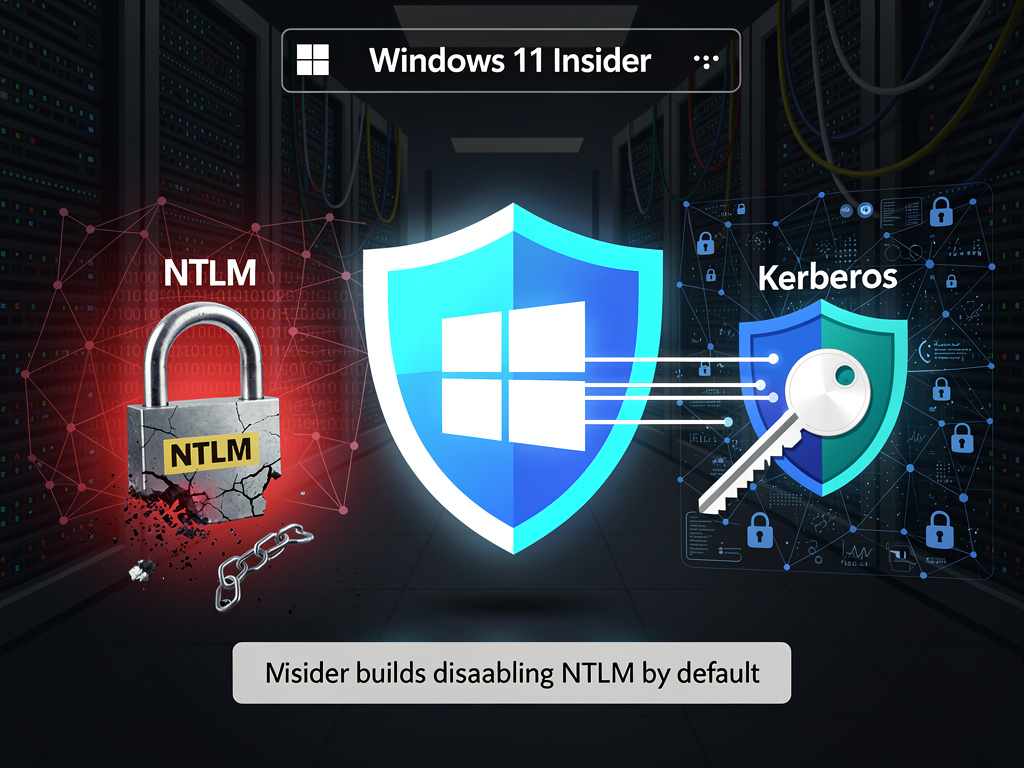
Microsoft has initiated the long-anticipated phase-out of NT LAN Manager (NTLM), a security protocol that has served as a cornerstone of Windows authentication for over three decades. The technology giant announced that Windows 11 Insider Preview Build 27774 will disable NTLM by default, marking a pivotal shift in enterprise security architecture and forcing organizations worldwide to accelerate their migration to more secure authentication methods.
According to The Hacker News, this move represents the culmination of years of warnings from Microsoft security teams about NTLM’s inherent vulnerabilities. The protocol, first introduced with Windows NT in 1993, has long been criticized for its susceptibility to pass-the-hash attacks, relay attacks, and other credential-stealing techniques that have become staples in the modern cybercriminal’s toolkit. Despite these known weaknesses, NTLM has persisted in enterprise environments due to legacy application dependencies and the complexity of migration projects.
The decision to disable NTLM by default in Windows 11 Insider builds signals Microsoft’s determination to modernize its security posture, even at the cost of potential compatibility disruptions. Organizations that still rely on NTLM for authentication will need to explicitly re-enable the protocol, a design choice that reflects Microsoft’s philosophy of secure-by-default configuration. This approach forces IT administrators to make conscious decisions about security trade-offs rather than allowing outdated protocols to remain active through inertia.
The Technical Imperative Behind the Transition
NTLM’s fundamental security flaws stem from its design principles, which were conceived in an era when network threats were far less sophisticated. The protocol uses a challenge-response mechanism that, while innovative for its time, lacks the cryptographic strength and authentication safeguards that modern security standards demand. Security researchers have demonstrated numerous attack vectors against NTLM, including the ability to capture and reuse authentication hashes without ever needing to crack the underlying passwords.
Microsoft’s preferred replacement is Kerberos, a more robust authentication protocol that has been the default for Windows domains since Windows 2000. Kerberos employs mutual authentication, time-stamped tickets, and stronger encryption algorithms that significantly reduce the attack surface available to malicious actors. However, the transition is complicated by the fact that many organizations have built critical business processes around NTLM-dependent applications, particularly older line-of-business software that may no longer receive vendor support.
Enterprise Impact and Migration Challenges
The NTLM phase-out presents significant challenges for enterprise IT departments, particularly those managing complex hybrid environments that span on-premises infrastructure and cloud services. Many organizations have delayed NTLM deprecation projects due to concerns about breaking authentication flows for legacy applications, third-party integrations, and specialized industrial control systems that may not support modern authentication protocols.
Microsoft has provided organizations with several tools to facilitate the transition, including audit modes that allow administrators to identify NTLM usage patterns without immediately breaking functionality. The company has also enhanced its telemetry capabilities to help security teams understand which applications and services continue to rely on NTLM authentication. These diagnostic tools are essential for large enterprises that may have thousands of applications and services, some of which may use NTLM in ways that are not immediately apparent to current IT staff.
Security Industry Response and Broader Implications
The cybersecurity community has largely welcomed Microsoft’s decisive action on NTLM deprecation, viewing it as an overdue but necessary step toward reducing the prevalence of credential-based attacks. Security researchers have documented countless real-world breaches that leveraged NTLM vulnerabilities as part of their attack chains, making the protocol’s retirement a high-priority objective for defenders.
The move also reflects broader industry trends toward zero-trust security architectures and passwordless authentication mechanisms. Microsoft has been aggressively promoting its Windows Hello for Business and Azure Active Directory-based authentication solutions as modern alternatives that eliminate many of the risks associated with traditional password-based systems. The NTLM phase-out accelerates this transition by removing one of the most problematic legacy authentication methods from the default configuration.
Timeline and Implementation Strategy
While the current NTLM disablement affects only Windows 11 Insider Preview builds, Microsoft’s typical development cycle suggests that this change will eventually propagate to mainstream Windows releases. The company has historically used its Insider program as a testing ground for significant changes, allowing it to identify compatibility issues and gather feedback before broader deployment. Organizations should interpret the Insider build change as a clear signal that NTLM’s days are numbered in production environments.
Microsoft has not announced a definitive end-of-life date for NTLM support, likely due to the recognition that many organizations will require extended transition periods. However, the shift to disabled-by-default status represents a critical inflection point. IT leaders should treat this announcement as an urgent call to action, prioritizing NTLM elimination projects that may have been languishing in planning phases due to competing priorities.
Compliance and Regulatory Considerations
The NTLM phase-out carries implications beyond technical security, touching on compliance and regulatory requirements that govern many industries. Organizations subject to frameworks such as PCI DSS, HIPAA, and various financial services regulations may find that continued NTLM usage becomes increasingly difficult to justify during security audits. Many compliance standards require the use of strong authentication mechanisms and the elimination of known-vulnerable protocols, making NTLM retention a potential audit finding.
Forward-thinking organizations have already begun treating NTLM as a technical debt item that requires remediation. Security teams are conducting comprehensive inventories of NTLM dependencies, engaging with application vendors about modernization roadmaps, and developing migration plans that prioritize the most critical and exposed systems. The organizations that have invested in these preparatory efforts will find the transition significantly less disruptive than those that have deferred action.
The Path Forward for IT Organizations
For IT leaders grappling with the NTLM phase-out, the key to successful migration lies in comprehensive discovery and methodical planning. Organizations should begin by enabling NTLM auditing across their environments to understand the full scope of dependencies. This discovery phase often reveals surprising NTLM usage in unexpected places, from network-attached storage devices to building management systems and industrial equipment.
Once dependencies are mapped, organizations can develop prioritized migration plans that address the most critical systems first while developing workarounds or replacement strategies for legacy applications that cannot be easily updated. In some cases, this may involve application modernization projects, vendor negotiations for updated software versions, or the implementation of authentication proxies that can translate between modern and legacy protocols.
Looking Beyond NTLM Deprecation
Microsoft’s NTLM phase-out should be viewed not as an isolated technical change but as part of a broader evolution in authentication and identity management. The company has been systematically retiring legacy protocols and pushing organizations toward modern, cloud-integrated identity solutions. This trend will likely continue with other aging technologies that present security risks or impede the adoption of zero-trust architectures.
Organizations that successfully navigate the NTLM transition will be better positioned for future security initiatives and technology upgrades. The skills and processes developed during NTLM migration—comprehensive asset discovery, dependency mapping, stakeholder coordination, and phased implementation—are transferable to other modernization projects. Rather than viewing the NTLM phase-out as a burden, forward-thinking IT leaders are treating it as an opportunity to strengthen their organization’s security posture and reduce technical debt that has accumulated over decades of incremental system additions.
The disabling of NTLM by default in Windows 11 Insider builds represents more than a configuration change; it symbolizes the technology industry’s ongoing struggle to balance backward compatibility with security imperatives. As threats evolve and attackers become more sophisticated, the luxury of maintaining legacy protocols indefinitely becomes increasingly untenable. Microsoft’s decision to take this step, despite the inevitable disruption it will cause for some organizations, demonstrates a commitment to prioritizing security over convenience—a principle that all organizations must embrace as they navigate an increasingly hostile digital environment.


 WebProNews is an iEntry Publication