
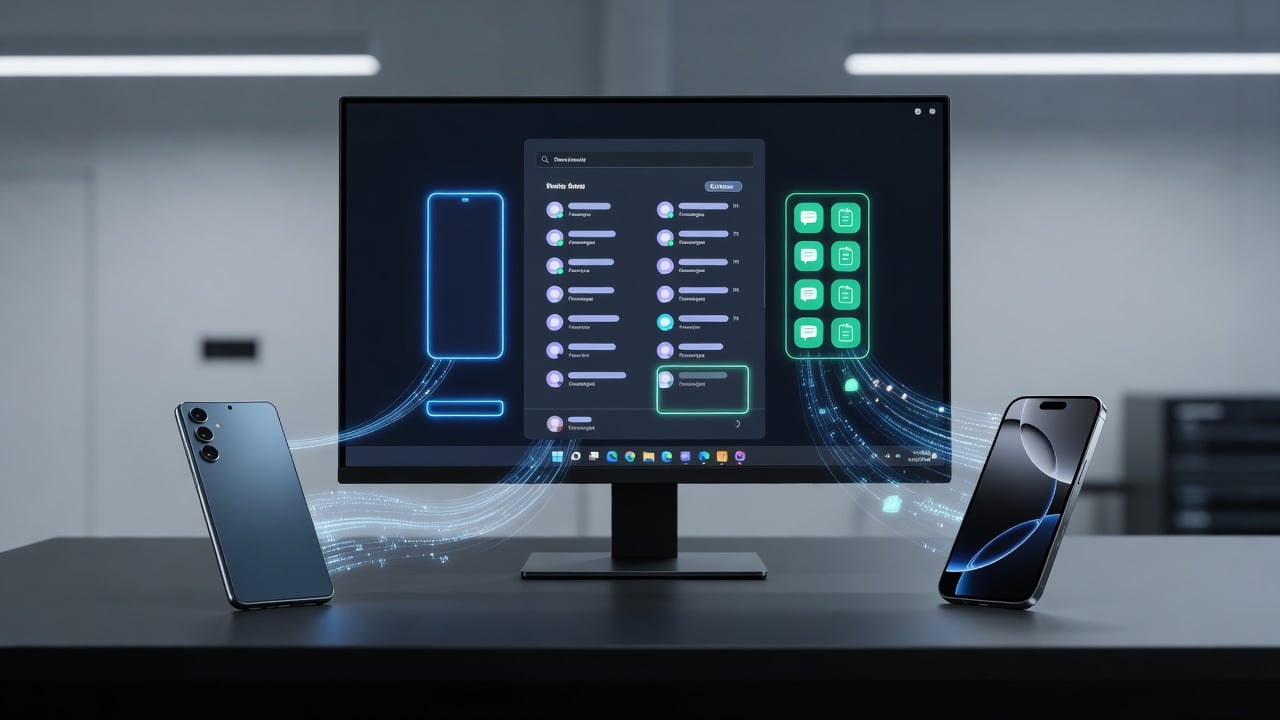
Microsoft has set its sights on binding smartphones tighter to Windows 11. The company wants your Android or iPhone to feel like a built-in piece of the operating system rather than an outsider tethered through an app. Recent prototypes point to taskbar integrations, a dedicated Messages experience, and clipboard sharing that spans devices without extra steps.
These moves come as Phone Link evolves from a handy utility into something more ambitious. Users already rely on it for texts, calls, and photos. But the latest plans push further. A new companion panel in the Start menu would expand on connection. It shows recent activity from your phone. Scroll through messages or photos. Hover for previews. Details pop without opening another window.
And the changes don’t stop at the Start menu. Sources describe a phone icon sliding into the system tray. Sit it next to Wi-Fi and battery indicators. Click it. A flyout appears. Toggle Do Not Disturb. Switch to vibrate. Check battery level and signal strength at a glance. Drag a file onto that icon. It transfers straight to the phone. Simple. Direct.
Clipboard history gains new reach too. Today it grabs the last copied item. Tomorrow it could pull the full history across PC and phone. Paste an old link or image on either device. The sync happens in the background through Windows’ native tools. No extra apps required.
Then there’s messaging. Microsoft eyes a standalone Messages app for Windows 11. Pull SMS conversations out of Phone Link. Pin the app to Start or the taskbar. Text from your desktop as if the phone never left your pocket. The shift aims to make the phone an extension of the PC. Not a separate world.
These ideas surfaced in a report from Windows Central. The features remain in early testing. Nothing is certain to ship. Yet they signal a clear direction. Microsoft once chased its own mobile platform. Now it accepts the reality of Android and iOS dominance. The goal? Make the handoff between devices disappear.
The original vision traces back years. Phone Link, once called Your Phone, started as a way to mirror notifications and messages. Support grew. Android delivered the richest experience. Drag and drop files. Run multiple apps from the phone on the PC. Mirror the full screen. iPhone support arrived later and stayed narrower. Still, it covers basics like calls and texts via Bluetooth.
Today’s version ships preinstalled on Windows 11. Search for Phone Link in the Start menu. Pair with the Link to Windows app on Android or the built-in tools on iOS. Requirements stay modest. Windows 10 from 2022 onward or any Windows 11 build. Android 10 or higher. iOS 14 and up. A Microsoft account ties it all together.
But users have voiced frustrations. Some report high RAM usage even when idle. Others note occasional disconnects or limited iMessage support that feels more like a Bluetooth tunnel than true integration. One recent discussion on Reddit highlighted these pain points alongside questions about whether deeper ties are truly needed.
Despite the hiccups, adoption continues. Samsung phones enjoy extra perks. HONOR and Microsoft Duo devices unlock advanced controls. File Explorer can browse phone storage on compatible models. The phone doubles as a webcam. These pieces already blur the lines. The new prototypes would sharpen that blur into something closer to one unified experience.
Just this year, Microsoft expanded the Start menu with direct phone status tiles for both Android and iPhone users. Battery percentage. Connectivity details. Quick access to recent texts. Bleeping Computer covered the update in January 2025, noting how it reduces the need to open the full Phone Link window for simple checks.
That same push appears in recent insider chatter. On July 12, 2026, Zac Bowden of Windows Central shared fresh details on X. “Microsoft is planning to integrate your smartphone more seamlessly across the Windows 11 UX,” he posted. He listed the taskbar flyout, Messages app, and enhanced Start companion as elements under exploration. The post quickly drew attention from thousands of followers tracking Windows changes.
Another post from the NextGen OS Network account that day included images and noted activity sync, taskbar controls, and clipboard sharing. These align closely with the prototypes described earlier in the year. Microsoft appears to iterate quickly. Feedback from Windows Insiders will likely shape what reaches stable builds.
Why now? The PC market faces pressure. AI features dominate headlines, yet many users juggle a laptop and phone all day. Smooth transitions save time. They reduce friction. A worker copies research on the phone during a commute. Pastes it into a report on the desktop. No cloud upload. No manual steps. The system just works.
Enterprise users stand to gain too. IT departments already manage Windows fleets through Intune. Tighter phone integration could extend those controls. View device status. Push notifications. Secure messaging. Recent Intune updates from Microsoft show continued focus on cross-platform management, though phone features remain separate for now.
Competition adds urgency. Apple delivers tight continuity between Mac and iPhone. Google pushes its own phone-to-desktop links through ChromeOS and Android. Microsoft cannot afford to lag. By treating the phone as a first-class citizen in Windows 11, the company positions the PC as the intelligent hub. The phone supplies mobility. The desktop supplies power.
Of course, challenges remain. Privacy. Data moves between devices over Wi-Fi, Bluetooth, or cellular. Users must trust the connection. Microsoft requires the same account on both ends and offers troubleshooting guides for common setup issues. Yet security questions surface regularly in forums.
Performance also draws scrutiny. One report from late 2025 noted Phone Link quietly consuming RAM over long periods. Microsoft has yet to issue a comprehensive fix. As features multiply, resource demands could grow. The company will need to optimize aggressively if these new elements roll out widely.
Even so, the trajectory looks clear. Phone Link has moved from experiment to core component. The redesigns described in Digital Trends last year already hinted at this future. Updated designs, preinstallation on new PCs, broader availability. Each step builds on the last.
Executives have stayed quiet on specific timelines. No keynote has spotlighted these exact prototypes. But the pattern matches Microsoft’s broader approach. Test in private. Gather feedback. Refine. Ship when ready. With Windows 11 receiving regular updates, these phone enhancements could appear in a future Moment or annual feature drop.
For industry watchers, the implications stretch beyond convenience. They touch platform strategy. Microsoft no longer battles mobile operating systems. It integrates with them. The PC becomes the command center. Phones feed it data, notifications, and quick inputs. The combination could strengthen Windows against Chromebooks and MacBooks alike.
Developers may find new opportunities. Apps that surface phone data on the desktop. Tools that trigger phone actions from Windows workflows. The deeper the hooks, the richer the third-party possibilities. Microsoft has already shown how Phone Link can expose APIs for task continuity.
Users will decide the ultimate success. Some crave the integration. They want one workflow across screens. Others prefer separation. They disable Phone Link at startup and manage devices independently. Microsoft offers that choice. The new features would sit alongside existing options, not replace them.
Look at the calendar. July 2026. Windows 11 has matured. AI features like Copilot fill the OS. Now the company turns attention to the device most people carry everywhere. The phone. Make it talk to Windows 11 more naturally. Give it a home in the taskbar, the Start menu, the clipboard. Turn the pair into true partners.
The prototypes suggest Microsoft has listened to years of user requests. Faster access. Fewer apps to juggle. More native behavior. Whether the full vision arrives this year or next, the intent stands out. Phones and Windows belong together. The question is how tightly Microsoft can bind them without adding complexity or compromising the experience that millions already trust.
Early tests will tell. Insiders get first look. Feedback shapes the outcome. If the features land as described, switching between phone and PC could become almost automatic. Copy here. Paste there. Check status without thinking. Text without reaching for the other device. The jump between screens shrinks. Productivity rises.
That’s the bet. Microsoft makes it. The industry watches closely.


 WebProNews is an iEntry Publication