
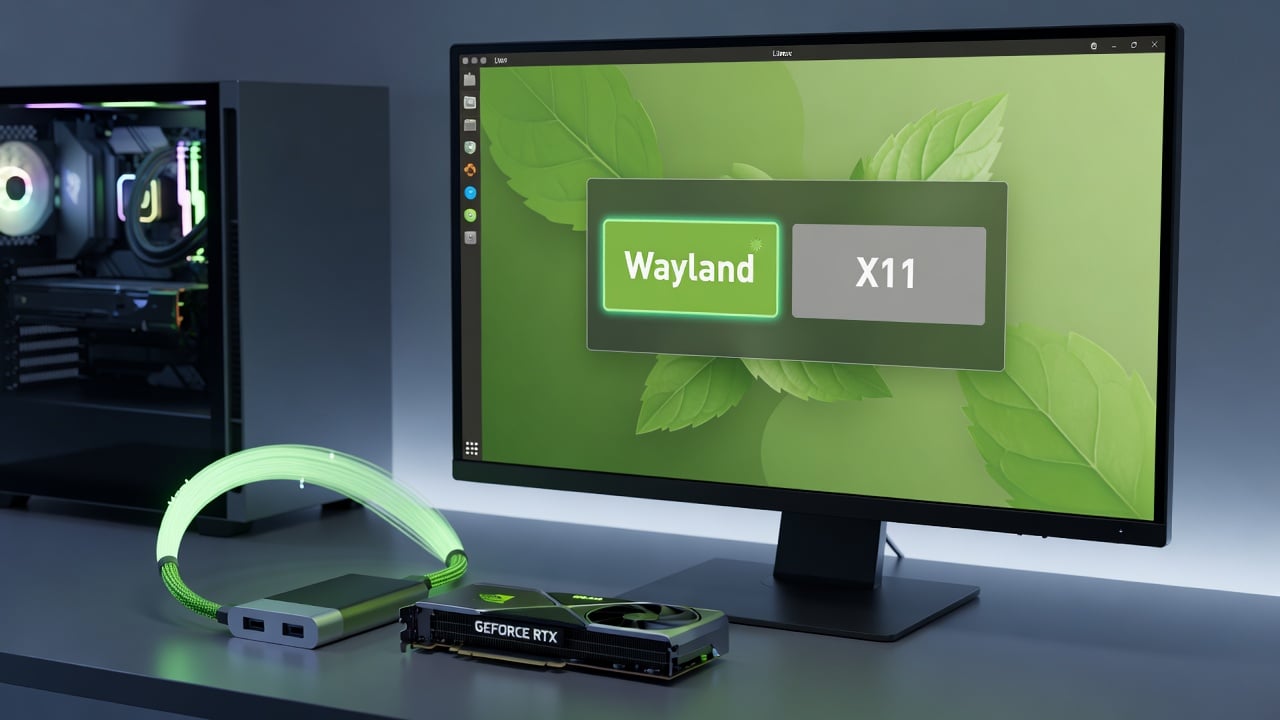
The Linux Mint team has announced significant progress in bringing Wayland support to the distribution, moving the technology out of its experimental phase for the upcoming release. This development marks a notable step forward for one of the most popular desktop Linux options, as the project works to modernize its graphics stack while maintaining the familiar user experience that has defined Mint for years.
According to the official announcement on the Linux Mint Blog, the team spent considerable time evaluating how Wayland performs across different hardware configurations and desktop environments. Their testing revealed both strengths and areas needing attention, leading to targeted improvements that now allow Wayland to function as a viable default option for many users. The post details how Cinnamon, Mint’s flagship desktop, has received particular focus during this transition, with developers addressing compatibility concerns that previously limited broader adoption.
Wayland represents a modern protocol designed to replace the aging X11 display server that has served Linux desktops for decades. Unlike its predecessor, which accumulated layers of complexity over time, Wayland takes a more direct approach to handling graphical output and input events. This architectural shift promises better security through isolated client applications and improved performance by reducing unnecessary data copying between components. For Mint users, these theoretical benefits now translate into practical advantages that the development team has worked to stabilize.
The blog post explains that early experiments with Wayland in previous Mint releases required users to manually select the session at login. This optional status helped gather feedback while protecting those who might encounter issues with specific applications or hardware. Now, with refined implementations and expanded testing, the team feels confident enough to present Wayland as a standard choice alongside the traditional X11 session. Users will still have both options available, ensuring that anyone facing compatibility problems can easily switch back without disruption.
Hardware compatibility emerged as a central concern throughout the development process. The Linux Mint Blog notes that NVIDIA graphics cards presented some of the most significant challenges, particularly with older driver versions. The team collaborated with NVIDIA engineers and open-source driver developers to resolve rendering glitches and input handling problems. As a result, many newer NVIDIA cards now work smoothly with Wayland in Mint, though users with legacy hardware might still prefer the X11 session for maximum stability.
Performance measurements shared in the announcement show measurable improvements in certain scenarios. Window animations appear smoother, screen sharing applications function more reliably, and overall system responsiveness has increased in some common workloads. These gains stem from Wayland’s more efficient handling of buffer management and reduced latency in input processing. The Mint developers emphasized that they prioritized real-world usage patterns rather than synthetic benchmarks when evaluating these changes.
Application compatibility received extensive attention during testing. Many programs written with modern toolkits like GTK4 and Qt6 already work excellently under Wayland, while older applications sometimes require adjustments. The team created workarounds for problematic software, including XWayland enhancements that help legacy X11 applications run within the Wayland environment. This hybrid approach ensures that users rarely encounter situations where their preferred applications fail to launch or display correctly.
The blog post highlights specific improvements made to Cinnamon’s Wayland implementation. Fractional scaling now works more effectively, addressing a common complaint from users with high-resolution displays. The desktop’s window management features have been adapted to take advantage of Wayland’s capabilities, resulting in more precise positioning and better handling of multiple monitors. Screen recording and casting tools, which often struggled under early Wayland implementations, now integrate more cleanly with the desktop environment.
One notable aspect of Mint’s approach involves maintaining visual and functional consistency across both display servers. The team wanted users to switch between X11 and Wayland without noticing dramatic differences in appearance or behavior. This philosophy aligns with Mint’s longstanding focus on approachable design and predictable operation. The announcement stresses that familiar elements like the panel, menu, and applets should behave identically regardless of the underlying graphics protocol.
Security considerations played a substantial role in the decision to advance Wayland support. The protocol’s design inherently restricts applications from accessing input events or screen content belonging to other programs. This isolation helps protect against certain types of malware and privacy intrusions that were theoretically possible under X11’s more permissive model. For users concerned about desktop security, this represents a meaningful enhancement to Mint’s defensive capabilities.
The development process involved gathering input from the broader Mint community. The Linux Mint Blog mentions feedback collected through forums, bug reports, and direct testing by community members. This collaborative approach helped identify edge cases that internal testing might have missed, such as specific combinations of hardware, drivers, and applications that triggered unexpected behavior. The team incorporated many of these findings into their refinements before declaring Wayland ready for wider use.
Looking ahead, the announcement outlines plans for continued improvement in future releases. The developers intend to expand hardware support further, particularly for less common graphics configurations and input devices. They also plan to refine the user experience around session selection, making it clearer when one option might be preferable over the other based on specific circumstances. Documentation updates will accompany the new release to help users understand the differences and make informed choices.
For those who prefer staying with X11, the team has committed to continued support for the foreseeable future. They recognize that some specialized applications and workflows still work better under the older display server, and forcing a complete transition would create unnecessary friction. This dual-support strategy reflects Mint’s user-focused philosophy, prioritizing practical functionality over ideological purity.
The move toward broader Wayland adoption in Mint mirrors similar efforts across other Linux distributions. Fedora has used Wayland as the default for several years, while Ubuntu and Debian have made substantial progress in their implementations. Each project approaches the transition somewhat differently based on their specific goals and user bases. Mint’s emphasis on stability and backward compatibility distinguishes its path from distributions that have adopted more aggressive migration strategies.
Technical details shared in the blog post reveal the complexity behind what appears to be a relatively straightforward status change. The team modified numerous components throughout the stack, from display managers to window managers to individual applets. Each change required careful testing to avoid introducing regressions in the X11 session that remains the primary experience for most users. This parallel development approach added significant overhead but ensured that the traditional desktop would not suffer as Wayland capabilities expanded.
User interface elements also needed adaptation for the new protocol. Some visual effects that relied on X11-specific mechanisms had to be reimplemented using Wayland-compatible approaches. The developers maintained the distinctive Mint aesthetic while updating the underlying technology, ensuring that the distribution would not lose its recognizable character during this modernization effort.
The announcement also addresses common misconceptions about Wayland. Some users have expressed concerns about reduced functionality compared to X11, but the Mint team demonstrates through their testing that many of these limitations have been overcome. Features like global hotkeys, advanced window management, and comprehensive theming now work effectively in both environments. The post provides specific examples of previously problematic areas that now function correctly.
Performance on lower-end hardware received particular attention, as Mint has traditionally appealed to users seeking efficient desktop environments. The blog post indicates that Wayland can actually reduce resource usage in some configurations by eliminating redundant operations that X11 required. This efficiency gain could help extend the useful lifespan of older computers, aligning with Mint’s goal of providing accessible computing options.
Testing methodologies described in the announcement show the thoroughness of the team’s approach. They evaluated Wayland across dozens of different hardware combinations, ranging from modern high-end systems to older machines with integrated graphics. Application testing covered both popular productivity software and more specialized tools used in creative and technical fields. This comprehensive validation process gives confidence that the declared readiness reflects genuine stability rather than marketing optimism.
The Linux Mint developers also acknowledged the contributions of upstream projects whose work made this progress possible. Improvements in Mesa, the Linux kernel’s graphics subsystem, and various toolkit libraries provided the foundation upon which Mint built its implementation. This interdependence highlights how desktop Linux development relies on collaboration across multiple organizations and volunteer efforts.
As the next Mint release approaches, users can look forward to trying Wayland with reduced risk of encountering showstopping issues. The option remains clearly marked and easily switchable, allowing experimentation without commitment. Those who choose to enable it will benefit from modern graphics handling while retaining access to the familiar Cinnamon environment that has made Mint popular.
This advancement represents years of patient development and community engagement. The Linux Mint Blog post serves as both a progress report and an invitation for users to participate in the next phase of testing. By making Wayland available as a standard option, Mint opens new possibilities for improved performance and security while preserving the reliable, approachable computing experience that users have come to expect. The careful, measured approach to this significant technical change exemplifies the project’s commitment to serving its community effectively through thoughtful evolution rather than disruptive revolution.


 WebProNews is an iEntry Publication