
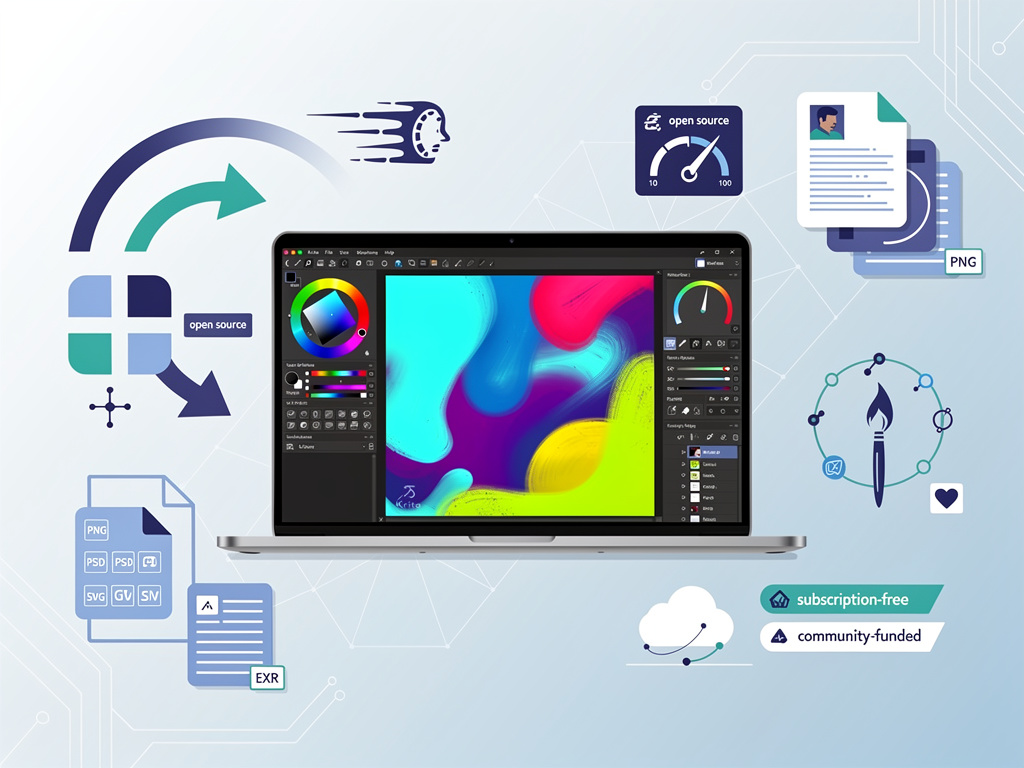
The open-source digital painting application Krita has released its 6.0 beta version, marking one of the most significant updates in the software’s history. This release represents a fundamental shift in the platform’s technical architecture and user experience, positioning the free alternative to Adobe Photoshop and Corel Painter for expanded adoption among professional digital artists, illustrators, and concept designers worldwide.
According to Phoronix, the beta release introduces substantial performance improvements, an overhauled user interface, and enhanced compatibility with industry-standard file formats. The development team has spent considerable effort modernizing the codebase, which dates back to the KOffice suite era, to meet contemporary demands for responsiveness and feature parity with commercial alternatives.
The Krita Foundation, the non-profit organization behind the software, has been working on version 6.0 for over two years, with contributions from dozens of developers across the globe. This release cycle represents the longest development period in Krita’s recent history, reflecting the scope of changes being implemented. The beta phase allows the community to test new features and report issues before the stable release, expected in the coming months.
Performance Overhaul Addresses Long-Standing Bottlenecks
At the core of Krita 6.0’s improvements is a comprehensive performance optimization initiative. The development team has rewritten critical rendering pipelines to take better advantage of modern multi-core processors and GPU acceleration. Users working with large canvases—often exceeding 4K resolution—should experience noticeably faster brush strokes and layer operations, addressing one of the most frequent complaints from professional users.
The software now implements more efficient memory management strategies, particularly important for artists working on complex illustrations with hundreds of layers. Previous versions of Krita could consume excessive RAM during extended work sessions, sometimes leading to system instability. The new architecture includes better garbage collection and resource pooling, reducing memory footprint by up to 30% in typical usage scenarios according to internal benchmarks shared by the development team.
Modern Interface Redesign Enhances Workflow Efficiency
The user interface has received its most comprehensive redesign since Krita 4.0. The new design philosophy emphasizes customization and accessibility, with improved docker panels that can be configured more intuitively. Artists can now create and save multiple workspace configurations, switching between them based on different tasks—such as sketching, painting, or animation work.
Icon sets have been updated to support high-DPI displays more effectively, addressing issues that plagued users of 4K and 5K monitors. The color management interface has been simplified without sacrificing functionality, making it easier for newcomers to understand color spaces while maintaining the advanced controls that professionals require. Tool options are now more consistently organized, reducing the learning curve for users transitioning from other digital art applications.
Enhanced File Format Support Bridges Professional Workflows
Krita 6.0 significantly improves interoperability with other creative software through enhanced file format support. The PSD (Photoshop Document) import and export capabilities have been substantially improved, with better preservation of layer styles, adjustment layers, and blend modes. This addresses a critical pain point for artists who need to collaborate with colleagues using Adobe’s ecosystem or deliver files to clients expecting industry-standard formats.
The native KRA file format has also been updated to version 6, incorporating better compression algorithms that reduce file sizes without quality loss. Artists working on large projects with extensive revision histories will appreciate the more efficient storage, particularly relevant for cloud backup workflows. The software maintains backward compatibility, allowing users to open files created in earlier versions without issues.
Animation Tools Receive Professional-Grade Enhancements
The animation workspace, introduced in Krita 4.0, has matured considerably in version 6.0. Frame-by-frame animation tools now include onion skinning with more granular control, allowing animators to see multiple previous and future frames simultaneously with adjustable opacity. The timeline interface has been redesigned for better clarity, with improved scrubbing performance that makes playback smoother even for complex animations.
New interpolation options for animated layers provide more control over motion between keyframes. Artists can now apply easing curves to property animations, creating more natural-looking movements without manual frame-by-frame adjustments. These enhancements position Krita as a more viable option for independent animators and small studios seeking alternatives to expensive commercial animation software.
Brush Engine Refinements Expand Creative Possibilities
The brush engine, arguably Krita’s most celebrated feature, has received numerous refinements in version 6.0. New brush presets ship with the software, created by professional artists to demonstrate the engine’s capabilities. The brush editor interface has been reorganized to make parameter adjustments more intuitive, with real-time preview updates that respond instantly to changes.
Texture painting workflows benefit from improved pattern and texture handling, with better memory efficiency when working with large texture libraries. The software now supports higher-resolution brush tips without performance degradation, important for artists working on print-resolution illustrations. Pressure curve customization has been expanded, allowing artists using drawing tablets to fine-tune pen response with unprecedented precision.
Cross-Platform Consistency Improves User Experience
The development team has invested considerable effort in achieving better consistency across Windows, macOS, and Linux platforms. Previous versions sometimes exhibited platform-specific quirks or performance characteristics that complicated support and documentation. Version 6.0 standardizes behavior across operating systems, ensuring that tutorials and workflow guides apply universally regardless of the user’s platform choice.
Installation and setup processes have been streamlined, particularly on macOS where previous versions required manual configuration steps that confused newcomers. The Windows version now includes better integration with the operating system’s color management, addressing color accuracy issues that affected some users. Linux users benefit from improved Wayland support, reflecting the gradual transition away from the older X11 display server.
Community-Driven Development Model Proves Sustainable
Krita’s development is funded through a combination of donations, grants, and the Krita Foundation’s development fund, which allows the organization to employ several full-time developers. This model has proven remarkably sustainable, allowing the project to compete with commercial software despite having no license fees or subscription requirements. The 6.0 release demonstrates that community-funded software can achieve professional-grade quality and feature completeness.
The beta testing phase actively solicits feedback from the user community, with dedicated channels on forums and social media platforms where artists can report issues and suggest improvements. This collaborative approach has helped identify edge cases and workflow problems that might not surface during internal testing. The development team maintains transparency about the roadmap and decision-making processes, fostering trust and engagement within the user base.
Market Position Strengthens Amid Creative Software Consolidation
As Adobe continues to push subscription-based pricing and cloud-dependent workflows, demand for perpetual-license alternatives has increased. Krita occupies a unique position as a fully-featured digital painting application that costs nothing and respects user privacy by not requiring accounts or internet connectivity for core functionality. Version 6.0’s improvements make the software more competitive with commercial alternatives, potentially attracting professionals seeking to reduce software expenses.
The timing of this release coincides with broader discussions in the creative community about software ownership, subscription fatigue, and the sustainability of creative careers amid rising tool costs. Krita offers a compelling value proposition: professional-grade capabilities without recurring fees, backed by a transparent development process and a committed community. For educational institutions, the software provides an excellent platform for teaching digital art without licensing costs that can strain limited budgets.
Future Development Roadmap Promises Continued Innovation
Looking beyond the 6.0 release, the Krita development team has outlined plans for continued enhancement. Areas of focus include further performance optimization, expanded animation capabilities, and potential integration with emerging technologies. The team has expressed interest in exploring AI-assisted features, though with careful consideration of ethical implications and user control—a contrast to some commercial software that has faced criticism for opaque AI implementations.
The beta period will likely extend several weeks as the community thoroughly tests the new features and reports issues. The development team has indicated that the stable 6.0 release will only proceed once critical bugs are resolved and performance meets their quality standards. This disciplined approach to release management has served the project well, maintaining Krita’s reputation for stability despite its volunteer-driven development model. As the software continues to evolve, it stands as a testament to what open-source collaboration can achieve in the creative tools space.


 WebProNews is an iEntry Publication