
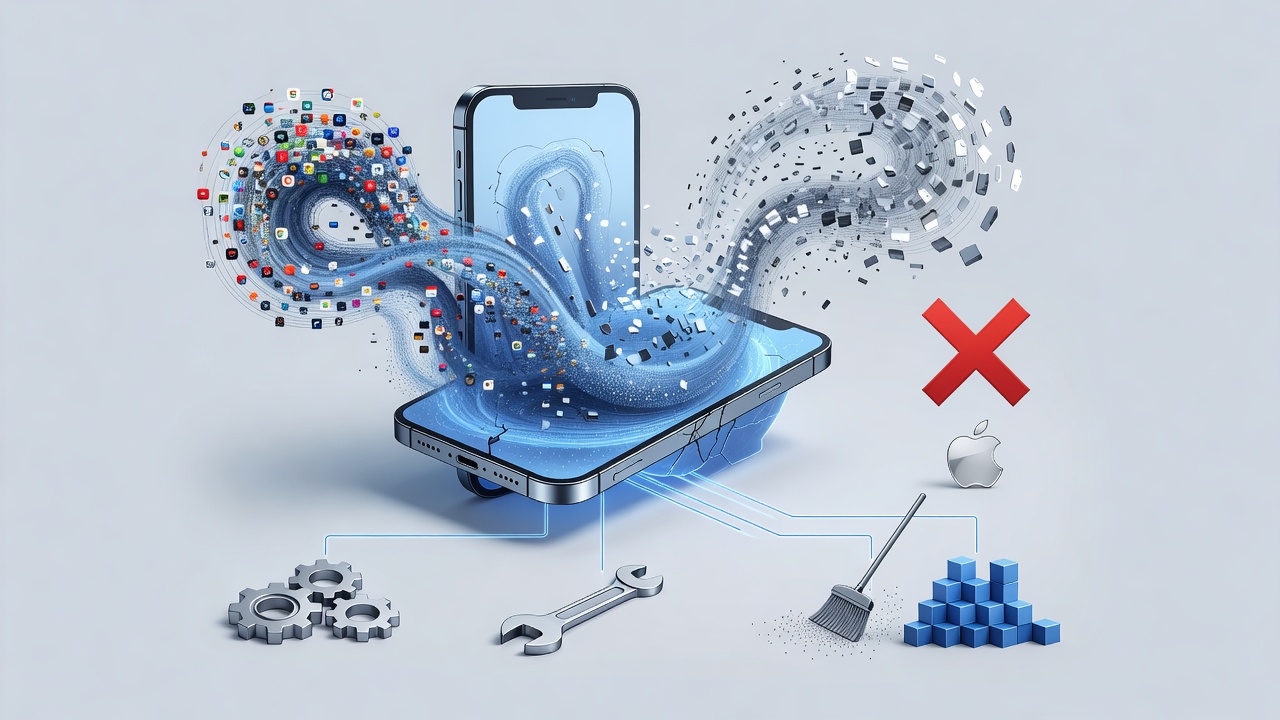
Users keep discovering their iPhones crippled by an invisible storage hog. Check Settings. Scroll to iPhone Storage. There it sits. System Data. Sometimes 80GB. Sometimes 140GB. On a 128GB device. The numbers shock. They frustrate. And they refuse to shrink despite obvious deletions.
This problem isn’t new. Reports stretch back years across iOS versions. Yet a fresh wave hit this week. TechRadar detailed fresh Reddit complaints. One user showed 86.96GB consumed. Another lost 100.62GB. A third watched 150.56GB disappear into the void on their 128GB iPhone. “This is not something the average iPhone user should have to deal with,” wrote TakenToTheRiver on Reddit. The community agrees. The bug has persisted for years. We shouldn’t have to work around it ourselves.
Apple describes System Data simply. It includes caches, logs and other resources currently in use by the system. The value fluctuates according to system needs. Fair enough for a few gigabytes. Not for swallowing most of a device’s capacity. Something breaks. Caches don’t purge. Logs multiply. Space evaporates.
Recent threads point to a specific culprit in iOS 26. The icon cache. Deep in the file system lives /private/var/containers/Shared/SystemGroup/systemgroup.com.apple.lsd.iconscache. One MacRumors user found it holding 50.2GB alone. Diagnostics from months earlier showed the same directory out of control. Updates to iOS 26.4 failed to stop the growth. The directory fills relentlessly. Bug reports pile up. Apple stays quiet.
But. The issue predates iOS 26. 9to5Mac covered it in 2024. Jumps from 8GB to 35GB. One teammate hit 140GB during iOS 18 beta testing. The pattern repeats. Restart the phone. Space returns temporarily. Weeks later it inflates again. Power cycling alone reduced one user’s usage by over 50GB. Temporary relief. Not a cure.
So what actually works. Start simple. Clear Safari’s accumulated junk. Head to Settings. Tap Safari. Choose Clear History and Website Data. Weeks of browsing add gigabytes fast. This move often frees noticeable space immediately. Next target Messages. The default setting keeps everything forever. Attachments pile up unseen. Change it. Settings. Messages. Keep Messages. Pick one year or 30 days. The system prunes old media. Storage drops.
Restart the device too. It clears temporary files from background processes. Quick. Effective in many cases. Some see System Data normalize after one reboot. Others need repeated cycles. And don’t overlook individual apps. Delete and reinstall heavy hitters like Apple TV, Instagram, TikTok or Discord. Their caches vanish with the reinstall. Space returns without losing accounts if you log back in carefully.
More aggressive steps exist. The date trick surfaces repeatedly in forums. It forces iOS to expire old cached files by manipulating the system clock. Details vary. One proven sequence from community testing requires Airplane Mode first. Turn off WiFi and cellular. Force quit open apps. Set the date one year ahead. Wait a full minute on the home screen. Adjust forward another three months. Wait again. Revert to the correct date. The system treats the jump as time passed. Old caches expire. System Data shrinks. Follow precisely. Some variants risk losing iMessages. Backup first.
Offloading unused apps offers another path. Settings. App Store. Toggle on Offload Unused Apps. The feature removes apps but keeps documents and data. It prevents bloat from dormant programs. One Reddit user reported this single change fixed their problem. Simple. Non-destructive. Worth trying early.
When nothing else succeeds, the nuclear option looms. Back up completely. Use iCloud or a computer. Then erase the iPhone. Restore from that backup. The process often clears corrupted logs and orphaned files that normal operations miss. “Back up your entire iPhone in iCloud, and then restore it to DFU mode if you’re going to remove all the cache you have,” advised one user in the TechRadar comments. It works. Yet it shouldn’t be necessary. Not repeatedly.
Apple has shipped no permanent fix. The bug appears across releases. iOS 17. iOS 18 betas. Now iOS 26. Forums like Apple Discussions and MacRumors fill with identical stories. One user on a 64GB iPhone 12 saw System Data dominate after an update. Photos became inaccessible. The device slowed to a crawl. iCloud+ purchases changed nothing. Cloud storage and local device storage remain separate. Extra iCloud space never adds physical room on the phone.
Similar glitches appear elsewhere. Apple Maps has eaten tens of gigabytes on its own. The pattern suggests deeper flaws in how iOS manages temporary data. Caches meant to speed things up instead choke the device. Logs grow unchecked. Icon caches balloon without bounds. Users pay the price in lost photos, stalled updates and constant warnings.
Prevention helps somewhat. Keep at least 10 to 15GB free at all times. Audit apps monthly. Offload what you rarely use. Clear browser data regularly. Adjust message retention settings from the start. These habits reduce pressure. They don’t eliminate the root cause.
Industry observers note Apple’s silence. No public acknowledgment. No dedicated management tool for System Data. Contrast that with the granular controls given for photos, apps or documents. The opacity leaves users guessing. Searching forums. Trying random fixes. Hoping one sticks.
Recent reports from late 2025 and into 2026 show the issue alive and well. A MacRumors thread from December 2025 described 170GB of undeletable System Data on a 256GB iPhone 16 Pro Max. Fresh installs lasted days before bloat returned. Icon cache again identified as primary offender. Users continue filing feedback. Waiting for a software update that finally addresses the directory.
Until then practical workarounds remain essential. Combine several methods. Clear caches. Adjust settings. Restart. Try the date adjustment if comfortable. Reserve full restore for stubborn cases. Monitor storage weekly. Act before it hits critical levels. The bug may not steal data. It steals usability. Time. Peace of mind.
TechRadar highlighted the human cost. People shouldn’t wrestle their own phones this way. Especially flagship devices costing over a thousand dollars. The expectation of reliability clashes with repeated storage failures. Apple built its reputation on polished experiences. This one falls short. Year after year.
Watch for future iOS updates. Some mention bug fixes without specifics. One iOS 26.3.1 release carried such language yet left the icon cache untouched. Hope lingers for a true patch. In the meantime users share what succeeds for them. Community knowledge fills the gap Apple leaves open. Test carefully. Backup always. Reclaim that space before it vanishes again.


 WebProNews is an iEntry Publication