
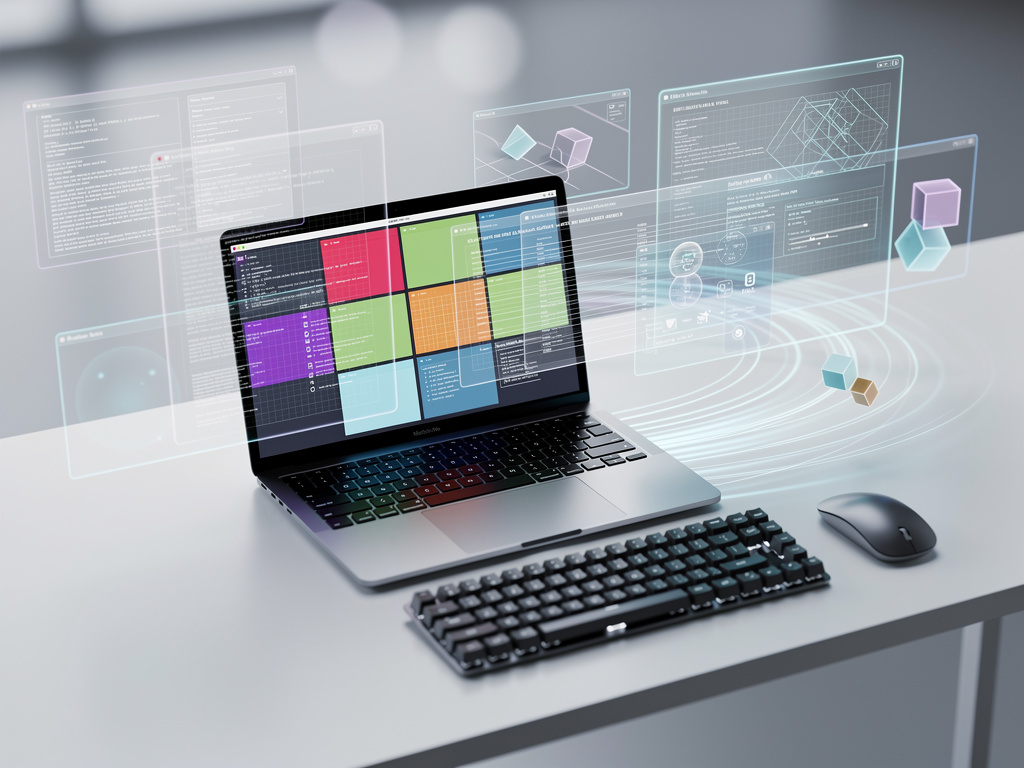
Rob LeFebvre stared at a black screen on his M1 MacBook Air. He’d just logged into Sway, a tiling window manager on Asahi Linux. No familiar desktop. No icons. Just keyboard commands. Super + Return opened a terminal. And suddenly, windows snapped into place automatically.
This moment, detailed in his MakeUseOf article, captures the raw shift. Tiling window managers ditch the drag-and-drop world of macOS or Windows. They arrange apps in grids. Keyboard shortcuts rule. No more fiddling with sizes or overlaps. LeFebvre called it a brain challenge after 30 years of habits. But he stuck with it.
And here’s why developers and power users are following suit on Apple Silicon. Asahi Linux, the project bringing Fedora and other distros to M-series chips, now supports Wayland compositors like Hyprland natively. No X11 hacks needed. Install with sudo dnf install hyprland. Log out of GNOME. Pick the session. Boom. Windows slide in with gaps and rounded corners.
LeFebvre switched from Sway to Hyprland for the polish. Sway’s stable, i3-inspired config felt bare. Hyprland adds animations, blur effects. He copied the default config—cp /usr/share/hypr/hyprland.conf ~/.config/hypr/hyprland.conf—tweaked keybinds like Super + D for wofi launcher, reloaded with hyprctl reload. Screenshots? Grim and slurp. Effortless once learned.
Why MacBooks? Why Now?
Apple Silicon’s efficiency shines here. M1 Airs handle Hyprland smoothly, even on 13-inch screens where splits once looked cramped. LeFebvre noted initial frustration—windows halved the display awkwardly. But keyboard navigation fixed that. Super + 1-9 for workspaces. Super + Q for terminal. No mouse hunts.
Asahi Linux has matured by 2026. Fedora Asahi Remix offers polished installs. Wayland support means tear-free compositing. Battery life holds up, though GPU acceleration lags native macOS. Developers praise the setup for coding marathons. No distractions. Just work.
Recent buzz confirms the trend. Eric S. Raymond, open-source veteran, tweeted unqualified praise for System76’s Cosmic Desktop—a tiling-friendly environment with “design integrity” rivaling old Mac software. “It gives me a tiling window manager without the clinical austerity of i3,” he wrote on X (post). While not Asahi-specific, it highlights tiling’s appeal across Linux desktops.
Hyprland hit Debian 13 backports too, per Linuxiac. Stable users grab it easily. On Apple hardware? Asahi’s Fedora base aligns perfectly.
But challenges persist. Config files start empty. Typos kill keybinds—LeFebvre fought “Supper” instead of Super. Black screens demand shortcut memory. Unlearning macOS’s Command-dragging takes days. “I wasn’t worrying about moving my windows around so I could see what was behind a foreground window. I was just working,” LeFebvre reported.
Fragmented forums echo this. Reddit threads on r/AsahiLinux gripe about tiling hacks pre-Wayland. Now? Smoother. One user in r/unixporn shared a Hyprland rice: “really happy how it turned out” (thread via X bot).
The Keyboard Revolution—and macOS Pushback
So why tile on a MacBook? Portability meets power. Detach from Apple’s walled garden. Run native Linux tools. LeFebvre used rclone for screenshot transfers straight from terminal. Pure flow.
macOS users crave similar. Yabai, AeroSpace dominate discussions. Hacker News calls AeroSpace “the best way to manage windows on a Mac, but falls short of i3/sway” (thread). Rectangle or Moom snap windows, but lack true dynamic tiling. A Medium tester picked Raycast for its integration, yet praised native Sequoia snapping as “good enough” for most (article).
Hyprland outperforms them on Linux. Dynamic layouts adapt. Master stack for terminals. Split for editors. “Windows slid in smoothly with subtle gaps, corners were indeed rounded, which made my eyes happier,” LeFebvre said.
Comparisons stack up. i3wm.org lists i3 as beginner-friendly, Sway its Wayland twin. Hyprland leads 2026 rankings for visuals, per Rambox’s workspace manager roundup (blog). Tecmint echoes: 15 top tilers, Hyprland shining on Wayland.
Critics? Learning curve. Dr. Popsi on X warned: “It’s meant to have some friction so you learn something” (post). Fair. But once hooked, floating desktops feel archaic.
LeFebvre plans to stay. Hyprland’s modern vibe won. Sway for stability elsewhere. For MacBook Linux fans? Try it. Copy configs. Bind keys. Work begins.


 WebProNews is an iEntry Publication