
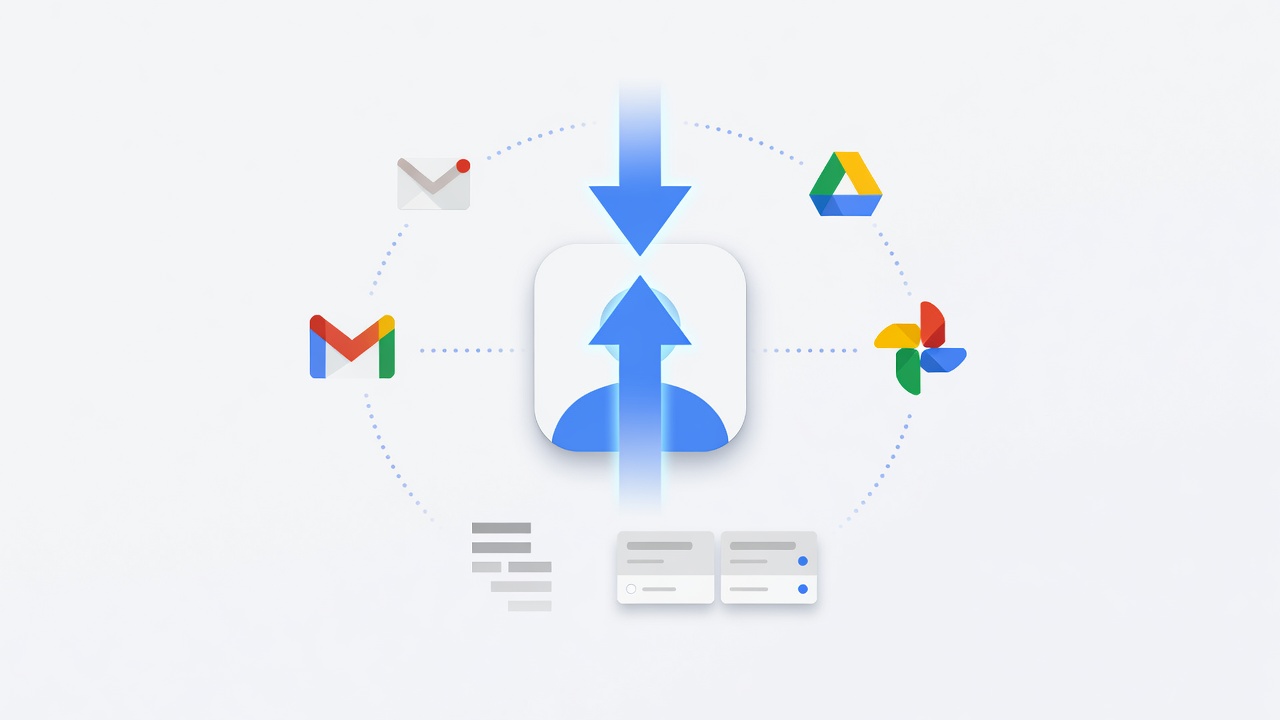
Power users juggling three, four or more Google accounts on a single Android device have long tolerated a familiar friction. Tap the profile picture in the corner of Gmail or Drive. Wait for the menu. Tap again to switch. Repeat dozens of times daily. But a simple gesture has existed for years to bypass much of that tedium.
Swipe up or down on that tiny circular avatar. The account changes instantly. No extra screens. No lost context. The feature first appeared quietly in apps like Gmail years ago. Yet many users, even experienced ones, still miss it entirely. One overlooked interaction now stands out as a quiet productivity tool across Google’s mobile lineup.
Brady Snyder at Android Authority described his own evolution with the gesture. “Up until very recently, I switched Google accounts the old-fashioned way. You know the drill — tap the Google account profile picture, press the Switch account button, and select the account you want to use.” He noted the seconds wasted each time. Then he discovered the swipe. Now he cannot imagine returning to taps alone.
The mechanics stay straightforward. In most Google apps the profile picture sits top right. A vertical swipe cycles forward or backward through every signed-in account on the device. Work profiles add a horizontal option. Swipe left or right to jump between enterprise and personal contexts when that setup applies. Not every business account uses full Work Profile isolation, but the up-or-down motion works regardless.
Gmail delivers the biggest daily payoff. Users who monitor multiple inboxes can cycle through them in moments. Snyder explained his workflow shift: “I get the most use out of Google’s account-switching gesture in Gmail, where I’m constantly checking incoming messages. … Using the swipe gestures, I can cycle through my inboxes without missing a beat.” The same action repeats in Photos, Drive, Maps, Meet, Home, Health and the core Google app. If a profile icon triggers the traditional switcher, the gesture almost always works there too.
But the gesture forms only one piece of a larger account management story. Google has spent years refining how users move between identities. In late 2024 the company began rolling out a fullscreen account switcher that replaces compact floating panels. 9to5Google reported the change first appeared in Gmail for Android version 2024.11.24.x. The new interface takes over the entire screen, applies Dynamic Color theming and adds a prominent close button. Power users can still bypass it entirely by swiping directly on the profile picture.
By mid-2025 that fullscreen approach had spread across most first-party apps. A follow-up piece from the same outlet on June 20, 2025, listed widespread adoption in Workspace tools and beyond. Critics noted the design removes spatial awareness. Users lose sight of their original app while the switcher occupies the display. The swipe gesture therefore retains value as a faster alternative that avoids the full takeover.
Even newer changes target the switcher itself. In June 2026 developers spotted a more compact redesign inside Google Drive version 2.26.217.9. Android Authority detailed the updates after examining the APK. The revised panel drops the personalized greeting, shrinks the profile photo and folds the image together with the email address into a tighter collapsible element. The “Manage your Google account” button slides lower. Everything functions as before. The panel simply consumes less space and reduces scrolling for users with long account lists.
That compactness addresses real pain. People managing school, work and several personal accounts often see lengthy menus. A denser layout trims visual clutter. The change reverses some of the more expansive designs Google tested throughout 2025. Those earlier versions featured larger photos, friendly salutations and dedicated “Switch account” rows modeled on the web experience. The pendulum has swung back toward efficiency.
Yet challenges remain. Account consistency across devices still feels uneven. Tablets, smart home hardware and certain Workspace setups sometimes lag behind phone apps. Snyder observed in the original report that “Google still has work to do to make using multiple accounts on Android phones, tablets, and smart home hardware more manageable. The reality is that many of us depend on multiple Google accounts, and they need to work together to deliver a consistent experience.” The swipe gesture helps but does not erase every friction point.
Recent coverage shows the gesture itself has matured quietly. An article published June 26, 2026, on Infiflex noted Gmail’s latest update makes the one-swipe method even more prominent for Android users. The piece confirms the vertical swipe on the top-right profile picture now rolls out more broadly through the Play Store. Full inbox loading may still require tapping the side menu, but quick switches happen without interruption.
And the community has known about this for some time. Old X posts from 2020 already praised the swipe in various Google apps. The technique survived multiple interface overhauls. That endurance suggests Google views it as a keeper even as visual designs shift around it.
Enterprise users gain particular benefit. Work profiles allow clean separation. The horizontal swipe keeps personal and professional data distinct without forcing full logouts. For those whose organizations enable it, the gesture becomes a daily bridge between contexts. Regular personal accounts simply cycle in sequence. Either way, the interaction removes taps that once felt minor but accumulate across hours of use.
Google has not issued a formal announcement highlighting the gesture in recent years. Discovery still relies on word of mouth, tip articles or plain experimentation. That low profile may explain why some heavy users only recently adopted it. The company focuses public messaging on newer visual changes. The underlying swipe, however, delivers immediate practical value with zero learning curve for anyone already familiar with the profile icon.
Future refinements could expand its reach. Tighter integration with the compact switcher panels might allow combined gestures. Or the fullscreen redesign could add optional swipe zones outside the tiny avatar. For now the existing behavior stands as a reliable shortcut that rewards attention to detail.
Professionals who live inside Gmail, Drive and related tools notice the difference quickly. Seconds saved per switch multiply into minutes each week. Those minutes become hours over months. In an environment where every interaction counts, this understated swipe earns its place among essential Android habits. It won’t solve every account headache. But it removes one persistent annoyance with nothing more than a flick of the finger.


 WebProNews is an iEntry Publication