
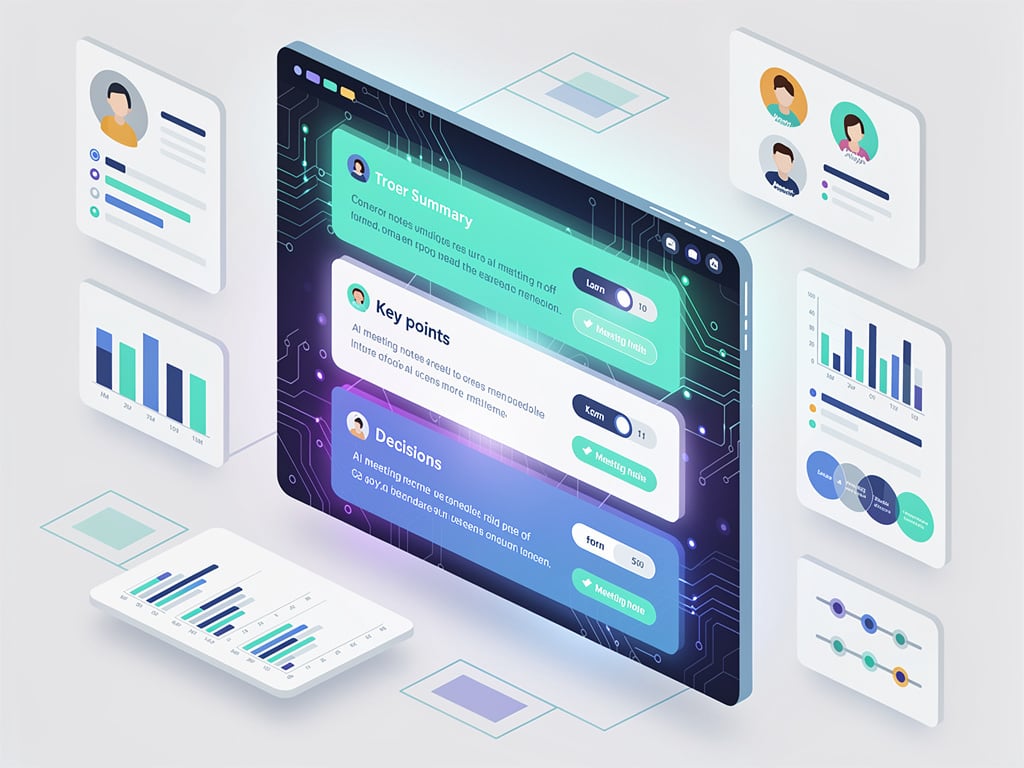
Google Workspace users can now pick and choose sections in AI-generated meeting notes, a move that puts fine control directly into the hands of participants during Google Meet calls. The update, announced Tuesday on the official Google Workspace Updates blog, targets the ‘Take notes for me’ feature powered by Gemini. Toggle Summary off. Skip Details if they’re clutter. Keep Next steps front and center. These choices apply only to the current session—no persistent defaults to fuss with across meetings.
And there’s a fresh Decisions section. It spots outcomes from discussions, tags them with statuses like Aligned, Needs further discussion, Disagreed, or Shelved. English only, for now. Actionable items and assignments get listed right there. The Summary itself? Sharper now. More concise. Easier to scan at a glance.
Rollout starts today, April 30, 2026. Expect it over up to 15 days for Rapid Release and Scheduled Release domains. Eligible plans include Business Standard and Plus, Enterprise Standard and Plus, Frontline Plus, Google AI Pro for Education, plus Google AI Pro and Ultra consumer tiers. Admins can’t dictate these toggles yet; it’s user-driven.
Access comes via the in-call menu. Click the notes panel. Hit settings. Flip switches for sections. Changes hit the live notes instantly, reshaping what Gemini captures and organizes into that Google Doc saved to Drive. Hosts and co-hosts handle sharing options—keep it internal, blast to all invitees, whatever fits. Language picks stay per-meeting too, from English to Spanish, though Decisions lags behind in non-English support.
This builds on last November’s tweak for longer notes, where users could opt for verbose versions roughly twice the standard length, as detailed in the Google Workspace Updates blog post from 2025. That rolled out gradually to the same editions. Now, with toggles, notes match the meeting’s rhythm—brief for quick huddles, detailed for deep dives.
Industry watchers see this as Google’s bid to make AI feel less like a black box. Android Authority called it out same day: ‘Google Meet now lets you choose what’s included in your meeting notes.’ They noted the per-meeting isolation, preventing accidental carryover, and the English-only Decisions caveat. PCMag earlier highlighted Gemini’s push into in-person and third-party meetings like Zoom and Teams, per their April coverage, where over 110 million attendees tapped the feature last month alone—a 8.5x year-over-year surge announced at Cloud Next 2026.
But limitations persist. Alpha status for some extras, like screenshots of presented content. Host management can lock controls to organizers. Meetings cap at eight hours, min 15 minutes. Multi-language convos? Pick one dominant tongue after 30 seconds of shift. Google Meet notifies all when notes kick in—a pencil icon flashes.
For enterprise pros, this means tighter workflows. No more sifting bloated Docs for buried action items. Decisions section alone could slash follow-up emails. Pair it with prior expansions: in-person note-taking from the Meet app, even in coffee shops, as 9to5Google reported post-Cloud Next. Gemini transcribes, summarizes, spits out Docs regardless of platform—Meet, Zoom, Teams, or face-to-face.
Adoption hurdles? Admins toggle the whole feature via console under Gemini settings, per Google Workspace Admin Help. Turn it on org-wide or per group. Users override if allowed. But custom sections? Still rolling user-side.
Competitors watch closely. Tools like Otter.ai or Fireflies.ai charge for similar smarts, yet Google’s baked-in approach undercuts them on cost for Workspace shops. Startups betting big on standalone note-takers face stiffer odds, as one X post from early April fretted: ‘Gemini can now join meetings on Google Meet and take notes. What happens to all the startups that built AI note takers?’ from user @ruthefordml.
So, what’s next? Google hints at broader Gemini ties—NotebookLM syncs, Workspace Studio for custom agents. But for now, these toggles deliver immediate wins. Meeting notes, finally tailored. Not one-size-fits-all. Teams get exactly what drives action, when it matters.


 WebProNews is an iEntry Publication