
Google’s voice search tool first appeared over a decade ago. It let users speak queries instead of typing them. The feature felt fresh then. Now it sits somewhat in the shadow of Google Assistant and Gemini-powered AI conversations. But the company hasn’t forgotten its origins. Fresh code changes show Google testing a smarter interface for the original voice search experience on Android.
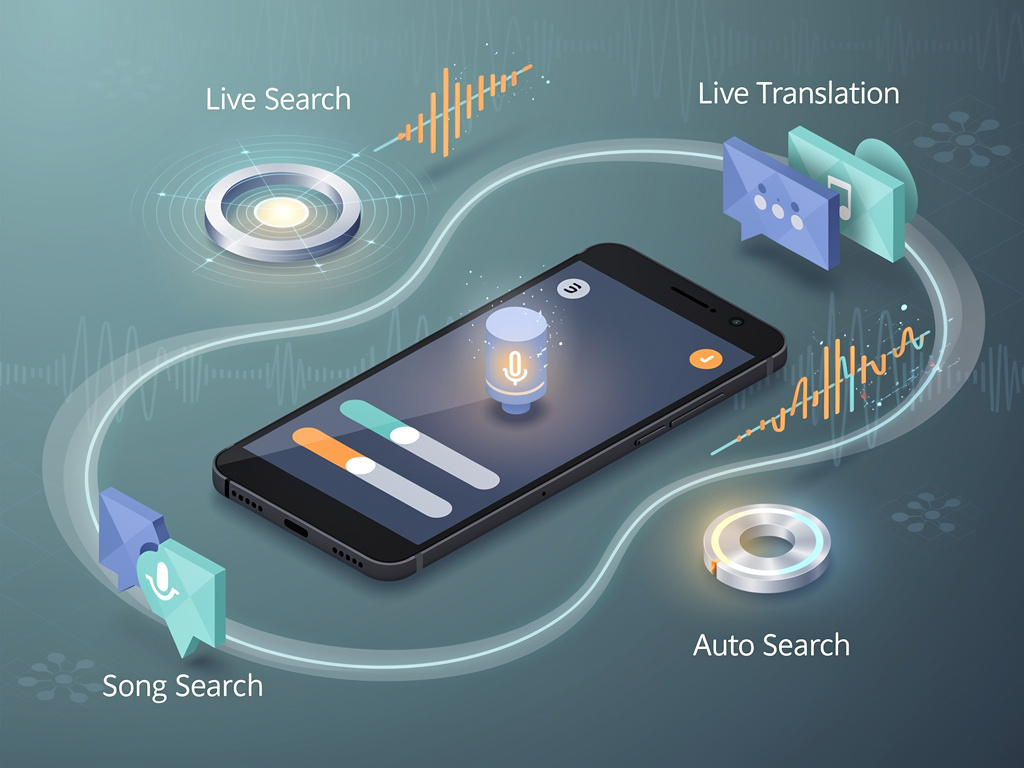
The updates consolidate access to several features in one spot. Users could soon tap buttons for standard voice search, Search Live, song search or Live Translate without hunting through menus. The changes surfaced in the Google app for Android. They point to a deliberate effort to make voice input more versatile. And more immediate.
New buttons reshape the voice interface
Current voice search shows a simple prompt to start speaking. The tested version adds four prominent options at the bottom. One triggers classic voice search. Others jump straight to Search Live for camera-based conversations, song identification or real-time translation. Screenshots from the testing reveal a cleaner layout in both light and dark modes. The shift gathers tools that already exist yet scatters them across the app today.
Search Live itself expanded globally weeks earlier. The Google Blog detailed rollout to more than 200 countries and territories. Users point their camera at objects and hold natural back-and-forth talks with search. A new audio model makes responses sound smoother. Google’s move to tie it closer to basic voice search could drive more adoption.
Song search and Live Translate gain the same easy entry. Live Translate already works in headphones for conversations in multiple languages. Recent expansions added support in Germany, Spain, France and beyond, according to TechCrunch. Placing these alongside voice search creates a single hub. One place for spoken input of all kinds.
But the changes go further. Google also experiments with an “Auto search” toggle. When enabled, the system processes speech the moment the user stops talking. Handy for quick queries. Less ideal when someone pauses mid-sentence. The new interface lets users turn this off. Separate buttons then appear to stop listening or send the query manually. Control returns to the speaker. A small adjustment. Yet one that addresses real frustration.
The discoveries come from APK teardown analysis. Such work spots unfinished code before public release. Android Authority first reported the interface updates just hours ago in its story. The publication noted the features look nearly complete. Timing remains uncertain. Google I/O 2026 begins soon. These tweaks might appear on the sidelines. Or arrive quietly in a future app update.
Voice search has evolved since its debut. Early keyboard shortcuts let desktop users press Ctrl-Shift-Period to activate the microphone without clicking. Google Support pages still explain basic voice commands for search, directions and more. Yet Assistant routines and custom shortcuts have taken much of the spotlight. The latest tests suggest Google wants to refresh the pure voice search path. Make it competitive again.
Consider the broader context. Search Live relies on Gemini 3.1 Flash Live for natural dialogue. It handles visual input from the camera while users speak follow-ups. The TechCrunch report highlighted how this multimodal approach changes interaction. No more rigid query formats. Conversations flow. Linking that power directly from the classic voice UI lowers barriers.
Song search already identifies music through humming or lyrics. Live Translate breaks language barriers on the fly. Bundling them creates efficiency. Users won’t need to remember separate triggers or dig into settings. They open the Google app, tap the microphone, then choose mode. Simple. Direct.
The Auto search option stands out for usability. Many voice systems assume constant readiness. They fire results after brief silence. That works for commands. It falters during thoughtful speech. Giving users an explicit off switch shows attention to detail. It respects different speaking styles. Some talk fast. Others think aloud.
Google has pushed AI features aggressively. Gemini appears in search results, Assistant responses and more. This voice update feels different. It strengthens the non-AI foundation. The original voice search engine still powers countless quick lookups. Improving its entry points could boost overall engagement. Keep the classic tool relevant even as flashy AI options multiply.
Exact rollout plans stay hidden. APK teardowns predict but never guarantee. Still, the polish visible in test builds suggests intent. Google rarely invests this much in interface tweaks without plans to ship. Users on recent Android versions may see the changes first. Beta testers could encounter them sooner.
Accessibility matters here too. Voice input helps when typing proves difficult. Consolidated shortcuts reduce steps. The toggle for auto processing gives choice. These details add up. They make the feature work better for more people in more situations.
Voice technology has matured. Accuracy improved. Speed increased. Context awareness grew. Yet user control sometimes lagged. The tested UI pushes back in that direction. It offers modes. It provides toggles. It centralizes options. The result feels like an upgrade rooted in practicality rather than spectacle.
Industry watchers will track what arrives at I/O. Announcements often focus on new AI models or hardware. Interface refinements can slip by unnoticed. This one deserves attention. It bridges old and new. Classic voice search gains shortcuts to modern capabilities. The whole experience benefits.
Google’s support documentation already covers voice commands extensively. From setting reminders to finding nearby shops. The new interface could make those commands easier to reach. No more switching between Assistant, Lens or dedicated translation screens. One microphone. Multiple paths.
Of course, voice search still needs clear speech. Background noise can interfere. Accents vary in recognition quality. These interface changes won’t fix every limitation. They do remove friction around discovery and activation. That alone carries value.
The timing aligns with Search Live’s global push. More users now have access to camera-powered conversations. Surface that option inside voice search and adoption may climb. Same for translation features expanding across continents. Convenience drives usage. Google knows this.
Expect iteration. First tests often change before wide release. Button labels could shift. Layouts adjust based on feedback. The core idea seems solid. Bring related voice and visual tools together. Give users fine-grained control over when search triggers. Refresh the familiar without discarding it.
Android users spend hours in the Google app. Search sits at the center. Voice input offers speed. These updates aim to make that speed more flexible. More powerful. The original voice search may look old-school next to Gemini. But with the right connections, it gains new life.


 WebProNews is an iEntry Publication