
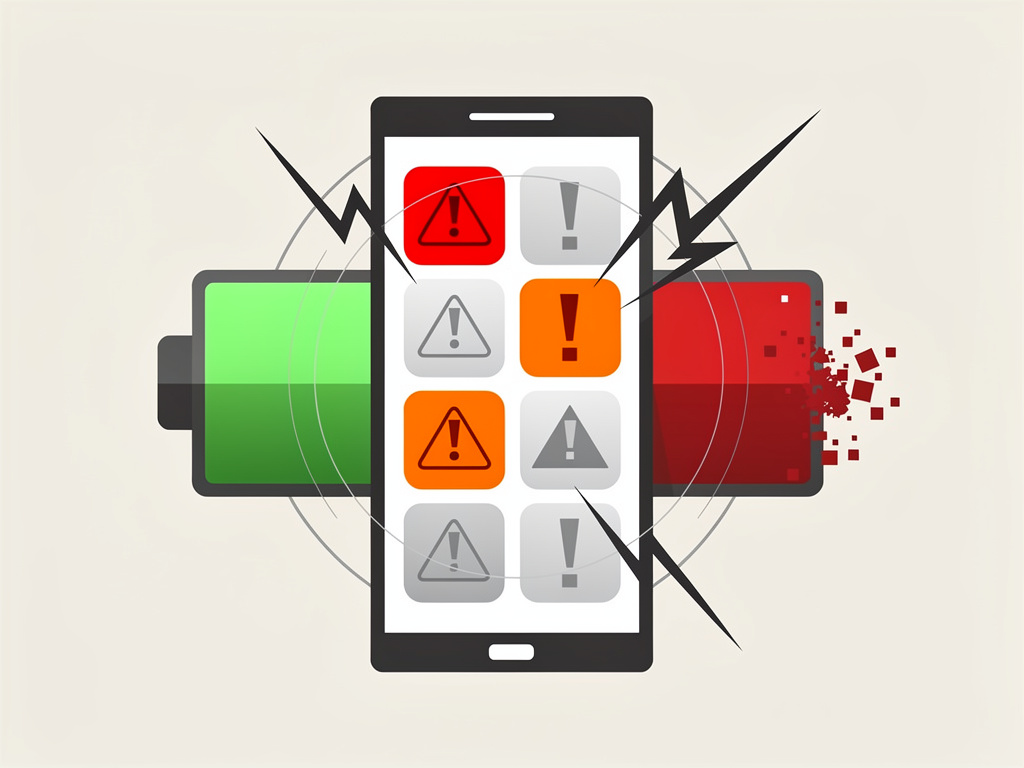
Google is adding battery drain warning labels to the Play Store. If an app is burning through your phone’s power at an unreasonable rate, you’ll soon see a notification right on its listing page before you ever hit install.
That’s a big deal. And it’s long overdue.
What Google Is Actually Doing
According to Digital Trends, Google is working on a new feature for the Play Store that will display a visible warning label on apps known to excessively drain battery life. The label would appear directly on the app’s listing, giving users a clear heads-up before downloading. Think of it as a nutritional label — but for your phone’s power consumption.
The feature was spotted by the team at Android Authority, who found references to the battery warning system within recent versions of the Google Play Store app. Code strings suggest the warning will specifically call out apps whose background activity or resource usage significantly exceeds normal thresholds. Google hasn’t made a formal public announcement about the feature yet, but the evidence in the app’s code is pretty clear about what’s coming.
This isn’t Google’s first attempt at managing battery-hungry apps. Android already has built-in battery optimization tools, adaptive battery features, and per-app usage monitoring in Settings. But those tools are reactive — they help you after you’ve already installed the offending app and noticed your battery tanking. The new Play Store labels would be proactive, catching the problem before it starts.
Why This Matters for Developers and Users
For users, the benefit is obvious. No more guessing which app is responsible for your phone dying at 2 PM. No more digging through battery usage stats trying to figure out why your Pixel or Galaxy device can’t make it through a workday. A simple, visible flag on the store listing does the work for you.
For developers, this is a different story entirely.
A battery drain warning on your app’s Play Store page is essentially a scarlet letter. It could tank download numbers, hurt retention, and damage user trust. Developers who’ve been sloppy with background processes, wake locks, or location polling are going to feel the pressure to optimize — fast. And that’s exactly the point. Google is creating a public accountability mechanism that goes beyond the existing Android Vitals dashboard, which already tracks battery-related metrics but keeps that data mostly between Google and the developer.
The Android Vitals program has been around since 2017, flagging issues like excessive wake locks and stuck partial wake locks to developers through the Play Console. But users never see those warnings. This new label changes that dynamic completely by making battery performance a consumer-facing quality signal, right alongside star ratings and download counts.
So if you’re a developer shipping an app with aggressive background behavior, you now have a very public incentive to fix it.
There’s also a competitive angle here. Apple has long offered battery usage breakdowns in iOS Settings, and the App Store’s review process sometimes catches egregious battery offenders before they go live. Google’s approach is different — more transparent, more market-driven. Instead of blocking apps outright, Google is letting users make informed decisions. Whether that’s more effective than Apple’s gatekeeping approach remains to be seen.
One question that hasn’t been answered yet: what exactly triggers the warning? Google’s existing Android Vitals metrics flag apps when more than 0.10% of battery sessions include stuck partial wake locks, or when background usage exceeds certain benchmarks. But the thresholds for this new consumer-facing label could be different. Stricter thresholds would catch more offenders but might also flag legitimate apps with high power needs — like fitness trackers or navigation tools that require constant GPS access. Too lenient, and the labels become meaningless.
Google will need to strike a careful balance. Context matters. A navigation app using GPS heavily isn’t the same as a flashlight app running background services for no apparent reason.
The Bigger Picture
This move fits into a broader pattern of Google tightening Play Store quality controls. Over the past two years, the company has cracked down on apps requesting unnecessary permissions, introduced data safety labels showing what information apps collect, and rolled out stricter policies around background activity starting with Android 12 and continuing through Android 15. Battery drain labels are a natural extension of that effort.
It also reflects growing user frustration with app quality on Android. Battery life consistently ranks among the top complaints from smartphone users, and poorly optimized apps are a major contributor. By surfacing battery performance data at the point of decision — the moment someone is about to install — Google is putting real market pressure on developers to write better code.
There’s no confirmed timeline for when these labels will roll out publicly. Given that the feature was found in Play Store code rather than announced at a Google event, it could still be months away. Or it could show up in a quiet server-side update tomorrow. That’s how Google tends to operate.
For now, developers should treat this as a signal to audit their apps’ battery behavior. Check your Android Vitals dashboard. Review your background processes. If your app is going to get flagged in front of millions of potential users, better to find out on your own terms first.
And for users? Relief might finally be on the way.


 WebProNews is an iEntry Publication