
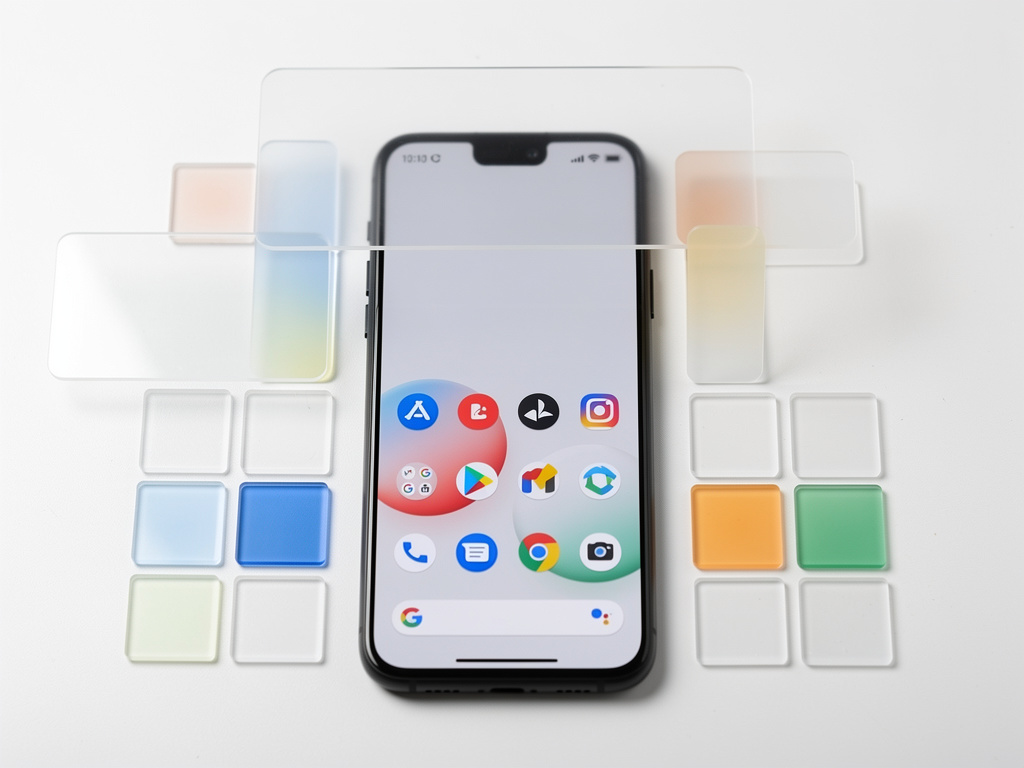
Liberating the Pixel Home Screen: Google’s Decade-Long Battle with the At a Glance Widget Ends in User Victory
For years, Google Pixel smartphone owners have voiced frustration over a seemingly minor but persistent feature: the At a Glance widget. Permanently affixed to the top of the home screen, this smart display offered quick snippets of information like weather updates, calendar reminders, and commute times. While intended as a helpful tool, it became a symbol of Google’s rigid control over its Android interface, denying users the customization they craved. Now, in a move that has tech enthusiasts buzzing, Google has finally relented. The latest Android 16 QPR3 Beta 1 update introduces an option to remove the widget entirely, reclaiming valuable screen space for personal apps and layouts.
This development didn’t emerge in isolation. Pixel users have long petitioned for greater flexibility, with complaints dating back to the widget’s debut on the original Pixel phone in 2016. Forums, social media, and tech blogs overflowed with pleas for removal options, highlighting how the widget disrupted minimalist home screen designs or clashed with third-party launchers. Google’s initial responses were incremental—shrinking the widget’s size or tweaking its content—but never addressed the core demand: the ability to banish it completely.
The breakthrough arrived quietly in the beta program, accessible to developers and early adopters. Participants in Google’s Android Beta Program, which allows testing of upcoming features, discovered a new toggle in the settings menu under the Pixel Launcher options. Flipping it off hides the widget, freeing up the top row for icons or other widgets. This isn’t just a cosmetic tweak; it represents a philosophical shift for Google, acknowledging that user preferences should sometimes override default designs.
The Historical Tug-of-War Between Customization and Control
Google’s reluctance to allow widget removal stems from its vision for the Pixel line as a showcase for pure Android experiences. The At a Glance feature, powered by Google’s AI and data services, was meant to exemplify proactive assistance—delivering context-aware info without user input. Yet, this imposed utility often felt like an intrusion. As reported in a detailed analysis by Android :: Gadget Hacks, users have been “asking for this since day one,” with the beta update finally delivering on that request after nearly a decade.
Industry observers note that this change aligns with broader trends in mobile operating systems, where companies like Apple have similarly loosened grips on interface elements in iOS updates. For Pixel owners, the widget’s immovability was particularly galling because Android has always prided itself on openness compared to iOS. Early betas hinted at this possibility; back in 2023, developers uncovered hidden toggles in Android code that suggested Google was testing removal options, though they never materialized in stable releases.
The path to this update involved multiple iterations. In November 2025, sources like The Verge reported on Google’s internal deliberations, spotting a “Show on home screen” toggle in an Android Canary build. This was no small feat—earlier attempts in 2023 had been abandoned, leaving users to resort to workarounds like custom ROMs or third-party apps, which often voided warranties or introduced instability.
User Sentiment and the Beta Rollout’s Reception
Social platforms have lit up with reactions to the beta. Posts on X (formerly Twitter) from tech influencers and everyday users express a mix of relief and skepticism, with many questioning why it took so long. One prominent thread highlighted the widget’s evolution from a novel feature to an outdated relic, especially as competing devices from Samsung and OnePlus offered more flexible home screens out of the box.
The Android 16 QPR3 Beta 1, released in mid-December 2025, isn’t limited to widget removal. It includes enhancements like adjustable flashlight brightness and refined notification handling, as detailed in coverage from Android Central. For insiders, this beta signals Google’s preparation for a stable release in early 2026, potentially coinciding with the next Pixel hardware launch. Beta testers report that disabling the widget doesn’t just hide it; it reallocates the space dynamically, allowing for seamless integration of other elements without gaps or overlaps.
Critics argue that while welcome, this feature arrives late. A decade of user feedback, amplified through channels like Reddit’s r/GooglePixel community, painted the widget as a barrier to true personalization. Some developers speculate that Google’s delay was tied to data collection—At a Glance relies on location and app data to function, potentially feeding into broader AI models. Removing it could subtly reduce Google’s insight into user habits, a trade-off the company may have weighed carefully.
Technical Underpinnings and Implications for Developers
Diving deeper into the technical side, the removal option is baked into the Pixel Launcher, Google’s proprietary home screen app. Code dives by experts, such as those shared in Lifehacker, reveal that the toggle interacts with system-level permissions, ensuring that background services for weather or alerts can still run optionally without the visual component. This modular approach could inspire third-party launcher developers to incorporate similar features, fostering innovation in the Android app ecosystem.
For app developers, this change opens new possibilities. With the top screen real estate freed, users might experiment more with custom widgets from the Play Store, boosting visibility for niche apps. Google’s own documentation in the beta notes encourages developers to optimize for variable screen layouts, hinting at future Android versions where home screens become even more fluid.
Comparatively, other manufacturers have long outpaced Google here. Samsung’s One UI allows widget stacking and removal without betas, while Apple’s iOS 14 introduced widget customization that redefined home screen interactions. Google’s move, therefore, isn’t revolutionary but a catch-up, as emphasized in insights from Android Authority, which confirmed the feature’s development in November 2025.
Broader Ecosystem Shifts and Future Prospects
The widget’s optional status reflects evolving priorities at Google. Amid antitrust scrutiny and calls for more open platforms, concessions like this could appease regulators and users alike. Industry analysts point to Google’s recent feature drops, including AI-powered notifications, as part of a strategy to make Pixels more appealing without over-relying on mandatory elements.
Looking ahead, what might this mean for upcoming Pixel devices? Rumors from X posts suggest integrations with Gemini AI could replace At a Glance’s functions in more subtle ways, perhaps through dynamic lock screens or ambient displays. The beta’s flashlight adjustments, for instance, indicate a focus on granular controls, potentially extending to other persistent features like the search bar.
User adoption will be key. Early feedback from beta participants, as aggregated in reports from MobileSyrup, shows enthusiasm for cleaner interfaces, with some users reporting improved battery life post-removal due to reduced background processing. However, not everyone will ditch it—At a Glance’s utility for quick info remains valuable for busy professionals.
Strategic Motivations Behind Google’s Decision
Insiders speculate that competitive pressures played a role. With foldables and larger screens gaining traction, home screen flexibility becomes crucial. Google’s own foldable Pixels demand adaptable interfaces, and locking in widgets could hinder adoption. Moreover, as Android fragments across devices, maintaining a consistent yet customizable core experience helps unify the platform.
The beta program itself underscores Google’s testing methodology. By rolling out changes to a select group, the company gathers real-world data before widespread deployment. This iterative process, detailed in CNET, ensures stability, though it sometimes frustrates users awaiting features.
In the grand scheme, this update is a microcosm of Android’s maturation. From its roots as a highly tweakable OS, it has balanced Google’s design ethos with user demands. The At a Glance saga illustrates how persistent feedback can drive change, even from a tech giant.
User Empowerment in the Android Era
As the stable Android 16 update approaches, Pixel owners stand to gain a more personalized device. This isn’t just about removing a widget; it’s about empowering users to curate their digital spaces. Tech communities on X have celebrated this as a “win for customization,” with posts echoing sentiments from as far back as 2023 when similar toggles were first teased.
For enterprises deploying Pixels, this flexibility could enhance productivity, allowing IT teams to standardize interfaces without unwanted elements. On the consumer side, it levels the playing field with iOS, where widget management has been refined over years.
Ultimately, Google’s concession may inspire further liberalizations. Could we see options to remove the Google search bar next? While speculative, the momentum suggests users’ voices are resonating louder than ever in Mountain View.
Reflecting on a Decade of Interface Evolution
Tracing back, the At a Glance widget evolved from the simple date and weather display on the Nexus line to a sophisticated AI-driven tool. Its removal option, as covered in Android Headlines, marks the end of an era where Google dictated every pixel of the home screen.
This shift also highlights the role of beta communities in shaping software. Without their input and bug reports, features like this might remain buried in code repositories.
As we approach 2026, expect more such user-centric updates, reinforcing Android’s position as a platform that adapts to its community rather than imposing a one-size-fits-all approach.
The Ripple Effects on Mobile Innovation
Beyond Pixels, this change could influence the wider Android world. OEMs might adopt similar toggles, standardizing customization across brands. Developers, in turn, could create At a Glance alternatives, enriching the app market.
From a privacy angle, optional widgets reduce unnecessary data pulls, aligning with growing concerns over tracking. Google’s transparency in the beta notes this, potentially setting a precedent for opt-in features.
In essence, what began as a persistent annoyance has catalyzed a broader dialogue on user agency in tech design, proving that even entrenched features can be uprooted with enough persistence.


 WebProNews is an iEntry Publication