
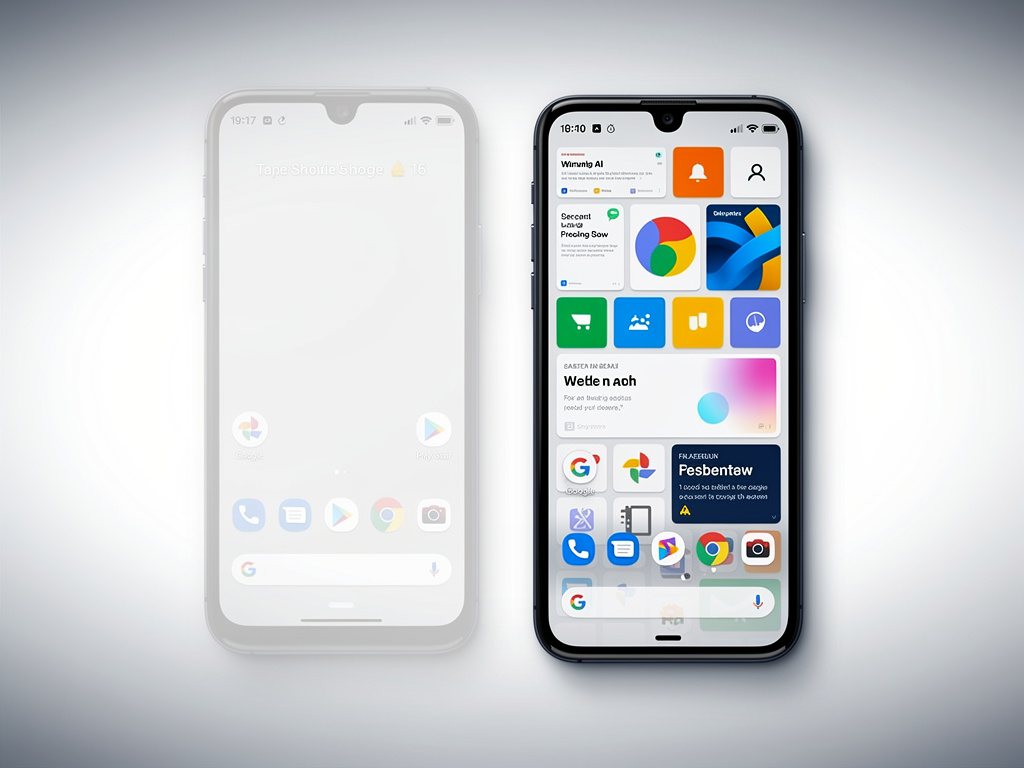
Google’s Pixel Search Overhaul: Innovation or Regression?
In a move that has sparked widespread debate among Android enthusiasts and tech analysts, Google has begun rolling out a significant change to the Pixel Launcher’s home screen search functionality. What was once a seamless, integrated search bar allowing users to quickly access apps, contacts, settings, and web results directly from the home screen is now being redirected to the full Google app experience. This shift, confirmed as intentional by the company, represents a pivotal alteration in how Pixel users interact with their devices daily. Reports indicate that the change started appearing for some users following the November Feature Drop, with broader implementation noted in mid-December 2024.
The original Pixel Launcher search was praised for its efficiency: tapping the bar opened a non-intrusive overlay that blended on-device results with online suggestions. It didn’t hijack the entire screen, making it ideal for quick queries without disrupting the user’s flow. Now, however, tapping the same bar launches a full-screen interface powered by the Google app, which prioritizes web searches, AI-driven responses, and personalized recommendations over local device content. This has led to frustration, as users lose immediate access to features like direct app launching or settings shortcuts, forcing them to navigate through a more cumbersome process.
According to Android Central, this replacement is part of what Google describes as an “upgraded home screen search bar,” but many see it as a step backward. The publication highlights how the new system mirrors the search experience on non-Pixel Android devices, stripping away the unique, tailored functionality that set Pixel phones apart. Early adopters have voiced concerns on social platforms, noting slower performance and a less intuitive design that feels like a regression to older Android versions.
User Backlash and Initial Reactions
The timing of this update coincides with Google’s broader push toward AI integration, particularly with tools like Gemini, which now plays a larger role in search results. Posts on X (formerly Twitter) from tech influencers and everyday users reflect a mix of confusion and disappointment. One prominent thread described the change as “enshittification,” echoing sentiments that Google’s decisions are prioritizing ad-driven features over user convenience. While not all feedback is negative—some appreciate the enhanced AI summaries for complex queries—the consensus leans toward dissatisfaction, with calls for Google to revert or offer toggles.
Delving deeper, the change isn’t entirely new; whispers of it emerged as a “bug” in early December, as reported by 9to5Google. Initially dismissed as a glitch, subsequent updates clarified it as deliberate. The site noted that on Pixel Tablets, the old search remains intact, creating inconsistencies across Google’s ecosystem. This disparity raises questions about the company’s strategy: is this a testbed for future unification, or an oversight in rollout?
Industry insiders speculate that the move aligns with Google’s efforts to centralize search through its flagship app, potentially boosting engagement metrics and ad revenue. By funneling users into the Google app, the company can deliver more personalized content, including shopping suggestions and news feeds. However, this comes at the cost of the Pixel’s hallmark simplicity, a point emphasized in discussions on X where users compared it unfavorably to competitors like Samsung’s One UI, which maintains robust on-device search.
Technical Breakdown and Implementation Details
From a technical standpoint, the Pixel Launcher’s search was powered by the Android System Intelligence app, which handled on-device processing for faster, privacy-focused results. The switch to the Google app introduces cloud dependency, meaning searches may require internet connectivity for full functionality, potentially frustrating users in low-signal areas. Android Police detailed how this results in a “clear downgrade,” with the new interface adopting a dated aesthetic that full-screens and prioritizes web results, burying local options like contacts or settings deep in the results.
Google’s confirmation of the intentional nature came via support channels and was echoed in reports from 9to5Google, which updated its earlier bug coverage. The company touts benefits like “richer” search experiences, including AI overviews and voice input enhancements. Yet, for power users, the loss of quick-launch capabilities—such as typing a few letters to jump to an app or setting—is a significant blow. Historical context from X posts dating back to 2022, like those from tech analyst Mishaal Rahman, show that Pixel Launcher has evolved with features like widget matching and screenshot integration, making this reversal feel abrupt.
Moreover, the update’s rollout appears server-side, meaning not all users are affected simultaneously. This phased approach has led to mixed experiences: some on Pixel 9 series devices report the change post-November update, while older models like the Pixel 8 retain the original. Android Headlines confirmed it’s not a bug, citing Google’s internal communications, and speculated on ties to upcoming Android 16 features that might further integrate AI.
Broader Implications for Android Ecosystem
This isn’t an isolated incident; it fits into Google’s pattern of iterating on core features to emphasize its services. For instance, past updates have shifted the search bar’s position and added “at a glance” widgets, as chronicled in older X posts from outlets like Android Police back in 2017. The current change could be a precursor to deeper Gemini integration, where AI handles more queries, but at the expense of traditional search speed.
Critics argue this erodes the Pixel line’s identity as a “pure Android” experience, pushing it closer to the bloat seen on other manufacturers’ skins. Tech Times labeled it a “controversial AI overhaul,” pointing to user frustration over lost access to device-specific searches. On X, sentiments from German tech accounts like SmartDroid highlight functional losses, such as the inability to quickly search for installed apps without scrolling through web noise.
For developers and app makers, this shift might influence how they optimize for search visibility. Apps that relied on Pixel Launcher’s prominence could see reduced discoverability, prompting adaptations. Meanwhile, Google’s defense, as inferred from various reports, centers on consistency across Android devices, but this overlooks the premium positioning of Pixels.
Potential Workarounds and Future Outlook
Users seeking to mitigate the change have turned to third-party launchers like Nova or Niagara, which offer customizable search bars. Tutorials on X and forums suggest disabling certain Google app features or using ADB commands to revert, though these are unofficial and risky. Android Authority noted that the new UI feels generic, akin to stock Android on budget devices, which contradicts Pixel’s high-end appeal.
Looking ahead, Google might address feedback in future updates, perhaps with an opt-out toggle. Historical precedents, such as the 2023 quick-launch rollout covered by 9to5Google on X, show the company responds to user input. Analysts predict this could tie into Android’s evolving AI framework, with Gemini potentially restoring some lost features through smarter on-device processing.
The debate underscores tensions in tech design: balancing innovation with usability. As Pixel users adapt, this change serves as a reminder of how software updates can redefine device interactions, for better or worse. Industry watchers will monitor Google’s next moves, especially with rumors of enhanced search in upcoming betas.
Strategic Motivations Behind the Shift
Peeling back the layers, Google’s decision may stem from data-driven insights showing higher engagement in the full app environment. By redirecting traffic, the company can collect more granular user data, refining algorithms and ad targeting. This aligns with broader industry trends toward ecosystem lock-in, where search becomes a gateway to services like Google Shopping or YouTube.
However, this has ignited privacy concerns, as the Google app’s search involves more data transmission than the local Launcher version. References on X from users like Sterling point to inconsistencies, such as the Pixel Tablet exemption, suggesting a fragmented strategy that could alienate loyalists.
Competitive pressures play a role too. With Apple enhancing Siri and Search in iOS, Google might be fortifying its AI edge. Yet, as Android Central reported, the immediate user impact feels like a misstep, potentially driving some to alternatives.
Community Responses and Long-Term Effects
Forums and X threads buzz with DIY fixes, from app downgrades to custom ROMs, reflecting a tech-savvy community’s resilience. One X post from Android Central amplified the issue, noting the November Feature Drop as the catalyst, which included other enhancements like improved camera AI.
In the grand scheme, this could influence Pixel sales, especially among purists who value the stock experience. If backlash persists, Google might iterate, much like it did with past Launcher tweaks documented in X histories from 2018.
Ultimately, this overhaul highlights the dynamic nature of mobile interfaces, where user habits clash with corporate visions. As the dust settles, the true measure will be in user retention and satisfaction metrics, guiding Google’s path forward in an ever-competitive market.


 WebProNews is an iEntry Publication