
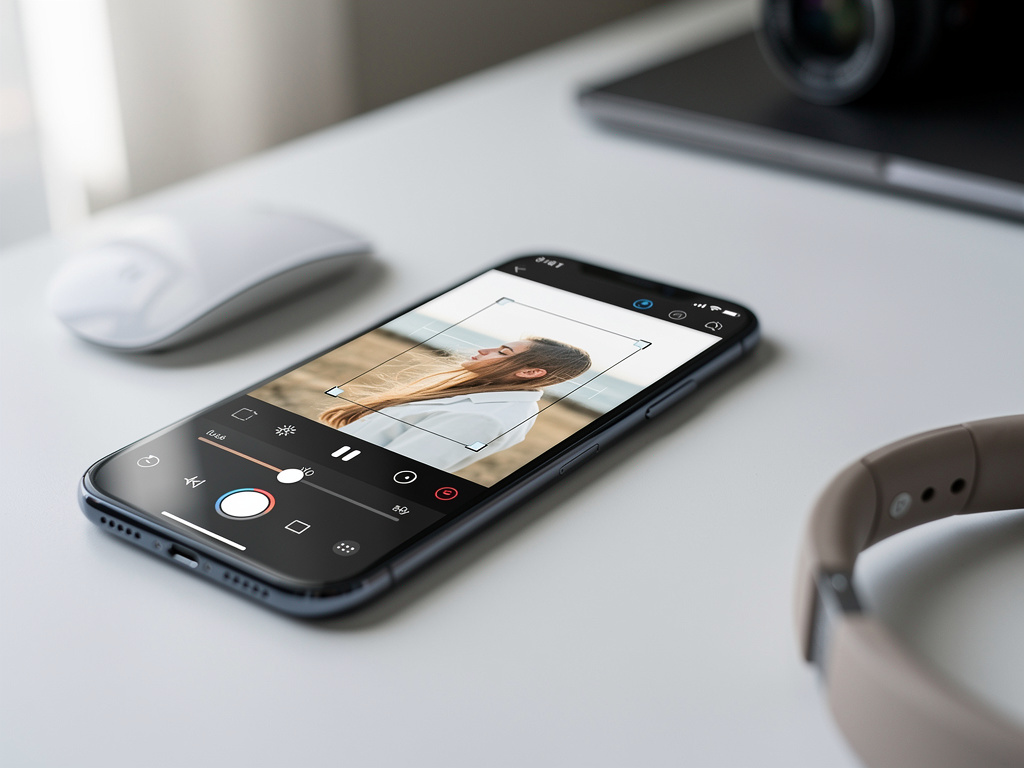
For years, cropping a photo in Google Photos has been an exercise in quiet frustration. The tool worked, technically. But it forced users through an unintuitive sequence of taps and gestures that felt out of step with the polish Google applies to its flagship products. Now, according to a teardown of the latest app update, that’s changing — and the improvements suggest Google is paying closer attention to the granular details of its photo editing tools than it has in a long time.
Android Police reported that Google Photos version 7.23 contains evidence of a significantly reworked cropping interface. The changes, spotted through an APK teardown, haven’t rolled out widely yet, but the code and associated UI elements paint a clear picture of what’s coming. The new experience replaces the current crop tool’s somewhat clunky workflow with a more streamlined approach that puts aspect ratio controls, rotation, and perspective correction into a more accessible arrangement.
The current cropping tool in Google Photos isn’t broken. It’s just slow. Users who want to switch aspect ratios have to tap through a small menu, and the rotation dial — a thin strip at the bottom of the screen — requires a level of fine motor control that feels unnecessarily demanding on a phone screen. These aren’t the kinds of complaints that generate outrage. They’re the kinds that generate sighs. Thousands of tiny sighs, repeated millions of times a day across Google Photos’ more than one billion users.
What Android Police found in the teardown suggests Google has reorganized the crop interface to surface the most commonly used controls more prominently. Aspect ratio presets appear to be getting a more visual, pill-shaped selector that sits closer to the image preview. The rotation control looks to be gaining a more generous touch target. And perspective adjustment tools — the kind that let you fix the distortion when you photograph a building or document at an angle — seem to be integrated more tightly into the primary crop flow rather than buried a tap or two deeper.
Small changes. But consequential ones for an app that processes billions of edits annually.
Google Photos has long occupied an unusual position in the mobile photo editing market. It isn’t trying to be Adobe Lightroom. It isn’t competing directly with Snapseed, which Google also owns and has largely left to languish. Instead, Google Photos serves as the default photo management and light editing tool for the vast majority of Android users and a substantial number of iPhone users. Its editing tools don’t need to be the most powerful. They need to be the most accessible. And when something as fundamental as cropping feels even slightly cumbersome, it matters at scale.
The timing of this update is interesting. Google has been on an aggressive push to embed AI features throughout Photos, from Magic Eraser to the newer Magic Editor and Best Take tools. These headline features get the conference stage time and the marketing dollars. But the bread-and-butter editing tools — crop, rotate, brightness, contrast — are what most users actually touch most often. A 2023 internal Google study referenced during an I/O presentation indicated that basic adjustments like crop and brightness account for the overwhelming majority of edits made in Photos. The AI tools get the attention. The fundamentals get the usage.
So it makes sense that Google would circle back to refine these core tools. And the crop tool was arguably the one most in need of attention.
The broader context here matters too. Apple has been steadily improving the editing capabilities in its own Photos app, particularly with the visual overhaul that came in iOS 18. Samsung’s Gallery app has added increasingly sophisticated editing features powered by its Galaxy AI initiative. Google can’t afford to let the basic experience in Photos feel dated, even as it leads on AI-powered editing features that competitors are still catching up to.
There’s also the question of Google’s design language evolution. The company has been iterating on Material You, its design system, and recent updates across Google apps show a trend toward larger touch targets, more visual controls, and fewer nested menus. The crop tool changes in Photos appear consistent with this direction. Pill-shaped selectors, more generous spacing, and surfaced controls all fit the pattern Google has been establishing in Gmail, Maps, and other core apps over the past 18 months.
One detail from the Android Police teardown stands out. The new interface appears to include a more prominent “Reset” option for the crop tool. Currently, if you make several adjustments — rotating, changing aspect ratio, tweaking perspective — and want to start over, the path back to your original framing isn’t always obvious. A clear reset button is the kind of small UX decision that separates an editing tool people tolerate from one they actually enjoy using.
It’s worth watching how quickly Google rolls this out. APK teardowns reveal what’s in the code, not what’s on the release schedule. Features found in teardowns sometimes appear within weeks. Sometimes they take months. And occasionally, they never ship at all. But the level of UI work Android Police documented suggests this is well past the experimental stage.
Google Photos’ competitive advantage has never been about having the most features. It’s been about doing common tasks well enough that users never feel the need to download a third-party alternative. Every friction point in a basic tool like crop is an opportunity for users to wonder if there’s something better. For an app that serves as Google’s primary touchpoint for photo storage, sharing, and the AI features the company is betting its future on, keeping users inside Photos isn’t just a design goal. It’s a strategic imperative.
The crop tool fix won’t make headlines the way Magic Eraser did. It won’t demo well on stage. But for the hundreds of millions of people who open Google Photos every day to make a quick edit before posting to Instagram or sending a photo to a family group chat, it might be the most meaningful update Google Photos ships this year.
Sometimes the most important product work isn’t the flashiest. Sometimes it’s just making the crop tool less annoying.


 WebProNews is an iEntry Publication