
Revolutionizing One-Handed Messaging: Google’s Latest Context Menu Revamp in Messages
In the ever-evolving world of mobile communication apps, Google Messages has long positioned itself as a frontrunner for Android users, blending robust RCS capabilities with intuitive design. The latest beta rollout introduces a redesigned context menu that prioritizes one-handed usability, a move that could significantly alter how millions interact with their devices daily. This update, spotted in the app’s beta version, reimagines the long-press menu by making key actions more accessible without requiring users to stretch their thumbs across larger screens.
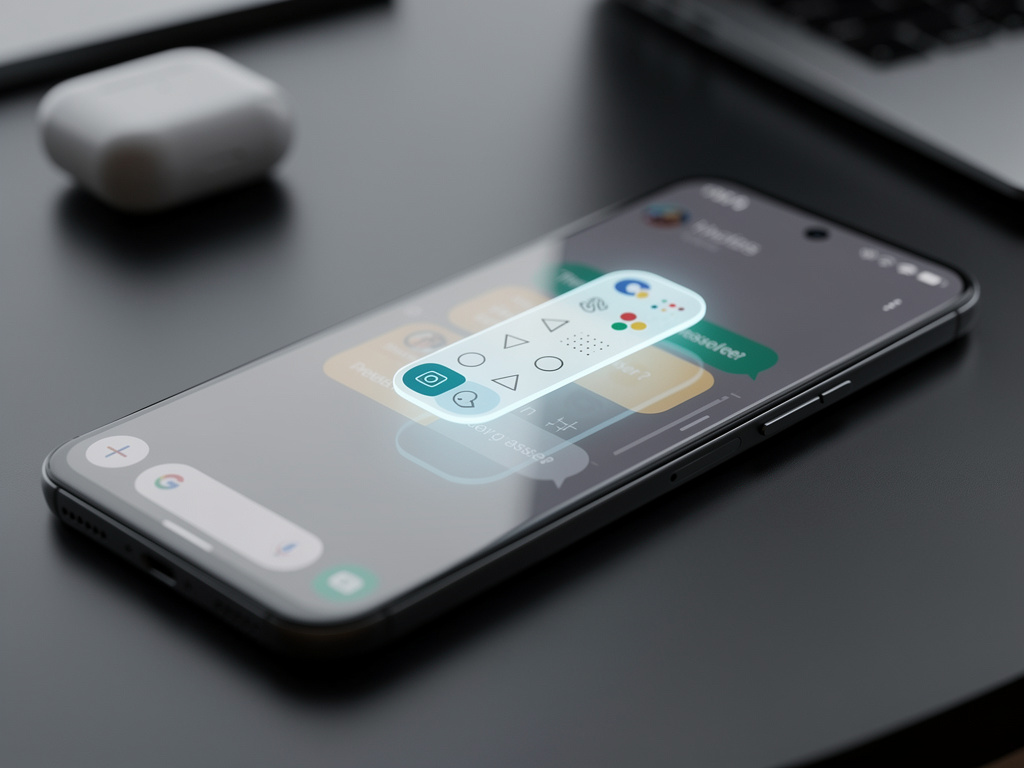
Drawing from recent reports, the new menu appears as a compact, pill-shaped interface that floats near the selected message, featuring icons for common actions like reply, forward, copy, and delete. This design choice addresses a common pain point in modern smartphones, where screen sizes have ballooned to over 6 inches, making top or bottom navigation cumbersome for single-handed operation. According to insights from Android Authority, the update is currently in beta testing, with a gradual rollout expected to reach stable versions soon.
Beyond mere convenience, this overhaul reflects Google’s broader strategy to enhance user retention in a competitive messaging arena dominated by apps like WhatsApp and iMessage. By streamlining interactions, Google aims to reduce friction in everyday tasks, potentially boosting engagement metrics. Early user feedback on platforms like X suggests enthusiasm, with posts highlighting how the menu’s proximity to the thumb’s natural resting position minimizes errors and speeds up responses.
Enhancing Accessibility in a Thumb-Driven World
Industry analysts note that this isn’t Google’s first foray into ergonomic improvements for Messages. Previous updates, such as the Material 3 redesign, have incrementally refined the app’s interface, but this context menu stands out for its targeted focus on one-handed use. The menu’s adaptive placement—appearing directly above or below the selected text—ensures that options are always within easy reach, a subtle yet impactful tweak.
Comparisons to competitors reveal Google’s intent to close gaps. For instance, Apple’s iMessage has long featured contextual menus that adapt to touch gestures, but Google’s version introduces Android-specific flair, like integration with RCS features for enhanced media sharing. A report from 9to5Google details how such A/B testing in Messages often precedes widespread adoption, indicating this menu could become a standard feature by mid-2026.
User impact extends to productivity, particularly for professionals who rely on quick messaging during commutes or meetings. By reducing the physical strain of navigation, the update could lower instances of repetitive stress injuries, a growing concern in mobile-heavy lifestyles. Posts on X from tech enthusiasts echo this, praising the menu for making multitasking seamless on devices like the Pixel series.
From Beta to Mainstream: Rollout Dynamics
The rollout process itself warrants scrutiny, as Google employs a server-side activation model that doesn’t require immediate app updates. This means users might see the new menu appear unexpectedly, fostering a sense of discovery but also potential frustration for those left out. Based on coverage in PhoneArena, similar updates in the past, like the account menu refresh, have taken weeks to propagate fully.
Features bundled with this menu include refined iconography and haptic feedback, enhancing tactile confirmation of actions. For RCS conversations, the menu now offers direct access to reaction remixing, a nod to evolving social norms in digital communication. A December 2025 piece from How-To Geek highlights how user complaints about previous button placements, such as the Remix button, prompted Google to iterate rapidly.
On the user side, this could democratize advanced features for non-tech-savvy individuals, making Messages more inclusive. Industry insiders speculate that metrics like session duration and message volume might spike, as easier navigation encourages more frequent use. X discussions reveal a mix of excitement and calls for further customization, with some users suggesting themeable menu colors to match Android’s personalization ethos.
Competitive Edges and User Feedback Loops
Delving deeper, the context menu’s design draws inspiration from broader Android ecosystem trends, where gesture-based interfaces are king. Unlike static menus in older apps, this dynamic version adjusts based on context—showing different options for text versus media messages. This adaptability is crucial in an era where multimedia sharing dominates, as noted in a November 2025 analysis by PhoneArena on potential UI overhauls.
User impact is multifaceted: for power users, it means faster workflows; for casual texters, it reduces intimidation from complex interfaces. Feedback from beta testers, shared across X, indicates high satisfaction rates, with many comparing it favorably to iOS equivalents. One post described it as “a game-changer for big-phone users,” underscoring its relevance amid the rise of foldables and phablets.
Moreover, this update aligns with Google’s push for accessibility, incorporating elements like larger touch targets compliant with WCAG standards. By making actions more intuitive, it could attract users from rival platforms, bolstering Android’s market share in messaging. Analysts predict that if successful, similar menus might migrate to other Google apps, creating a unified experience across the suite.
Technological Underpinnings and Future Trajectories
At its core, the menu leverages Android’s Jetpack Compose framework, allowing for smoother animations and modular updates. This technical foundation enables Google to experiment without overhauling the entire app, a strategy evident in recent tweaks to the camera interface, as covered in a January 2026 article from 9to5Google. Such agility is key in responding to user demands swiftly.
The implications for user behavior are profound. With easier access to features like voice transcription and spam protection—hallmarks of Messages’ superiority, as touted in X posts—the app could see increased adoption in professional settings. For instance, quick forwarding of business-related messages becomes effortless, potentially streamlining workflows in sectors like sales and customer service.
Looking ahead, insiders anticipate integrations with emerging tech like Gemini AI, which could enhance the menu with predictive actions. A recent Android Police feature tracking piece laments ignored requests but praises ongoing innovations, suggesting this menu addresses long-standing ergonomic gripes.
Broader Ecosystem Integration and Market Ramifications
Integration with other Google services amplifies the menu’s value. For example, linking to Google Voice or Drive for seamless file sharing could transform Messages into a hub for productivity. X sentiment reflects optimism, with users speculating on how this fits into Android’s quarterly feature drops, reminiscent of past rollouts like message editing in 2024.
Market-wise, this positions Google against Apple’s ecosystem lock-in, where iMessage’s seamless menus retain iOS users. By matching or exceeding such conveniences, Google Messages could erode that advantage, especially in regions where Android dominates. Economic ripple effects include potential boosts to app-related ad revenues, as longer sessions expose users to more integrated promotions.
Privacy considerations also come into play, with the menu’s blurred background on highlighted texts— a feature spotted in recent X posts—enhancing security when sharing screens. This subtle addition addresses real-world scenarios, like demonstrating messages in public, and underscores Google’s commitment to user trust.
User-Centric Evolution and Long-Term Vision
Ultimately, this context menu exemplifies Google’s iterative approach, building on years of refinements. From the removal of hamburger menus in 2023, as shared in historical X posts, to today’s one-handed focus, the app has matured significantly. Users benefit from reduced cognitive load, allowing for more natural interactions that mimic real-life conversations.
In terms of impact, early adopters report fewer accidental taps, leading to cleaner chat histories and less frustration. For developers, this signals Google’s emphasis on UI/UX as a differentiator, potentially influencing third-party apps to adopt similar patterns via Android’s design libraries.
As the rollout expands, monitoring user retention and satisfaction will be key. If feedback remains positive, this could pave the way for more ambitious updates, like context-aware AI suggestions directly in the menu, further cementing Messages’ role in daily digital life.
Strategic Implications for Android’s Messaging Dominance
Strategically, this update reinforces Android’s appeal in a post-SMS world, where RCS adoption is surging. By making advanced features thumb-accessible, Google lowers barriers to entry, appealing to a broader demographic including older users who favor simplicity.
Comparisons to past features, such as Photomoji and expressive animations, show a pattern of fun yet functional enhancements. X buzz around these elements highlights community-driven evolution, with users actively shaping the app through feedback channels.
Finally, the menu’s success could influence hardware design, encouraging manufacturers to optimize for one-handed use in future devices. In an industry where user experience dictates loyalty, Google’s latest move in Messages might just tip the scales toward greater Android fidelity.


 WebProNews is an iEntry Publication