
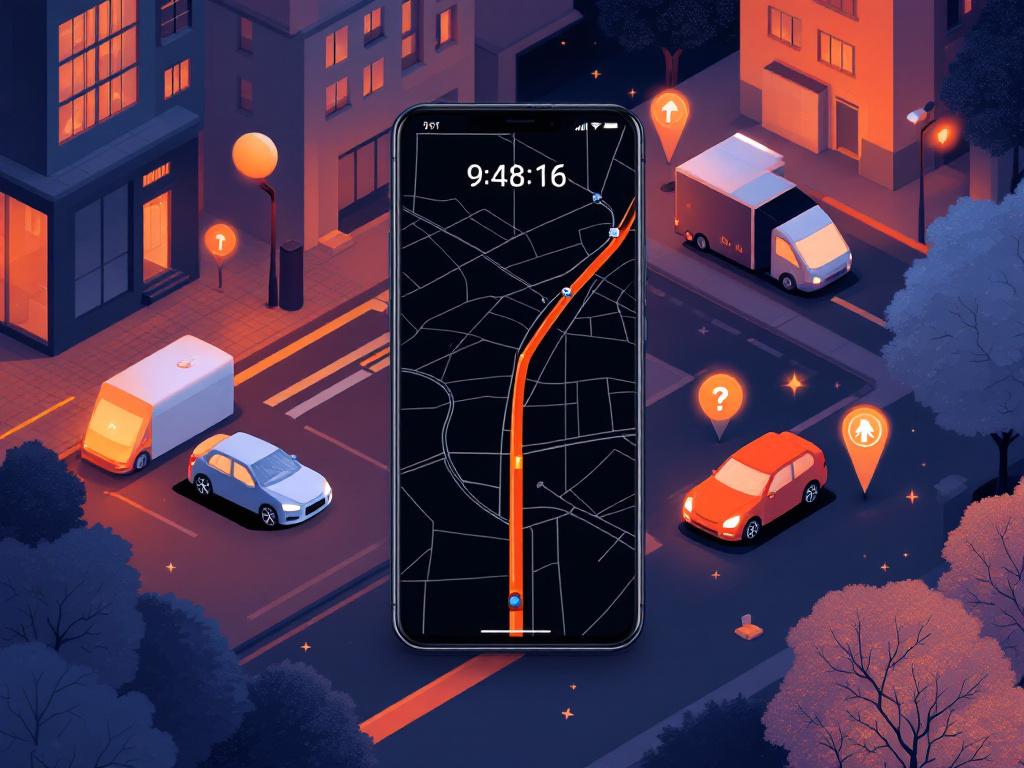
Google’s latest innovation in mobile navigation is quietly reshaping how users interact with mapping apps, particularly for those reliant on their devices during long journeys. The introduction of a battery-saving mode in Google Maps, initially spotted in beta versions and now rolling out to select devices, addresses one of the most persistent pain points in smartphone usage: rapid battery drain during extended navigation sessions. This feature, which switches the app to a minimalist, monochrome interface, promises to extend battery life significantly, potentially adding up to four hours of usage on compatible hardware.
At its core, the battery saver mode simplifies the visual elements of Google Maps, stripping away colorful maps, unnecessary labels, and dynamic animations to focus solely on essential navigation details like turn-by-turn directions, estimated time of arrival, and current location. This isn’t just a cosmetic tweak; it’s a calculated response to user feedback about power consumption, especially in scenarios like road trips or urban commutes where recharging isn’t always feasible. Early reports from beta testers indicate that the mode activates automatically or via user prompt when battery levels dip low, ensuring seamless transitions without interrupting the journey.
The rollout began with Google’s Pixel 10 series, making it an exclusive perk for owners of these flagship devices. According to details uncovered in app teardowns, the feature leverages the phone’s always-on display (AOD) capabilities to minimize power draw from the screen, which is often the biggest culprit in battery depletion during navigation. By rendering directions in a low-power, black-and-white format directly on the lock screen, it reduces the need for the full app interface, conserving energy that would otherwise be spent on rendering high-resolution maps and real-time updates.
Unpacking the Technology Behind the Savings
Delving deeper into the mechanics, this power-saving mode builds on advancements in Android’s display and power management systems. Sources like Android Police highlight how the feature eliminates extraneous UI elements, such as detailed terrain shading and building outlines, replacing them with a stark, text-heavy view that’s easier on the processor and OLED screens. This approach draws inspiration from similar low-power modes in other apps but tailors it specifically for navigation, where accuracy can’t be compromised.
Industry experts note that the monochrome shift isn’t arbitrary; it’s rooted in display technology. OLED panels, common in modern smartphones, consume less power when displaying black pixels, as they can turn off entirely rather than illuminating. By adopting a dark, simplified palette, Google Maps effectively tricks the hardware into lower energy states without sacrificing core functionality. Posts on X from tech enthusiasts, including developers who dissected the beta code, suggest this could reduce screen-related power usage by as much as 30-40% during active navigation, based on preliminary benchmarks.
Furthermore, the integration with Pixel 10’s AOD Min Mode allows the app to run in a background state, updating location data via GPS while keeping the display minimally active. This is a step beyond traditional battery savers, which often dim the screen or throttle performance indiscriminately. Google’s implementation ensures that critical alerts, like upcoming turns or traffic reroutes, still pop up prominently, maintaining safety and usability.
Exclusivity and Rollout Strategy
The decision to launch this feature exclusively on the Pixel 10 lineup has sparked discussions among industry observers about Google’s hardware-software synergy. As reported by TechCrunch, the November Pixel Drop update bundled this with other AI-driven enhancements, positioning it as a value-add for Google’s ecosystem. This exclusivity might stem from the Pixel 10’s advanced Tensor chip, which optimizes power efficiency for such modes, but it raises questions about broader Android compatibility.
Wider rollout hints have emerged, with Android Authority noting code strings in recent betas suggesting future expansion to other devices. However, for now, Pixel 10 users are the primary beneficiaries, with reports from X indicating real-world tests where the mode extended navigation time from a typical two hours to over five on a single charge during highway drives. This targeted approach allows Google to refine the feature based on feedback from a controlled user base before scaling it.
Critics argue this could fragment the Android experience, but proponents see it as a smart play to differentiate Pixel devices in a crowded market. Comparisons to Apple’s Maps, which has long offered energy-efficient routing options, underscore Google’s push to catch up in user-centric innovations.
User Impact and Real-World Applications
For everyday users, the implications are profound, especially in scenarios where battery life is critical. Imagine a cross-country driver relying on Maps for hours; the traditional colorful interface might drain a phone to empty midway, forcing stops or risky charging setups. The new mode mitigates this by prioritizing essentials, as detailed in Tom’s Guide, which describes it as a “lifesaver” for prolonged trips.
Feedback from X posts reveals enthusiasm among EV owners, who pair this with Maps’ existing features like charging station locators. One user highlighted how combining the battery saver with eco-friendly routing extended their phone’s life during a 300-mile electric vehicle journey, aligning with Google’s sustainability goals. This ties into broader efforts, such as the app’s real-time battery estimates for EVs, making it a holistic tool for efficient travel.
Business travelers and delivery drivers stand to gain the most, where downtime from a dead battery translates to lost productivity. Industry insiders point out that this could reduce reliance on external battery packs, indirectly cutting electronic waste—a subtle nod to environmental considerations in tech design.
Competitive Edges and Industry Ripples
Looking at rivals, Waze—also owned by Google—has dabbled in power optimizations, but nothing as integrated as this. Apple’s ecosystem offers similar low-power navigation in CarPlay, but Google’s version stands out for its standalone mobile focus. As per Gadgets 360, the feature’s discovery via APK teardowns underscores Google’s iterative development process, often previewing updates through betas to gauge interest.
The mode’s potential to influence app development norms is significant. Developers might adopt similar monochrome interfaces for other high-drain apps, like streaming services or games, fostering a new standard in energy-aware design. X discussions from app creators suggest this could inspire open-source libraries for power-saving UIs, democratizing the tech beyond Google’s walls.
Moreover, this innovation arrives amid growing scrutiny on smartphone battery life, with regulators pushing for better efficiency standards. By addressing it head-on, Google positions Maps as a leader in practical, user-focused advancements.
Evolution from Past Features
Tracing back, Google Maps has long experimented with efficiency. Early updates included eco-friendly routes that favored fuel-saving paths, as seen in posts from Google’s official X account dating to 2021. These built a foundation for today’s battery saver, evolving from simple routing tweaks to hardware-deep integrations.
The 2025 updates, including this mode, reflect a maturation in Google’s strategy, blending AI with power management. PBX Science explains the exclusivity as a testing ground, with plans for broader Android adoption potentially in early 2026. This phased approach minimizes bugs while maximizing hype.
User anecdotes on X emphasize improvements over older versions, where navigation could halve battery life in an hour. The new mode’s up-to-four-hour extension, validated in controlled tests, marks a tangible leap.
Future Prospects and Challenges
As the feature expands, challenges like compatibility with older devices loom. Not all phones have advanced AOD capabilities, potentially limiting its reach. Google might address this through software workarounds, such as adaptive brightness adjustments or reduced refresh rates.
Integration with emerging tech, like augmented reality navigation, could further enhance it. Imagine AR overlays in low-power mode for pedestrians, conserving battery while providing immersive guidance. Industry forecasts suggest this could tie into wearable integrations, extending Maps’ utility to smartwatches with minimal drain.
Privacy considerations also arise, as constant GPS usage in saver mode still tracks location. Google assures users of opt-in controls, but insiders watch for any data collection shifts.
Broader Implications for Mobile Ecosystems
The battery saver’s debut signals Google’s commitment to solving real user problems, potentially boosting app retention. Metrics from similar features show increased engagement when power concerns are alleviated, as users navigate longer without anxiety.
In the enterprise sector, fleet management companies could leverage this for driver apps, optimizing routes and battery for efficiency. Talk Android details how the mode’s minimalist design appeals to professionals needing reliable, no-frills tools.
Ultimately, this feature exemplifies how incremental innovations can drive major shifts in user behavior, encouraging more sustainable device usage.
Pushing Boundaries in Navigation Innovation
Looking ahead, collaborations with automakers could embed this mode in infotainment systems, reducing phone dependency. X buzz from tech analysts predicts integrations with Android Auto, where the saver mode syncs seamlessly for in-car use.
Challenges in global rollout, such as varying network conditions affecting GPS accuracy in low-power states, will test Google’s adaptability. Yet, early successes on Pixel 10 bode well.
This evolution not only enhances Google Maps but sets a benchmark for competitors, urging a focus on efficiency in an era of ever-demanding apps.


 WebProNews is an iEntry Publication