
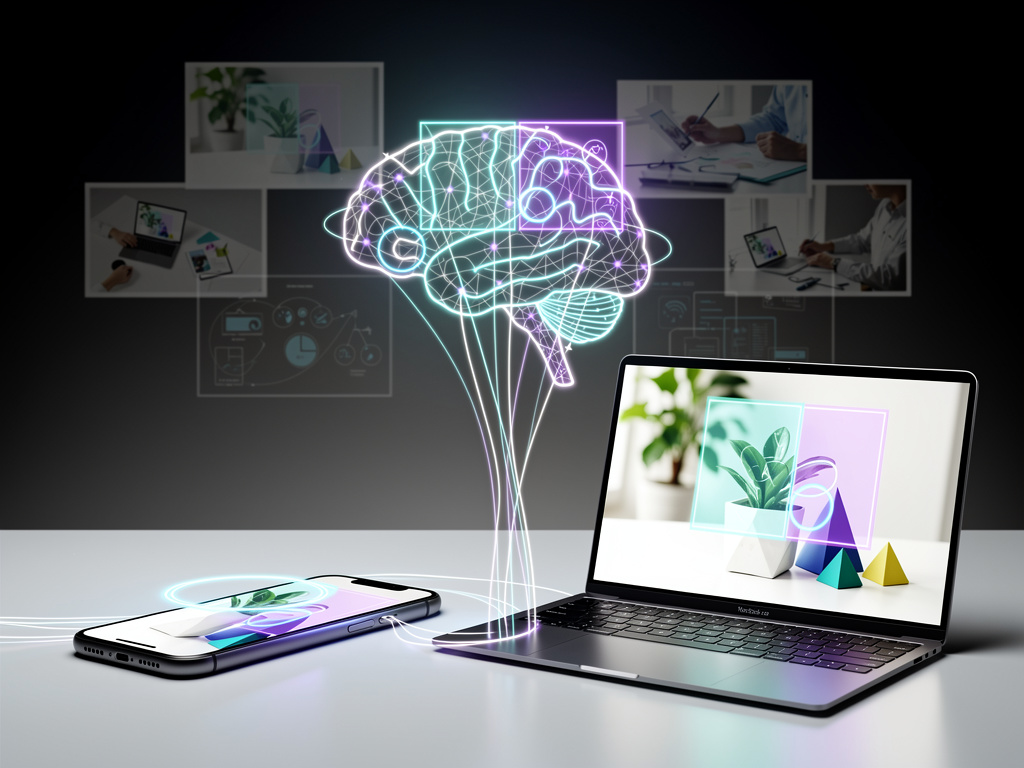
In the fast-evolving realm of artificial intelligence, Google has once again pushed boundaries with its latest enhancement to the Gemini app, introducing image markup tools that promise to refine how users interact with visual content. This update, rolled out in recent days, allows individuals to annotate images directly within chats, guiding the AI to focus on specific elements rather than relying on broad interpretations. By enabling users to draw, circle, or add text to uploaded photos, Gemini can now process queries with greater precision, addressing a common frustration where the AI might misinterpret or overlook key details in complex images.
The feature’s debut comes at a time when AI assistants are increasingly expected to handle multimodal inputs seamlessly, blending text, voice, and visuals. According to reports from tech outlets, this tool is available on both the Android app and the web version of Gemini, marking a significant step toward more intuitive user-AI collaboration. Early adopters have noted its utility in scenarios ranging from educational explanations to creative editing, where pinpointing exact areas in an image can transform vague prompts into targeted responses.
Google’s motivation appears rooted in user feedback highlighting the limitations of previous image analysis capabilities. Without markup, Gemini often had to guess at user intent, leading to responses that were off-mark or incomplete. Now, with the ability to highlight portions of an image—say, circling a particular object in a crowded scene—the AI can generate more accurate descriptions, suggestions, or modifications. This isn’t just a cosmetic upgrade; it represents a deeper integration of human input into AI processing, potentially setting a new standard for competitors like OpenAI’s ChatGPT or Microsoft’s Copilot.
Enhancing Precision in AI Visual Analysis
Industry experts view this as part of Google’s broader strategy to make Gemini a more versatile tool in everyday applications. For instance, in professional settings, designers could upload a mockup, mark specific sections, and ask Gemini to suggest color adjustments or layout tweaks. The update builds on Gemini’s existing strengths in generative AI, where it already excels in creating text-based content, but now extends that prowess to visual manipulation.
Sources indicate that the rollout began with testing phases spotted earlier this year. In an APK teardown reported by Gadgets 360, hints of the markup functionality emerged as far back as October, suggesting Google has been iterating on this for months. This preparatory work underscores the company’s commitment to refining AI interactions, ensuring that features like this aren’t rushed but are robust upon release.
Moreover, the tool’s implementation draws from advancements in computer vision and machine learning, allowing Gemini to interpret annotations as contextual cues. When a user draws on an image, the AI processes these marks as overlays, focusing its analysis accordingly. This could prove invaluable in fields like e-commerce, where sellers might annotate product photos to query Gemini for marketing descriptions, or in education, where teachers could highlight diagram elements for explanatory breakdowns.
Integration Across Platforms and User Experiences
The cross-platform availability—spanning mobile and desktop—ensures broad accessibility, a move that aligns with Google’s ecosystem approach. On Android devices, users access the markup via a new icon that appears after uploading an image, offering options to draw freehand, add shapes, or insert text labels. Web users get a similar interface, making it seamless for those switching between devices.
Feedback from social platforms like X highlights enthusiastic reception. Posts from tech enthusiasts describe experiments where markup helped Gemini identify obscure objects in photos, such as rare plants in a garden snapshot, leading to detailed botanical information. One user noted how circling a faulty circuit in an electronics image prompted Gemini to suggest repair steps, demonstrating practical utility beyond mere novelty.
This enhancement also ties into Gemini’s recent model updates, including the Gemini 3 release announced in November, as detailed in Google’s official blog. That upgrade emphasized improved reasoning and generative capabilities, which the markup tool leverages to handle annotated inputs more intelligently. By combining these, Google is fostering an environment where AI doesn’t just respond but collaborates, anticipating user needs through visual guidance.
Competitive Edges and Market Implications
In the competitive arena of AI assistants, this feature positions Gemini ahead in user-centric design. Rivals have similar image analysis tools, but few offer such direct annotation within the conversation flow. For example, while some AIs allow descriptive prompts to focus on image parts, Gemini’s markup reduces ambiguity by letting users visually specify, potentially cutting down on follow-up queries and improving efficiency.
Analysts point to this as a response to growing demands for AI in creative industries. According to a piece from Android Central, the tool effectively “stops the app from guessing,” a phrase that captures its core benefit. This precision could appeal to graphic designers, photographers, and even casual users editing social media posts, where quick, accurate AI assistance saves time.
Furthermore, the update reflects Google’s investment in ethical AI development. By empowering users to guide the AI explicitly, it minimizes errors that could arise from misinterpretations, such as confusing similar objects in an image. This is particularly relevant in sensitive applications, like medical imaging, where accuracy is paramount—though Gemini isn’t positioned for clinical use, the underlying technology hints at future possibilities.
Technical Underpinnings and Development Insights
Diving deeper into the mechanics, the markup tool relies on advanced image segmentation algorithms, allowing Gemini to isolate annotated regions for focused processing. This builds on models like Gemini 3, which, as per Google’s product blog, enhances multimodal understanding. The integration means that once marked, the AI can generate responses incorporating both the visual data and user annotations, such as suggesting edits or providing facts about highlighted elements.
Development leaks and teardowns have provided glimpses into its evolution. Reports from Sammy Fans noted testing phases where the tool was refined to handle various annotation styles, from simple circles to detailed sketches. This iterative process ensured compatibility with diverse image types, including photos, screenshots, and diagrams.
User testing has revealed some limitations, however. In complex images with overlapping elements, the AI might still require additional clarification, but overall, the markup reduces such instances significantly. Posts on X from developers praise its potential for app integration, suggesting third-party tools could soon leverage similar features via Google’s APIs.
Broader Impacts on AI Adoption and Innovation
As AI tools become ubiquitous, features like this could accelerate adoption in non-technical sectors. Imagine real estate agents uploading property photos, marking rooms, and querying Gemini for virtual staging ideas. Or students annotating historical maps to get contextual explanations. This democratizes advanced AI, making it accessible without needing expert prompting skills.
Google’s release notes, accessible through Gemini Apps’ updates page, detail how this fits into ongoing improvements, including expanded access and generative enhancements. It’s part of a pattern where Google refines its AI offerings incrementally, responding to user needs while advancing core technologies.
Looking ahead, industry insiders speculate on expansions, such as integrating markup with voice commands or real-time video. While not yet announced, the foundation laid by this update could enable such evolutions, keeping Gemini at the forefront of interactive AI.
User Feedback and Real-World Applications
Early user experiences shared across forums and social media underscore the tool’s transformative potential. One X post described using markup to edit a family photo, circling faces for Gemini to suggest filters or enhancements, resulting in polished results without external software. Another highlighted its role in troubleshooting, like annotating error messages in screenshots for quick debugging advice.
This resonates with broader trends in AI usability, where tools must bridge the gap between human intuition and machine logic. By allowing visual annotations, Gemini effectively translates user intent into actionable AI behavior, a step toward more empathetic technology.
In professional workflows, the implications are profound. Content creators, for instance, could streamline editing processes, marking areas for AI-generated alterations. Reports from Gadget Hacks emphasize how this ends the era of AI “guessing,” fostering trust in automated assistants.
Strategic Positioning in the AI Ecosystem
Google’s timing aligns with heightened competition, as other tech giants unveil their own AI advancements. Yet, by focusing on practical, user-facing improvements, Gemini distinguishes itself. The markup tool isn’t revolutionary in isolation but, combined with Gemini’s ecosystem, it creates a cohesive experience that could retain users amid alternatives.
Moreover, this update encourages experimentation, potentially leading to innovative uses unforeseen by developers. From artistic collaborations to accessibility aids—such as helping visually impaired users describe marked image sections—the applications are vast.
As Google continues to iterate, monitoring user data will likely inform future refinements, ensuring the tool evolves with emerging needs. This proactive stance solidifies Gemini’s role in shaping interactive AI’s future.
Future Prospects and Industry Ripple Effects
Speculation abounds on how markup might integrate with other Gemini features, like its upgraded audio models for conversational AI, as noted in recent announcements. Pairing visual markup with voice could enable hands-free editing, appealing to mobile users.
In the wider tech sphere, this could influence standards for AI interfaces, prompting competitors to adopt similar annotation capabilities. For businesses, it offers a low-barrier entry to AI-enhanced productivity, potentially boosting efficiency across sectors.
Ultimately, Google’s image markup tools exemplify a shift toward more collaborative AI, where users actively shape outcomes. As adoption grows, it may redefine expectations for how we engage with visual data in an AI-driven world, paving the way for even more sophisticated interactions ahead.


 WebProNews is an iEntry Publication