
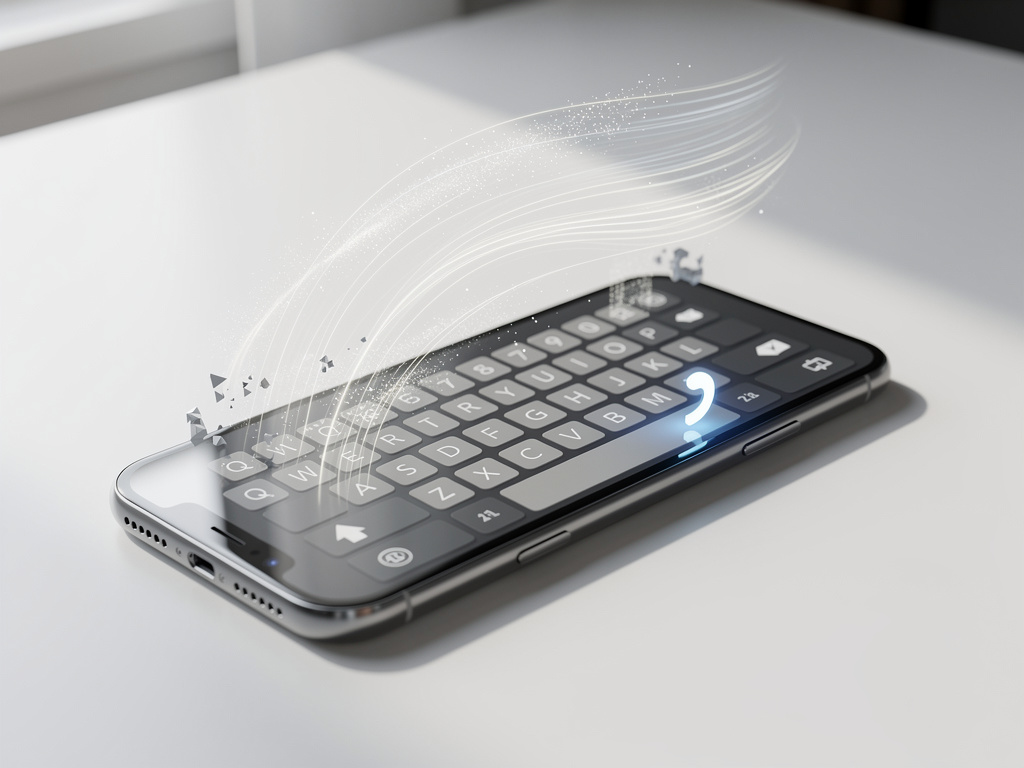
The Subtle Keystroke Revolution: How Gboard’s Apostrophe Auto-Switch is Reshaping Mobile Typing
In the ever-evolving world of mobile keyboards, Google’s Gboard has long stood out for its blend of functionality and innovation. Now, in early 2026, a seemingly minor update is generating buzz among tech enthusiasts and everyday users alike: the “Auto-switch after apostrophe” feature. This tool promises to streamline typing by automatically shifting from symbols or numbers back to letters after inserting an apostrophe, eliminating the need for an extra tap. First spotted in beta testing late last year, it’s a change that addresses a common pain point in digital communication, where contractions and possessives dominate casual text.
The feature’s origins trace back to an APK teardown by Android Authority, which revealed code strings hinting at this efficiency booster. According to their analysis, published in October 2025, the auto-switch aims to save “countless keystrokes” by intuitively handling the flow of typing. For instance, when users type “don’t” or “it’s,” the keyboard would recognize the apostrophe and revert to the letter layout without manual intervention. This isn’t just about speed; it’s about reducing cognitive load during rapid messaging sessions.
User feedback has been mixed but largely positive, with many praising the seamless integration. On platforms like Reddit’s r/gboard subreddit, threads from late 2025 discuss how this could transform multilingual typing or frequent symbol use. One post highlighted the frustration of constant layout switches, noting that the new feature feels like a natural evolution of Gboard’s glide typing and voice input capabilities.
Efficiency in Every Tap
Beyond the basics, the auto-switch feature ties into broader trends in keyboard design, where AI and predictive elements play larger roles. Google has been iterating on Gboard since its rebranding from Google Keyboard in 2016, adding layers like integrated search and emoji suggestions. This latest addition, as detailed in a FindArticles piece from October 2025, emphasizes how small tweaks can have outsized impacts on daily interactions. The article points out that for users who frequently type contractions, the saved taps accumulate over time, potentially reducing typing fatigue.
Industry insiders see this as part of Google’s push to make Android ecosystems more user-friendly. Compared to competitors like Apple’s keyboard or SwiftKey, Gboard’s openness to customization stands out. Recent updates, including font size adjustments and hidden keys for periods and commas, show a pattern of responsiveness to user needs. The apostrophe auto-switch builds on this, addressing complaints about inefficient symbol access that have persisted since the app’s early days.
Feedback from X (formerly Twitter) underscores real-world enthusiasm. Posts from users in early 2026 describe the feature as a “game-changer” for quick replies, with some multilingual typists noting improved flow when switching between English and other languages. One viral thread lamented past glitches in keyboard switching, praising Google’s timely fix.
User Experiences and Early Adoption
Diving deeper, adoption rates appear strong among beta testers. A January 2026 article from Android Police explores why some features, including this one, might be overlooked despite their brilliance. The piece argues that while Gboard bundles essential tools, user habits often lag behind innovations. Yet, for those who enable it, the auto-switch has been lauded for making typing feel more intuitive, especially in fast-paced environments like social media or work chats.
Challenges have emerged, however. Some users report initial confusion, particularly if they’re accustomed to manual switches. In a Reddit discussion from October 2025, commenters debated the feature’s opt-in nature, with options to toggle it in settings under Preferences. This flexibility is key, as not everyone types in apostrophe-heavy styles. For professionals in fields like journalism or content creation, where precision matters, the auto-switch could prevent errors from hurried inputs.
Moreover, integration with other Gboard elements enhances its value. Pairing it with voice typing or glide features creates a hybrid experience that’s hard to match. As one X post from a tech reviewer noted, this update aligns with Google’s Material You design philosophy, emphasizing personalization in Android 15 and beyond.
Technical Underpinnings and Development Insights
From a technical standpoint, the feature leverages Gboard’s robust prediction engine. By analyzing keystroke patterns, it anticipates the need to revert layouts post-apostrophe. This isn’t revolutionary—similar auto-corrections exist—but its specificity to apostrophes fills a niche gap. Insights from 9to5Google‘s ongoing coverage highlight how such updates stem from user data analytics, ensuring relevance.
Development history reveals iterative testing. The APK teardown by Android Authority uncovered strings like “auto_switch_after_apostrophe,” suggesting phased rollouts. By January 2026, as per recent web searches, the feature is widely available in stable versions, with Google confirming its inclusion in the latest update notes. This rapid deployment reflects agile practices in app development, responding to feedback loops from millions of users.
Comparisons to past updates are telling. Remember the 2020 outcry over the “Google” branding on the spacebar? Posts on X from that era show similar user-driven changes, much like today’s apostrophe discussions. Today’s feature avoids such cosmetic pitfalls, focusing instead on functional gains.
Broader Implications for Mobile Productivity
Looking ahead, the auto-switch could influence productivity apps. In sectors like healthcare or finance, where mobile input is critical, reducing keystrokes means fewer errors and faster documentation. Industry reports suggest that keyboard efficiencies correlate with overall device satisfaction, potentially boosting Android’s market share against iOS.
User sentiment on X in 2026 reveals a divide: while power users celebrate, casual typists sometimes disable it to avoid unexpected shifts. A post from a developer community emphasized customizing it via settings, ensuring it doesn’t disrupt workflows. This adaptability is Gboard’s strength, allowing tweaks for diverse needs.
Furthermore, accessibility benefits are noteworthy. For users with motor impairments, eliminating extra taps can make typing more inclusive. Advocacy groups have noted similar features in past updates, and this one continues that trend, aligning with Google’s inclusivity goals.
Competitive Dynamics and Future Directions
In the competitive arena of virtual keyboards, Gboard’s move pressures rivals. Apple’s iOS keyboard, for instance, has faced criticism for autocorrect woes, as seen in viral X complaints about persistent bugs. Gboard’s proactive features position it as a leader, especially with cross-platform availability on iOS too.
Future directions might include expanding auto-switches to other punctuation. Speculation in tech forums suggests integrations with AI for context-aware typing, perhaps predicting entire phrases post-apostrophe. A Archyde article from early 2026 notes that over 80% of users rely on keyboards for daily communication, yet many ignore advanced options— a reminder for Google to promote such tools better.
Global perspectives add depth. In non-English languages, apostrophes vary in usage, so multilingual support is crucial. Reddit threads from international users praise Gboard’s handling, with settings for language-specific behaviors enhancing its appeal worldwide.
Challenges and Criticisms in Implementation
Not all feedback is glowing. Some users report glitches, like unintended switches in numeric contexts. An X post from January 2026 described a scenario where typing coordinates with apostrophes triggered unwanted changes, prompting calls for refinements. Google has acknowledged such issues in support forums, promising patches in upcoming betas.
Privacy considerations loom large. As Gboard collects typing data for improvements, concerns about data usage persist. While anonymized, the feature’s reliance on patterns raises questions, echoed in discussions on platforms like X where users debate opting out of analytics.
Despite these hurdles, the overall reception positions the auto-switch as a win. By addressing a specific friction point, it exemplifies how incremental innovations sustain user loyalty in a saturated market.
Evolving User Habits and Long-Term Impact
Over time, this feature could subtly alter typing habits. As users adapt, reliance on manual switches diminishes, fostering a more fluid experience. Educational content from sources like Android Authority’s guide on Gboard customization helps newcomers maximize it, detailing steps to enable and tweak.
In corporate settings, IT departments might standardize such features to boost efficiency. Anecdotes from X suggest remote workers appreciate the time savings during virtual meetings, where quick notes are essential.
Ultimately, the apostrophe auto-switch underscores Gboard’s role in the digital communication ecosystem. As mobile devices evolve, so too do the tools that power them, with this update marking a step toward smarter, less intrusive interfaces.
Innovation at the Fingertips
Peering into 2026’s tech horizon, similar enhancements are on the rise. Google’s Clock app, for example, is testing swipe gestures again, per WebProNews, showing a pattern of user-centric reversals. For Gboard, this could mean more gesture-based auto-features ahead.
Community-driven development shines through. Forums like Reddit’s r/GooglePixel discuss aesthetic changes alongside functional ones, with users voting on preferences that influence updates.
In essence, the auto-switch isn’t just a feature; it’s a testament to iterative design, where user input shapes the tools we use daily. As typing evolves, Gboard remains at the forefront, one apostrophe at a time.


 WebProNews is an iEntry Publication