
Gboard’s Expressive Leap: How Google’s Keyboard is Redefining Android Input with Material 3
Google’s Gboard, the ubiquitous keyboard app for Android devices, is undergoing a significant transformation with the rollout of its Material 3 Expressive redesign. This update, which began appearing in the latest beta versions, introduces a bolder, more dynamic visual language that aligns with Google’s evolving design philosophy. For years, Gboard has been a staple for millions of users, offering features like glide typing, multilingual support, and integrated search. Now, as Android continues to mature, this redesign aims to make the typing experience more engaging and intuitive, reflecting broader shifts in user interface trends across the platform.
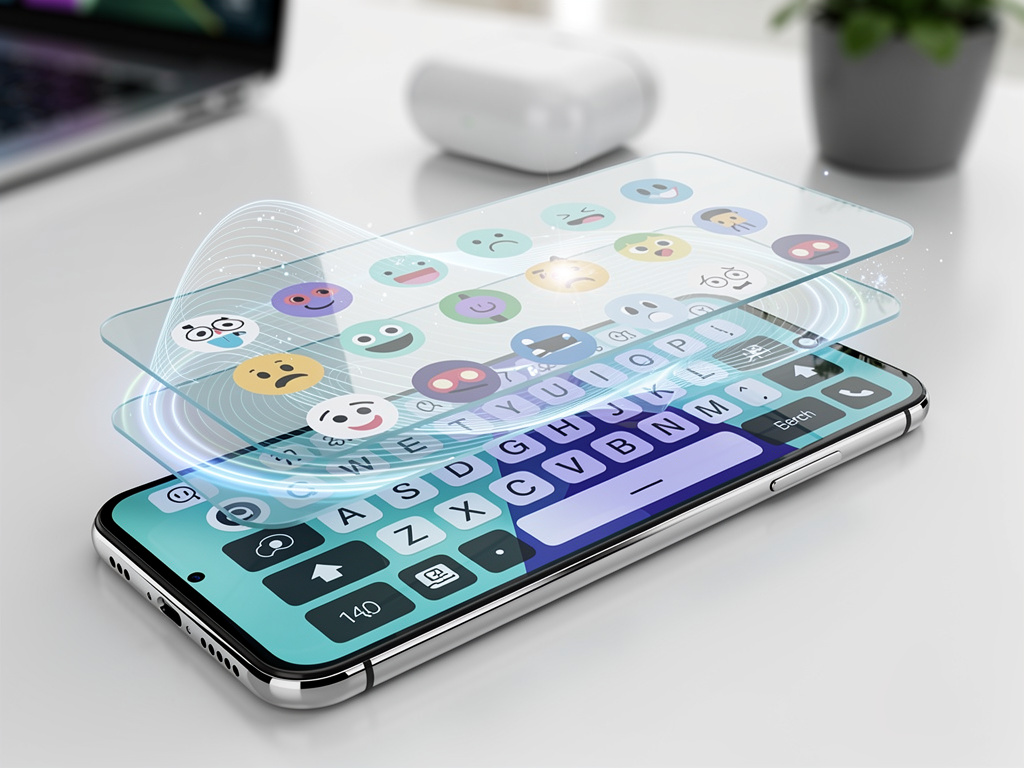
The Material 3 Expressive framework, first unveiled at Google’s I/O conference, emphasizes fluidity, expressiveness, and customization. In Gboard’s case, the changes are subtle yet impactful, starting with an overhauled emoji picker that features rounded corners, vibrant colors, and smoother animations. Users who have accessed the beta report a more playful interface, where emoji suggestions pop up with a sense of motion, making the selection process feel less static. This isn’t just cosmetic; it’s part of Google’s push to make apps more responsive to user emotions and contexts, drawing from psychological principles of human-computer interaction.
Beyond the emoji tweaks, the redesign extends to the keyboard’s overall layout and settings menu. Early teardowns of the app’s APK revealed a card-style user interface in the settings, grouping options into pill-shaped bubbles that are easier to navigate on touchscreens. This aligns with Material You principles, allowing the keyboard to adapt to the device’s wallpaper and color scheme, creating a cohesive look across the Android ecosystem. Industry observers note that such updates are crucial as competition heats up from alternatives like Microsoft’s SwiftKey, which has long boasted advanced customization.
Unpacking the Rollout Strategy
The rollout of Gboard’s Expressive redesign has been gradual, starting with beta testers and expanding to stable versions. According to reports from Android Authority, the changes first surfaced in testing phases months ago, but it’s only now hitting a wider audience as of late 2025. This server-side activation means not all users see it immediately, fostering a sense of anticipation and allowing Google to iron out bugs based on real-world feedback. For insiders, this phased approach mirrors Google’s strategy with other apps, ensuring stability before full deployment.
Features like the updated emoji picker include a redesigned grid with larger previews and faster search capabilities, powered by improved machine learning algorithms. This ties into broader Android enhancements, such as those in Android 17, which is slated for 2026 and promises even deeper integration of Material 3 elements. Posts on X from developers and enthusiasts highlight excitement around these tweaks, with users praising the keyboard’s newfound responsiveness during emoji-heavy conversations in apps like WhatsApp or Telegram.
Moreover, the redesign incorporates accessibility improvements, such as higher contrast modes and scalable text sizes, making Gboard more inclusive. This is particularly relevant as Android devices proliferate in diverse markets, from emerging economies to professional settings where quick, accurate input is paramount. Google’s data likely informs these choices, drawing from billions of daily interactions to refine the user experience.
Technical Underpinnings and Developer Impact
Diving deeper into the technical side, Material 3 Expressive builds on Jetpack Compose, Android’s modern toolkit for building native UIs. This allows developers to implement morphing shapes and animated transitions with less code, as evidenced by updates in Compose’s December 2025 release, which achieved stable status with performance boosts rivaling traditional Views. For Gboard, this means faster load times and smoother keypress feedback, reducing latency that can frustrate users during rapid typing sessions.
Industry sources, including analyses from Gadget Hacks, describe how the redesign introduces elements like floating action buttons (FABs) and split buttons, which pack more functionality into compact spaces. In Gboard, this manifests as optional rounded keys— a feature that rolled out earlier in the year and can be toggled for those preferring a more traditional feel. Such flexibility is key in an era where personalization drives user retention.
For app developers, Gboard’s update serves as a blueprint. As Material 3 Expressive propagates to other Google apps like Docs and Sheets, it encourages third-party creators to adopt similar styles, fostering a unified aesthetic across the platform. This could influence everything from productivity tools to social media interfaces, potentially standardizing design patterns that make Android feel more premium compared to iOS.
User Feedback and Market Implications
Feedback from early adopters, gleaned from X discussions, reveals a mix of enthusiasm and minor gripes. Some users laud the “pop-up” effects on keypresses, reminiscent of earlier Material You additions in Android 12, while others note that the brighter visuals can be overwhelming in low-light conditions. Google has responded by including dark mode optimizations, ensuring the keyboard remains versatile.
In terms of market impact, this update positions Gboard as a leader in keyboard innovation. With rivals like Fleksy introducing AI-driven features, Google’s integration of Gemini for smart dictation—allowing voice input to auto-complete sentences—adds a competitive edge. Recent X posts from tech influencers highlight how this could transform dictation in professional scenarios, such as transcribing meetings or composing emails on the go.
Furthermore, the redesign’s emphasis on expressiveness aligns with broader trends in mobile computing, where interfaces are expected to anticipate user needs. For instance, Gboard’s undo feature, recently added, lets users revert typing errors with a simple gesture, a nod to desktop efficiencies now migrating to mobile. This feature, celebrated in developer circles on X, underscores Google’s commitment to bridging the gap between device form factors.
Integration with Ecosystem Advances
As Gboard evolves, its ties to other Google services deepen. The Material 3 update complements features in Pixel devices, where the Expressive UI has been rolling out since September 2025 to models like the Pixel 6 and newer, as detailed by Ars Technica. This includes smoother animations in system apps, creating a seamless experience when switching from keyboard input to full-screen interactions.
Looking ahead, Android 17’s anticipated upgrades, including enhanced privacy controls and desktop-style modes, could amplify Gboard’s capabilities. Reports from News9live suggest brighter visuals and deeper customization, potentially allowing users to theme Gboard with AI-generated palettes. This forward-thinking approach ensures the keyboard remains relevant amid rising demands for intelligent, adaptive tools.
For enterprises, these changes mean more reliable input methods in corporate environments. With features like auto-capture in document scanning apps receiving Material 3 overhauls, as noted in WebProNews, Gboard’s redesign facilitates better integration with productivity suites, boosting efficiency in workflows that span devices.
Challenges and Future Directions
Despite the positives, challenges remain. Not all devices support the full suite of Expressive features, particularly older models outside the Pixel lineup. This fragmentation, a perennial issue in the Android space, could slow adoption. Additionally, while the redesign enhances usability, it requires users to adapt to new visual cues, which might initially disrupt habits formed over years of Gboard use.
Google’s response has been iterative updates, with beta channels providing early access for feedback. Insights from 9to5Google indicate ongoing rollouts to apps like Fitbit, suggesting a phased ecosystem-wide refresh. For insiders, this signals Google’s long-term vision: an Android platform where design isn’t just functional but emotionally resonant.
Ultimately, Gboard’s Material 3 Expressive update represents a pivotal step in Google’s design journey. By blending aesthetics with utility, it not only refines the typing experience but also sets the stage for future innovations. As users and developers engage with these changes, the keyboard’s role in daily digital life continues to expand, promising a more vibrant and intuitive interaction paradigm.
Broader Industry Resonance
The ripple effects extend beyond Gboard. Competitors are taking note, with some keyboards incorporating similar rounded designs and animated elements. This cross-pollination fosters innovation, benefiting the entire mobile input sector. For example, updates in third-party apps are beginning to mirror Material 3’s expressiveness, as seen in recent Compose library enhancements.
In educational and creative fields, the enhanced emoji and dictation tools could empower users, from students drafting essays to artists collaborating via text. X posts from designers emphasize how these features streamline creative workflows, reducing friction in idea expression.
Finally, as privacy concerns grow, Gboard’s on-device processing for many features ensures data security, aligning with regulatory pressures. This balance of innovation and responsibility cements Google’s position in shaping the future of mobile interfaces.


 WebProNews is an iEntry Publication